

Capture real objects for your next project with a 3D printer scanner
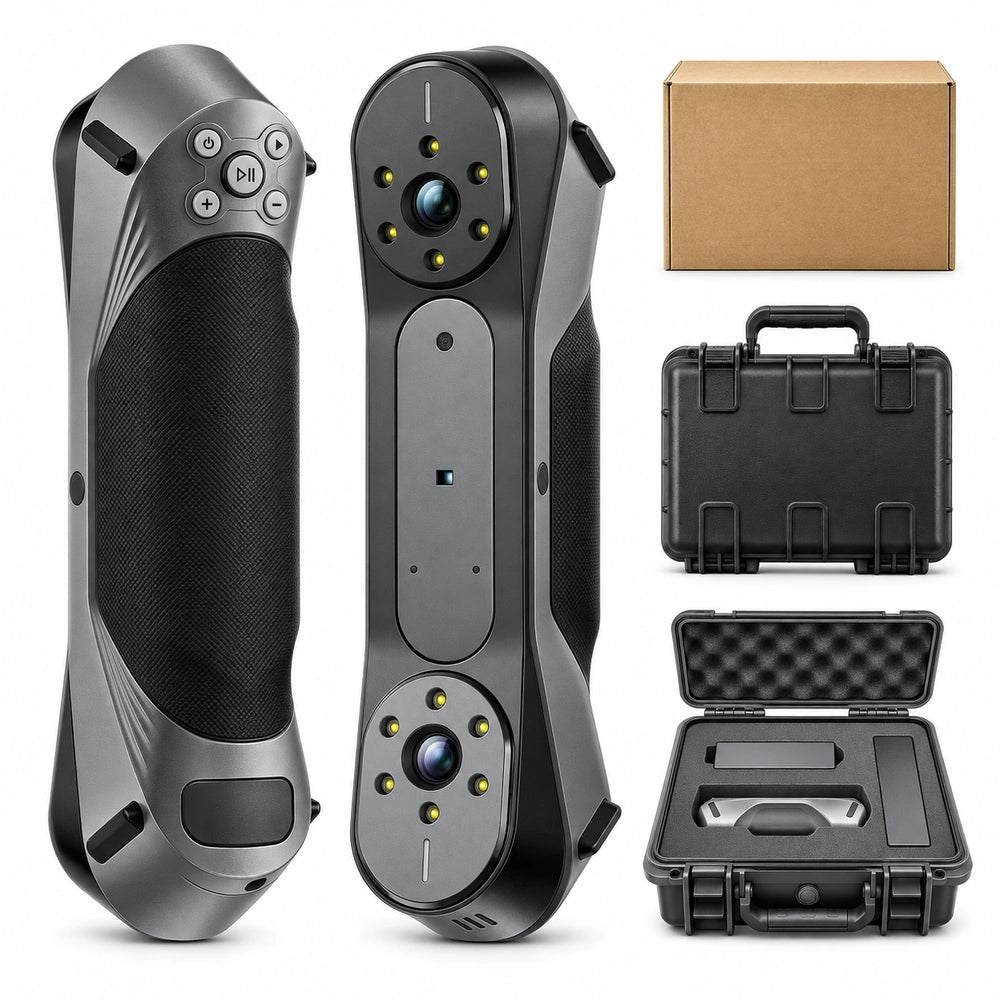
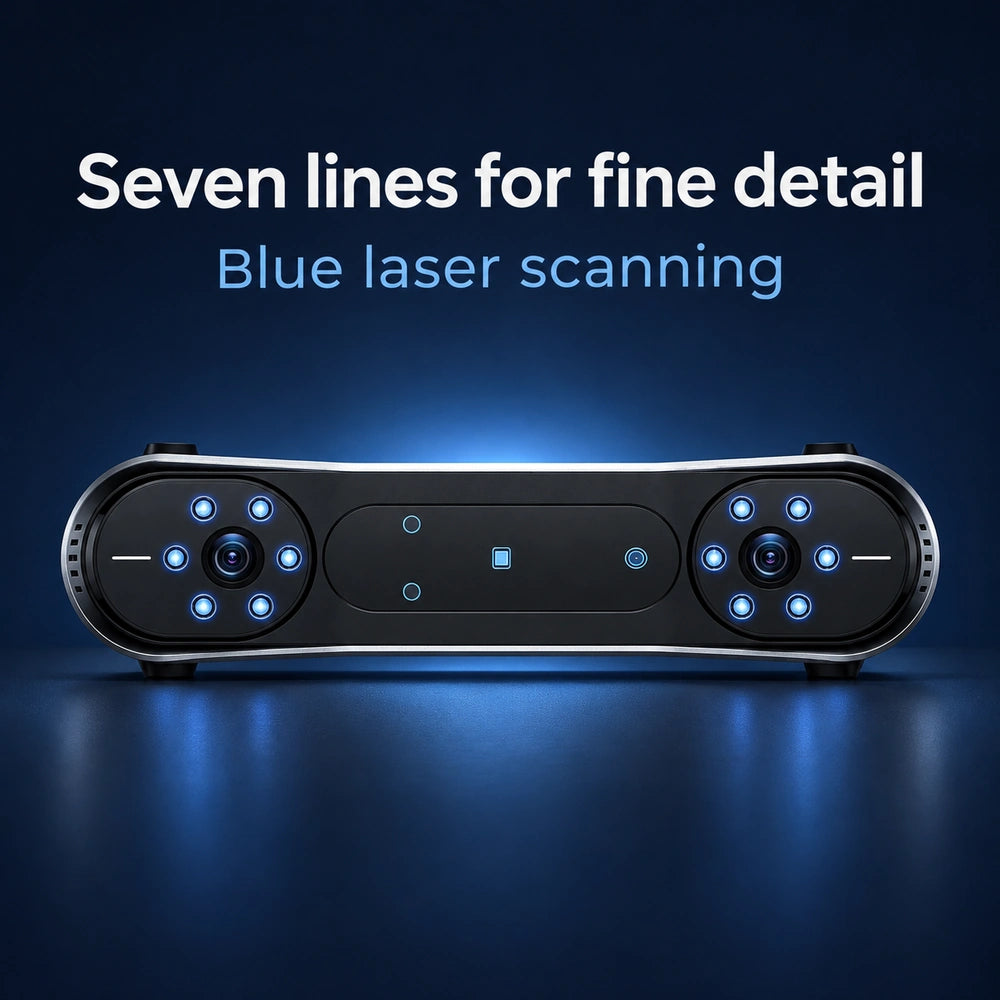
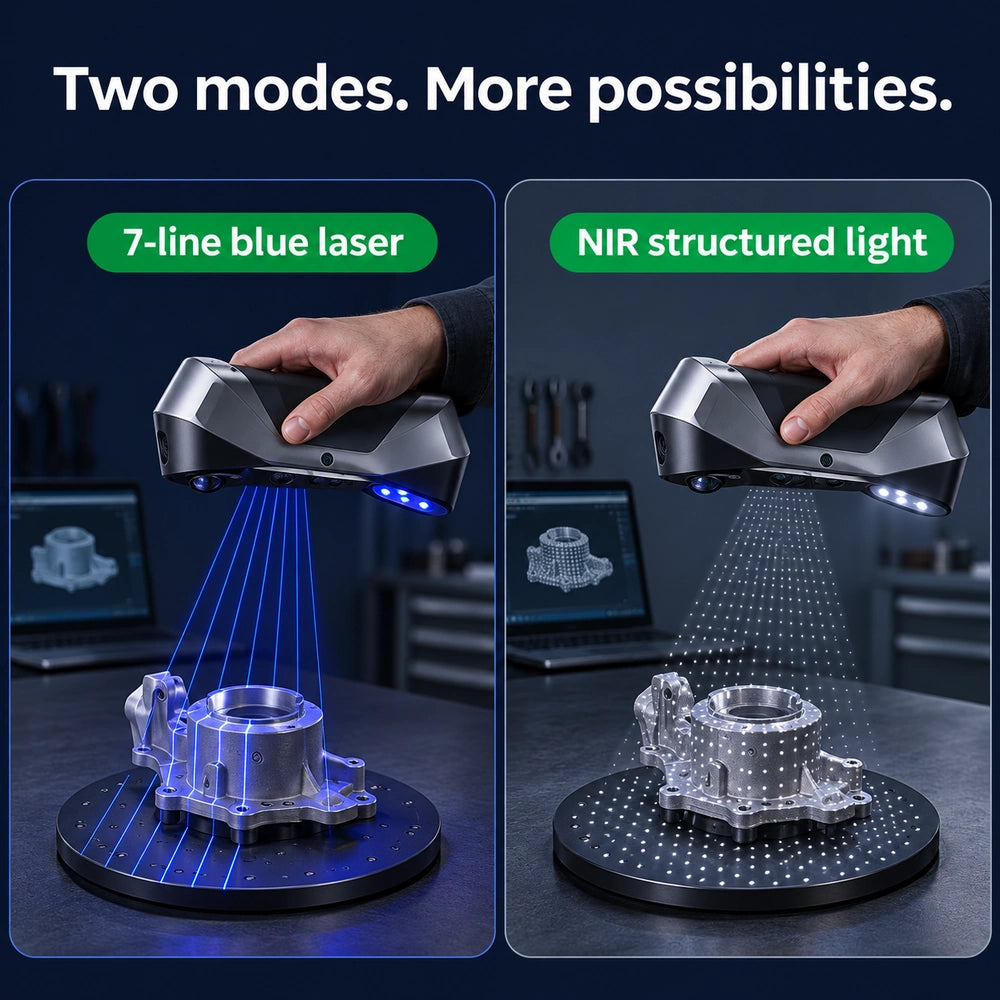
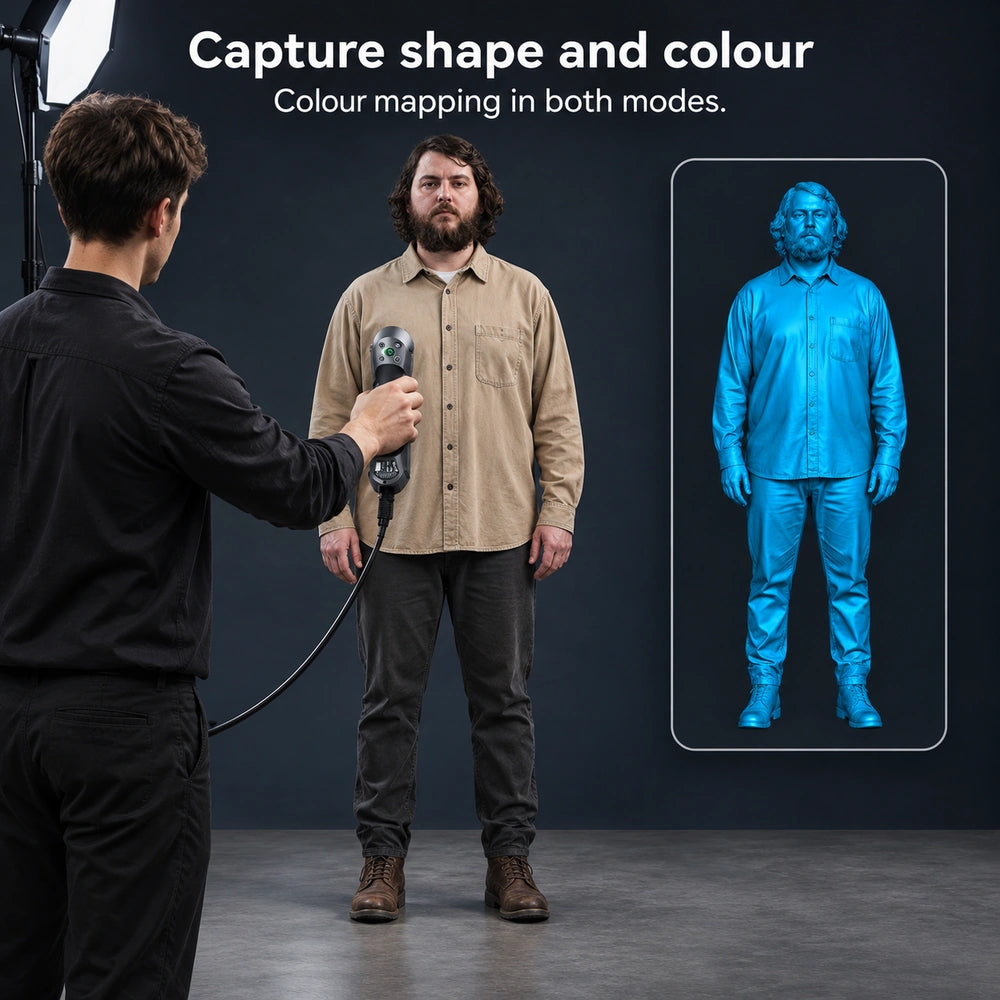
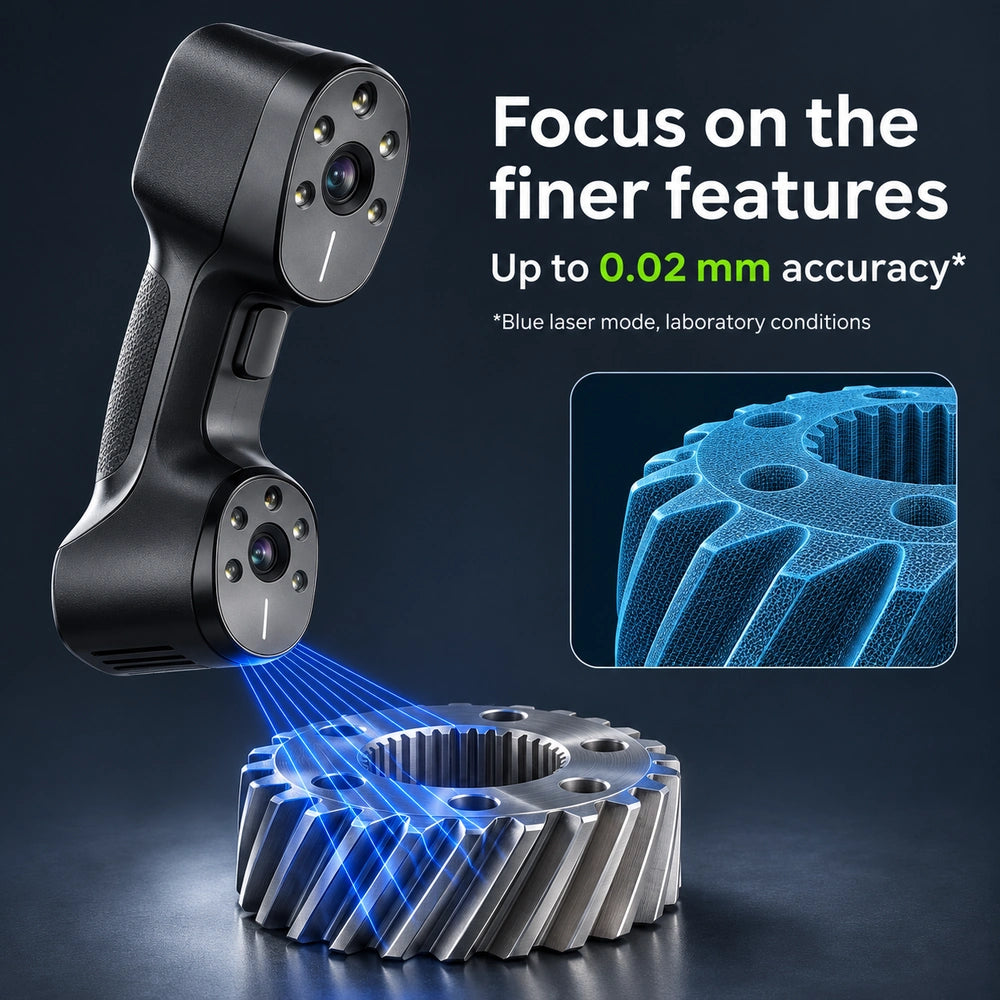
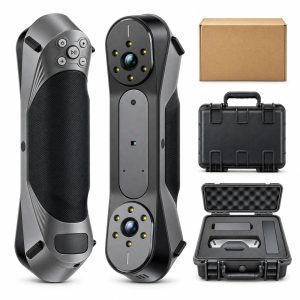
Turn physical objects into digital models with this handheld 3D printer scanner. Use the seven-line blue laser mode to capture fine features, then switch to NIR structured light for a wider capture area. Both modes support colour mapping, giving you geometry and surface colour to work with when developing a model, documenting a part or preparing a replica for printing.
Choose your scanning mode, then export to your design workflow
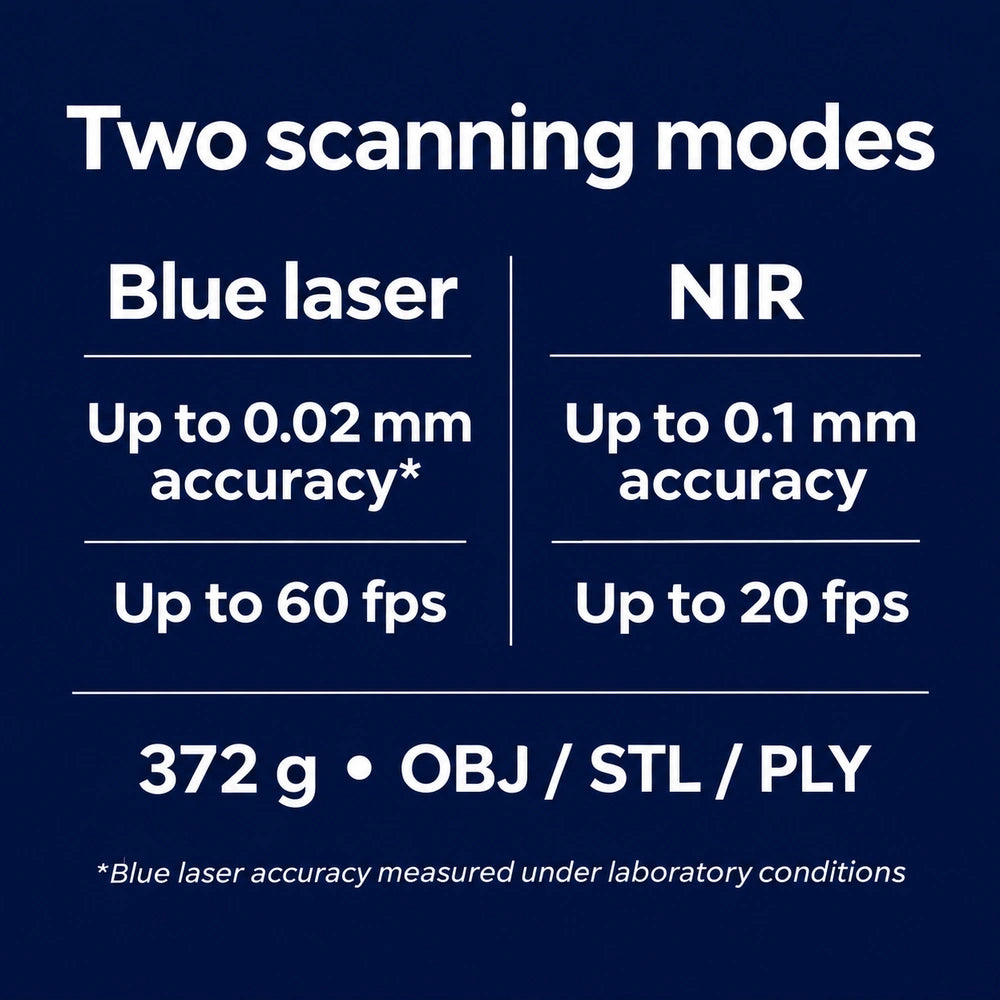
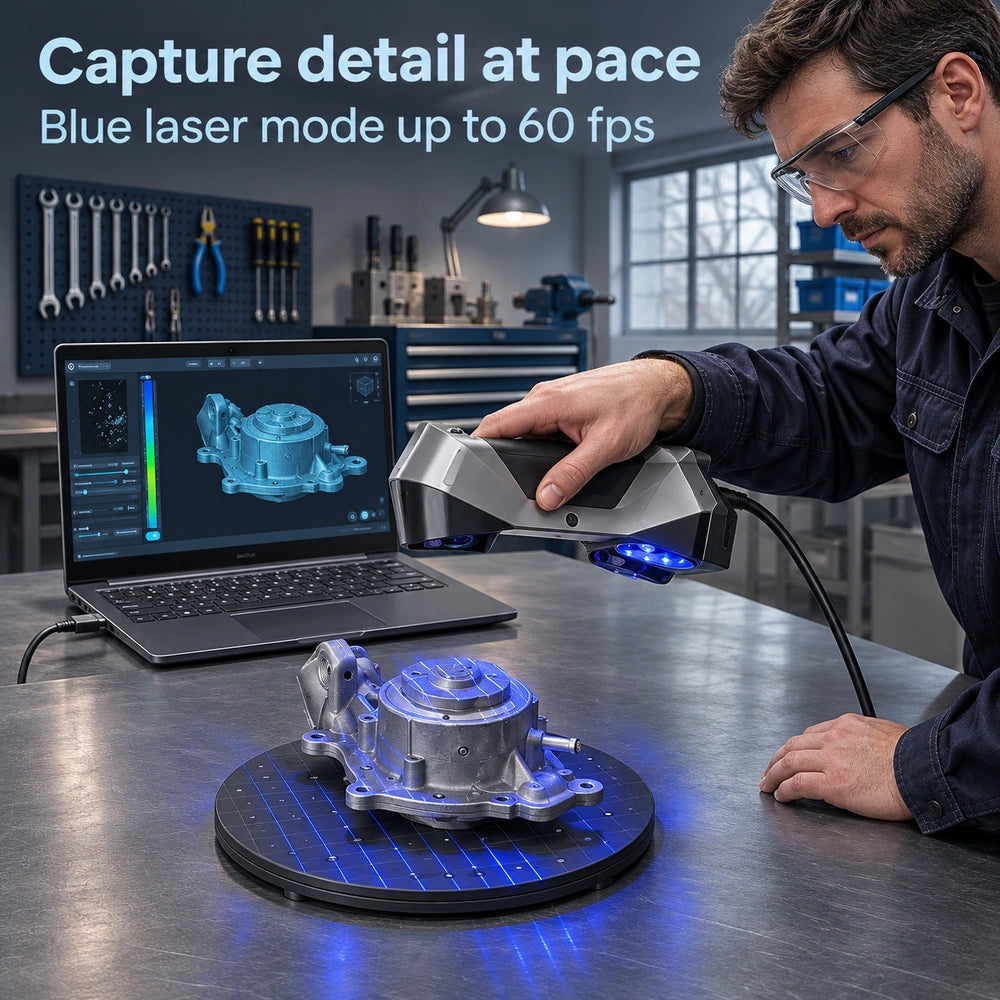
Choose laser scanning when detail matters, with accuracy up to 0.02 mm under laboratory conditions and capture speeds up to 60 fps. NIR reaches up to 20 fps and offers marker, geometry or texture alignment. At 372 g, the scanner is practical to guide around a stationary object. Export your work, then continue refining the mesh in compatible design software.
- Blue laser and NIR modes for different capture requirements.
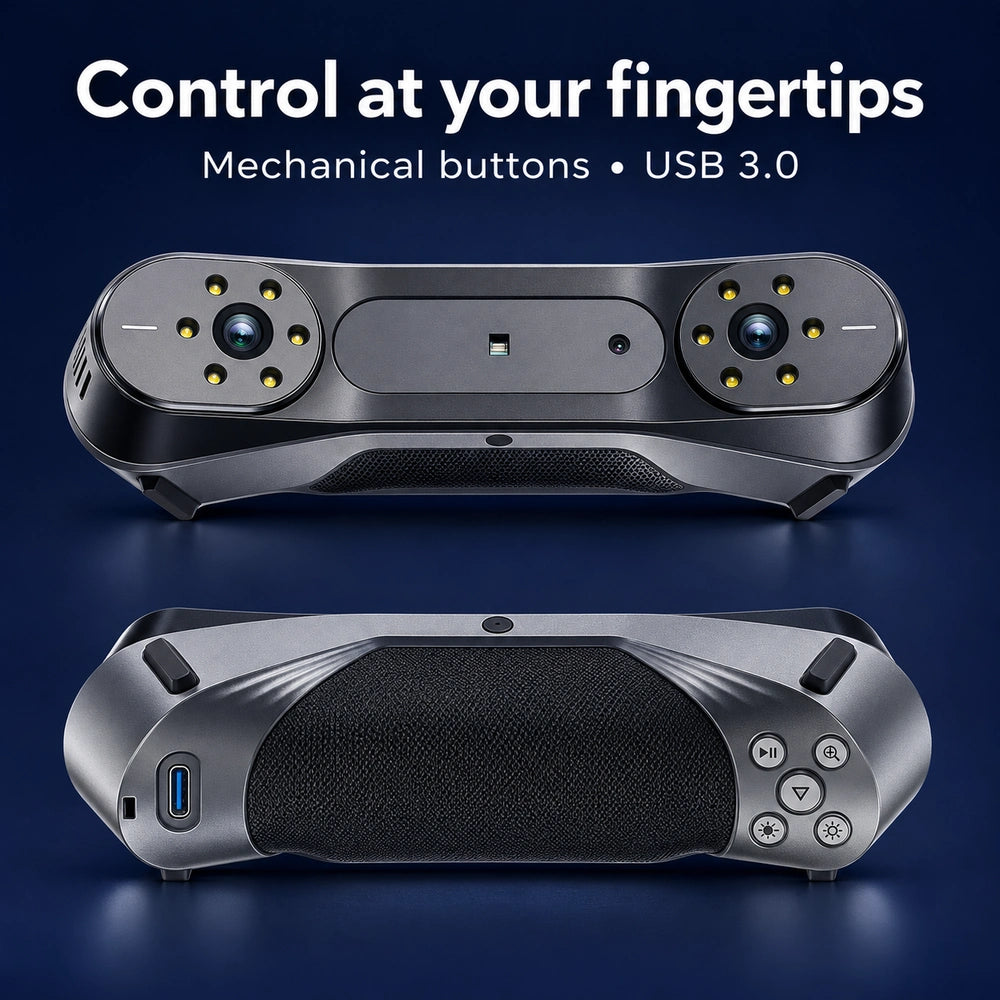
- OBJ, STL and PLY export for flexible file handling.
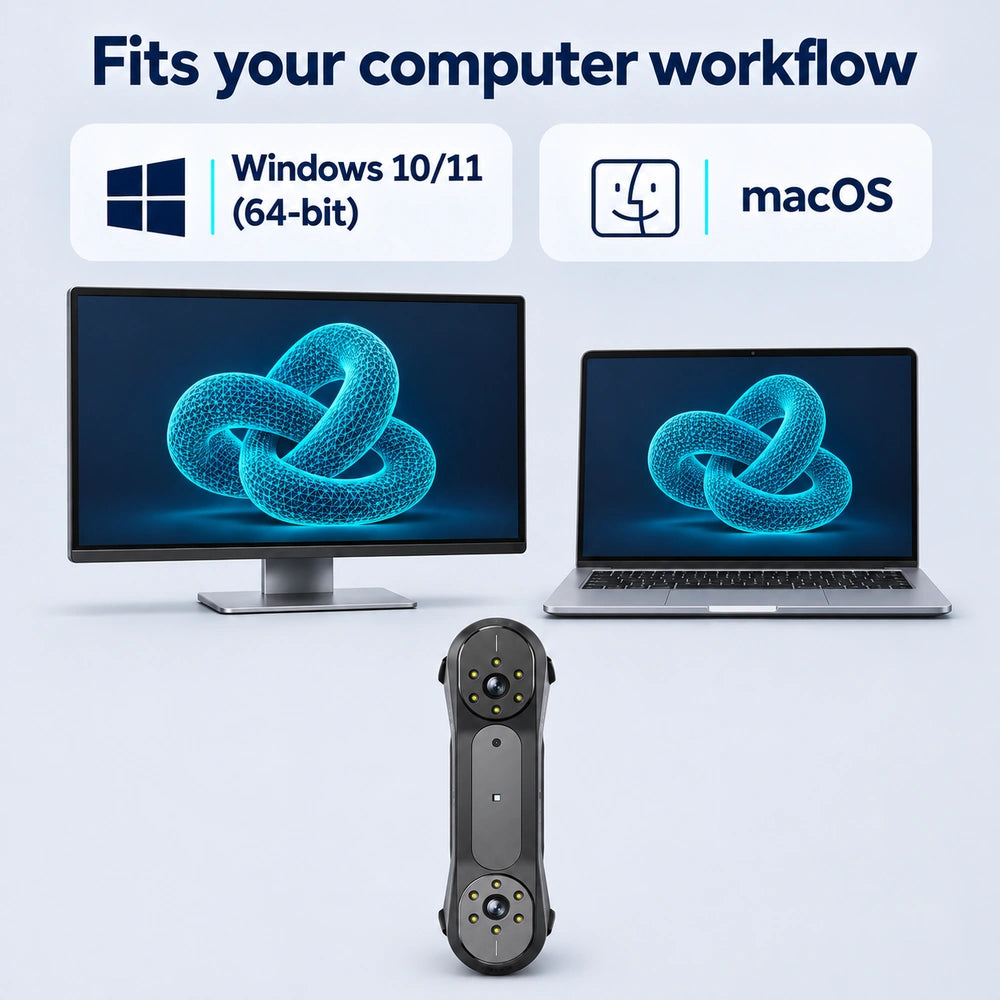
- Windows 10/11 and macOS support for compatible computers.
- Mechanical controls for adjustments while scanning.
- 215 × 50 × 74 mm body with a 372 g device weight.
Frequently asked questions about the 3D Printer Scanner
Can I use the scans for 3D printing?
You can export scans in STL, OBJ or PLY format for use in compatible modelling and printing workflows. Check and prepare the mesh before slicing, including its scale and any areas that need closing or cleaning up for your intended print.
What is the difference between blue laser and NIR scanning?
Blue laser mode uses seven laser lines, marker alignment and speeds up to 60 fps. NIR structured light reaches up to 20 fps, provides a wider single capture area and supports marker, geometry or texture alignment for different scanning situations.
Does every scan achieve 0.02 mm accuracy?
The 0.02 mm figure is the maximum blue laser accuracy measured under laboratory conditions using a 100 mm sphere-pair test object. Your results depend on the scanning conditions, including temperature and vibration. NIR mode has a separate maximum accuracy of 0.1 mm.
What computer configuration do I need?
For Windows, use Windows 10 or 11 in 64-bit, a seventh-generation Intel Core i7, an NVIDIA graphics card with 6 GB video memory and at least 16 GB RAM. For macOS, the supported configuration includes macOS 11.7.7 or later, Apple M1/M2/M3 and at least 16 GB RAM.
Can I scan wirelessly?
Wireless scanning requires compatible additional scanning accessories. The scanner’s direct data interface is Type-C/USB 3.0, with a 12 V, 2 A power input. Check the selected package contents when planning a wireless setup, as the scanner specifications alone do not confirm those accessories are included.
How close should I hold the scanner to the object?
Use a working distance of 150–400 mm in blue laser mode or 170–1,000 mm in NIR mode. Choose the mode and distance to suit the object, then keep it stationary while guiding the handheld scanner around the surfaces you want to capture.
Discover our associated collections: 3d printer
Products to discover next: Multicolor 3d printer


Reviews
There are no reviews yet.