

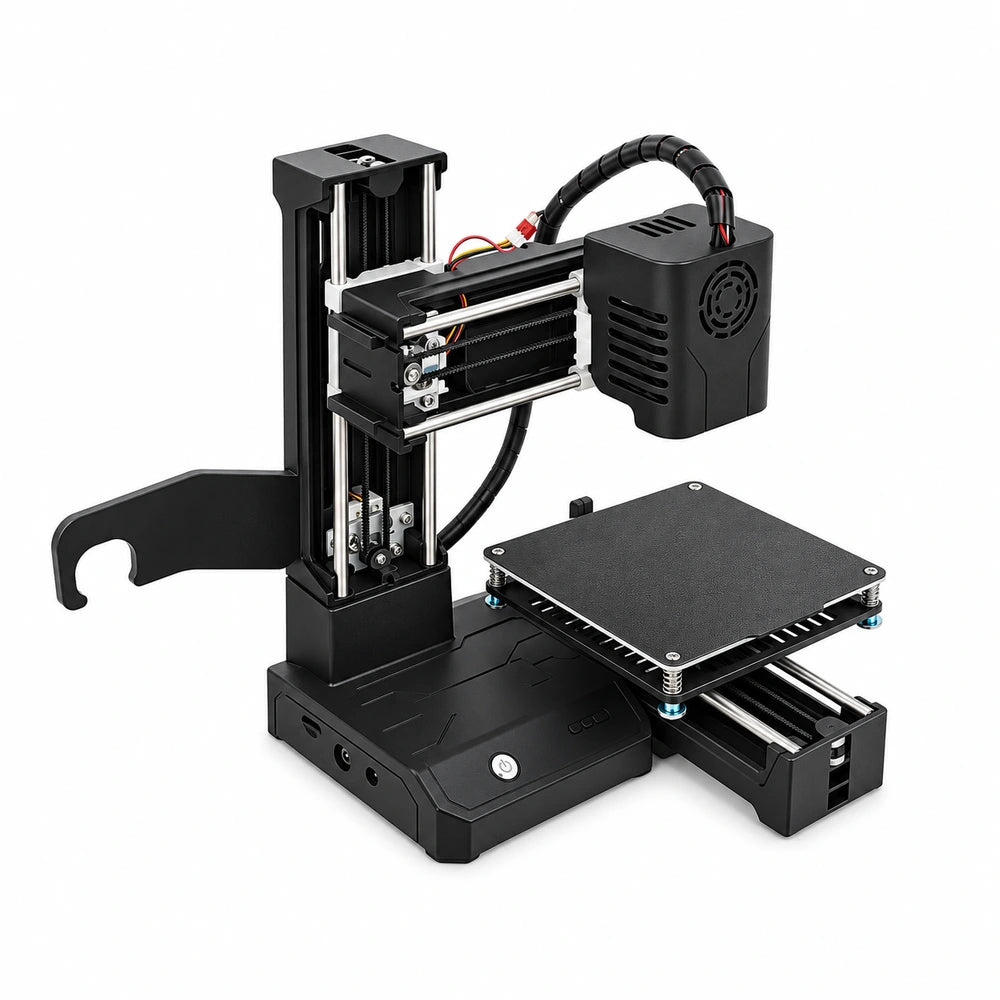
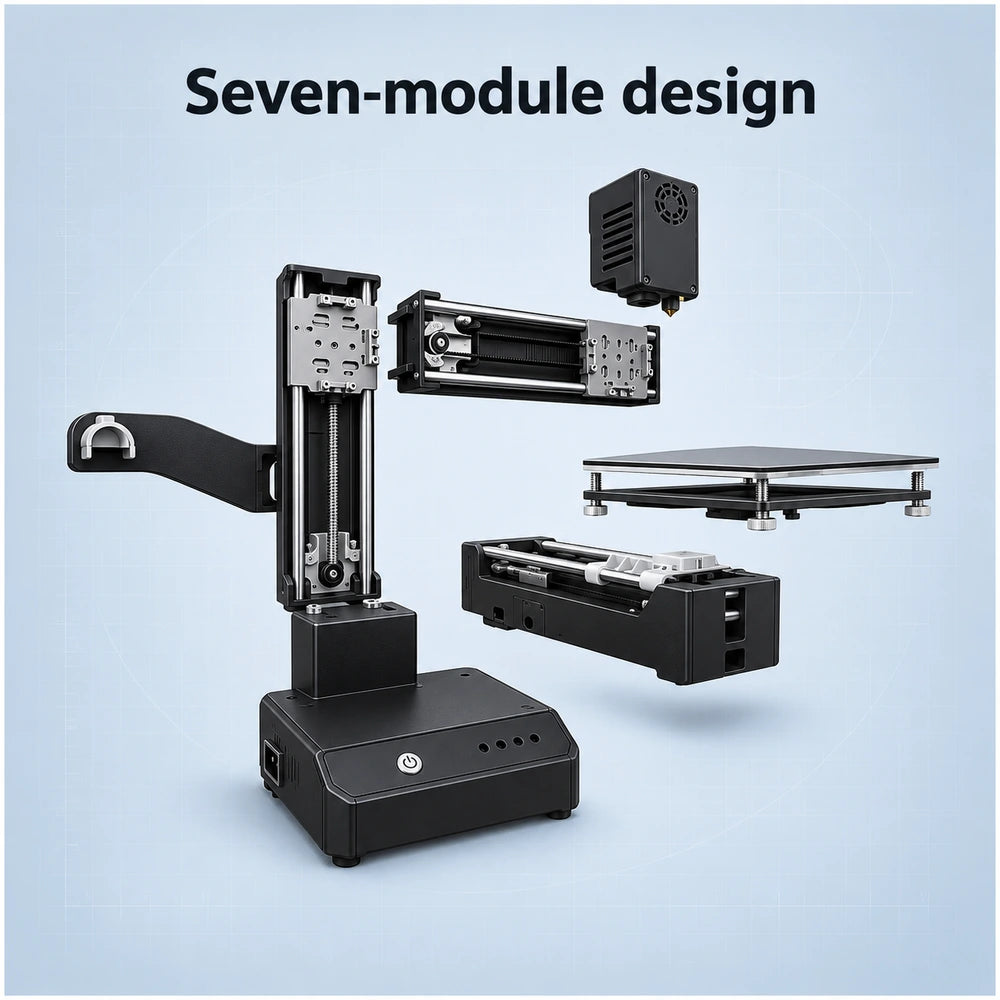
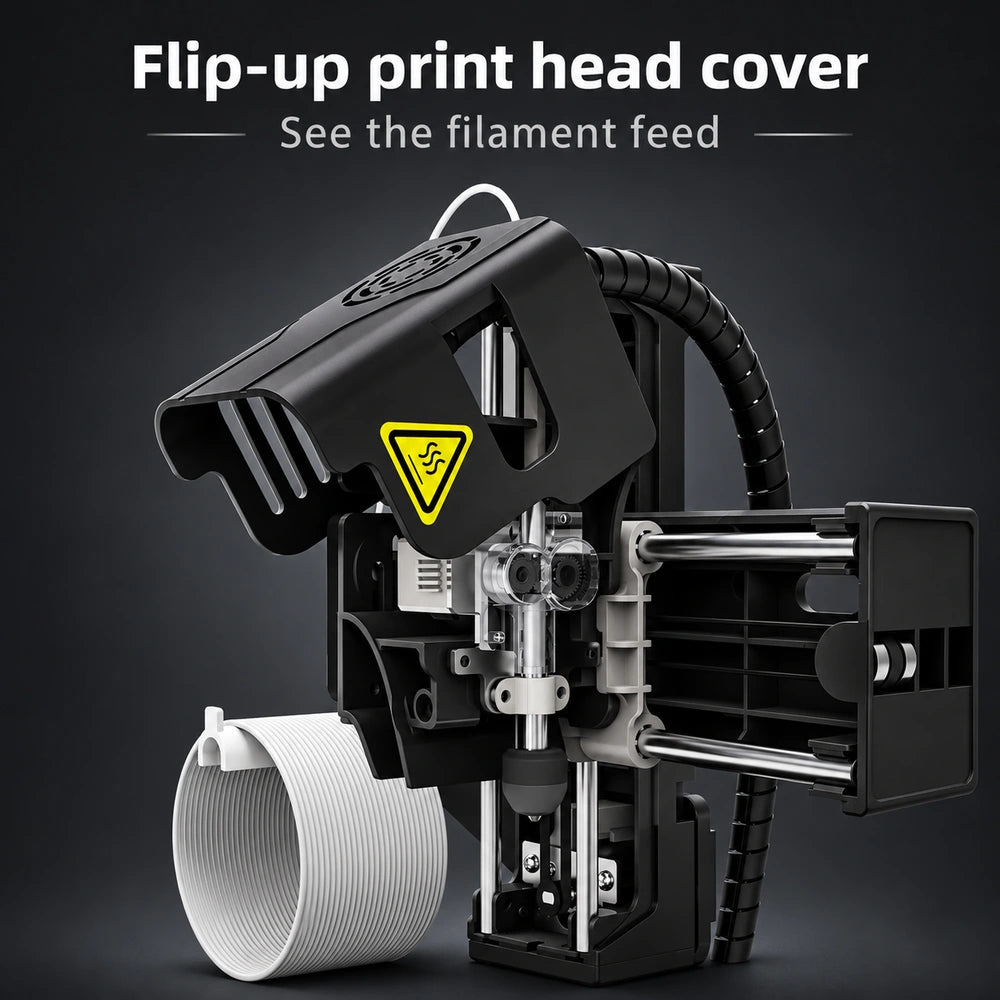
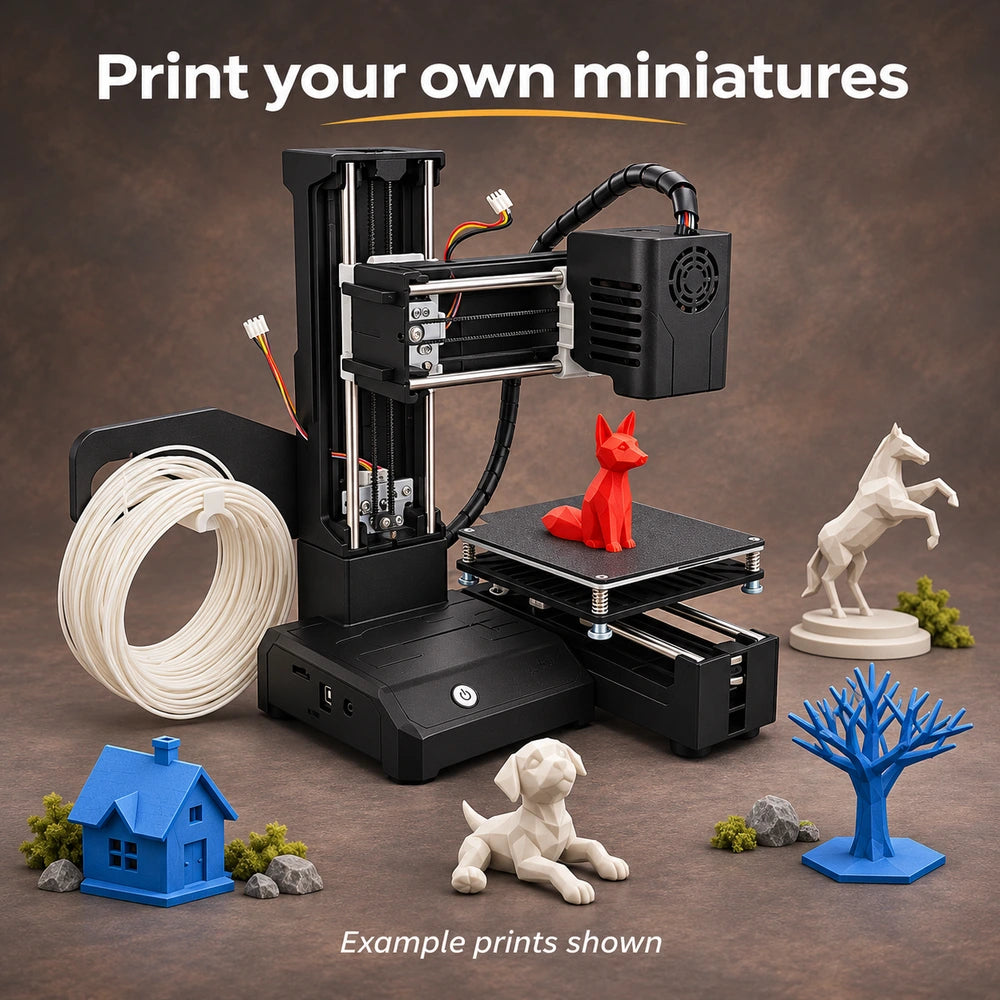
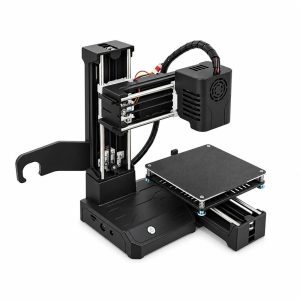
Print tabletop scenery and simple figures with this 3D printer for miniatures.
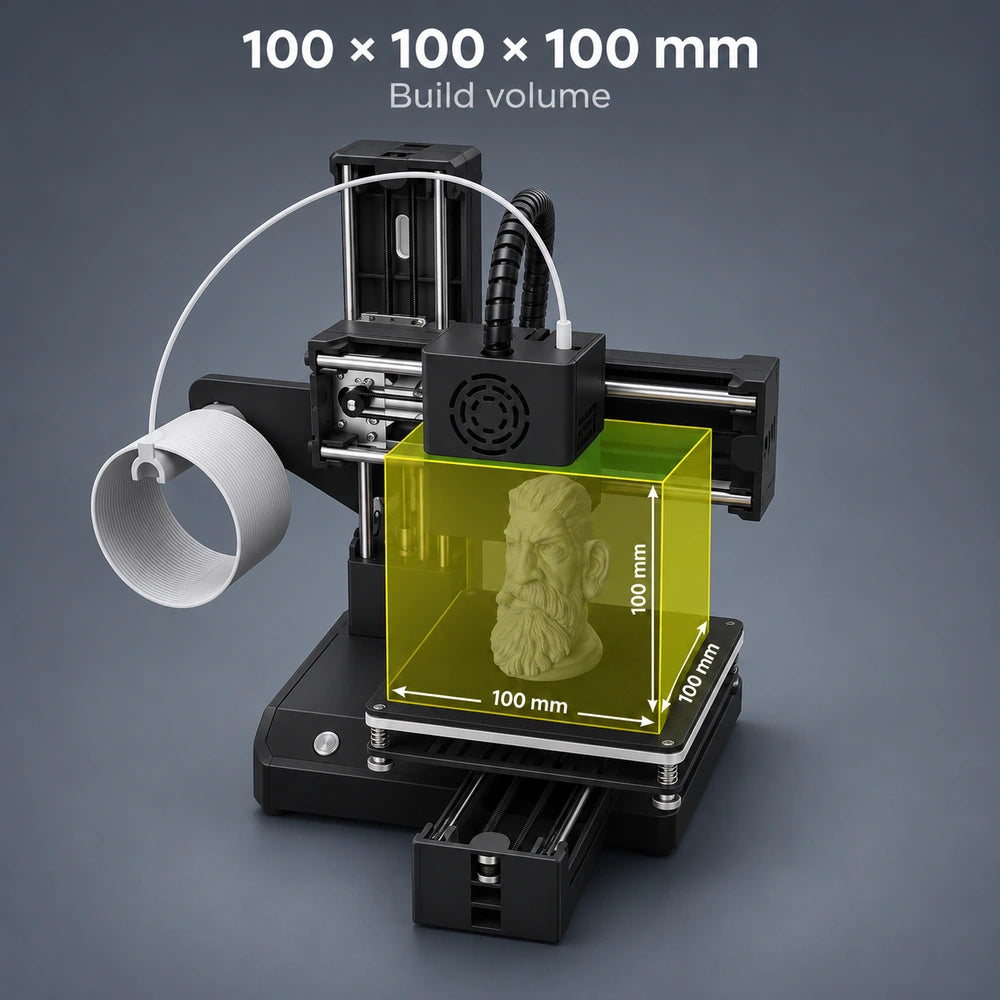
Build your first set of terrain pieces, model bases or stylised figures with this compact 3D printer for miniatures. The 100 × 100 × 100 mm build volume gives you room for small hobby projects, from a single figure to a section of a diorama. Measure your model before slicing it and split larger designs into separate pieces if they exceed the build area.
Set up your small FDM prints at the workbench
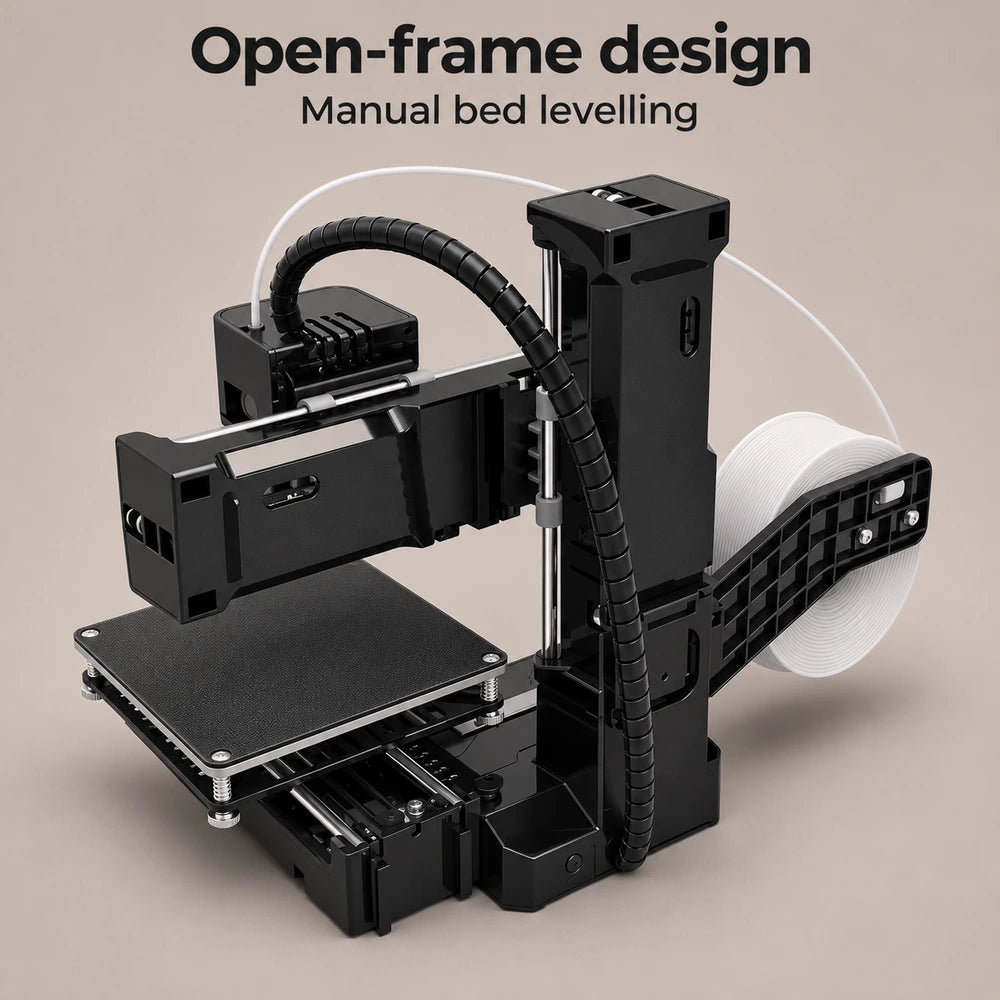
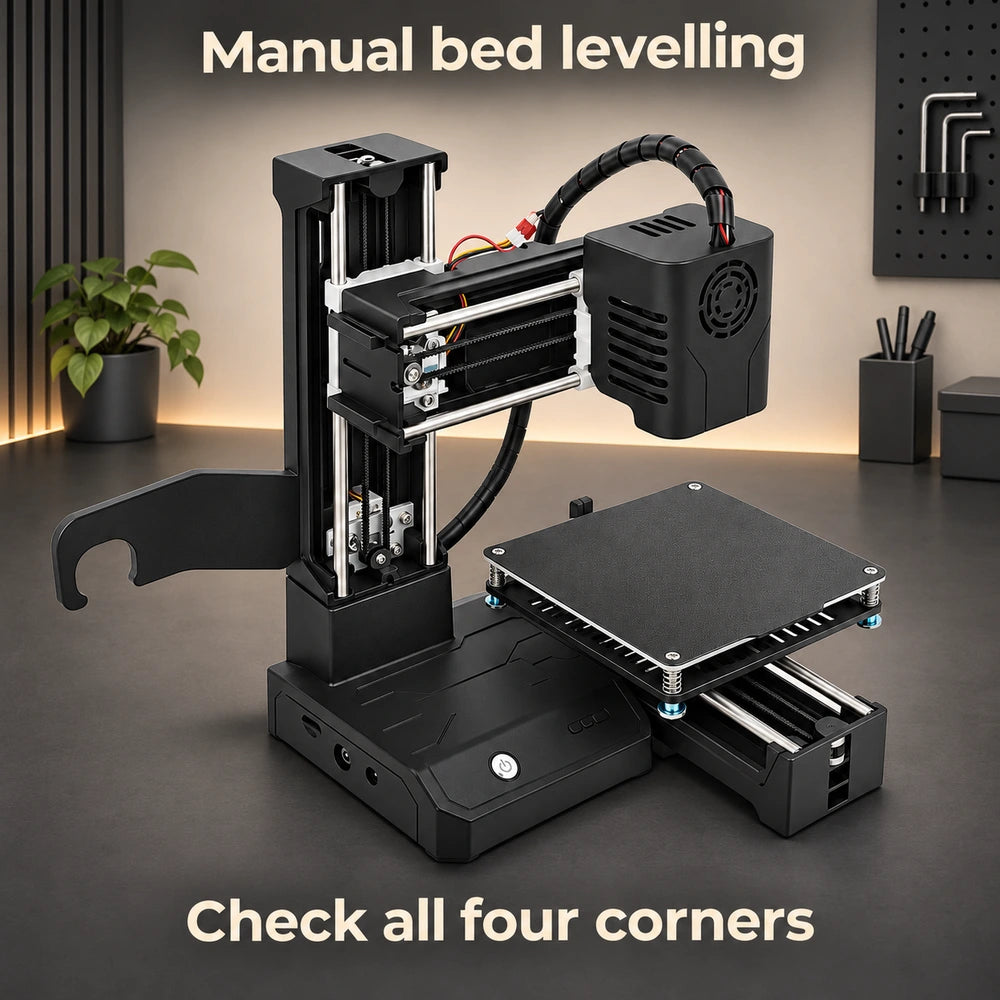
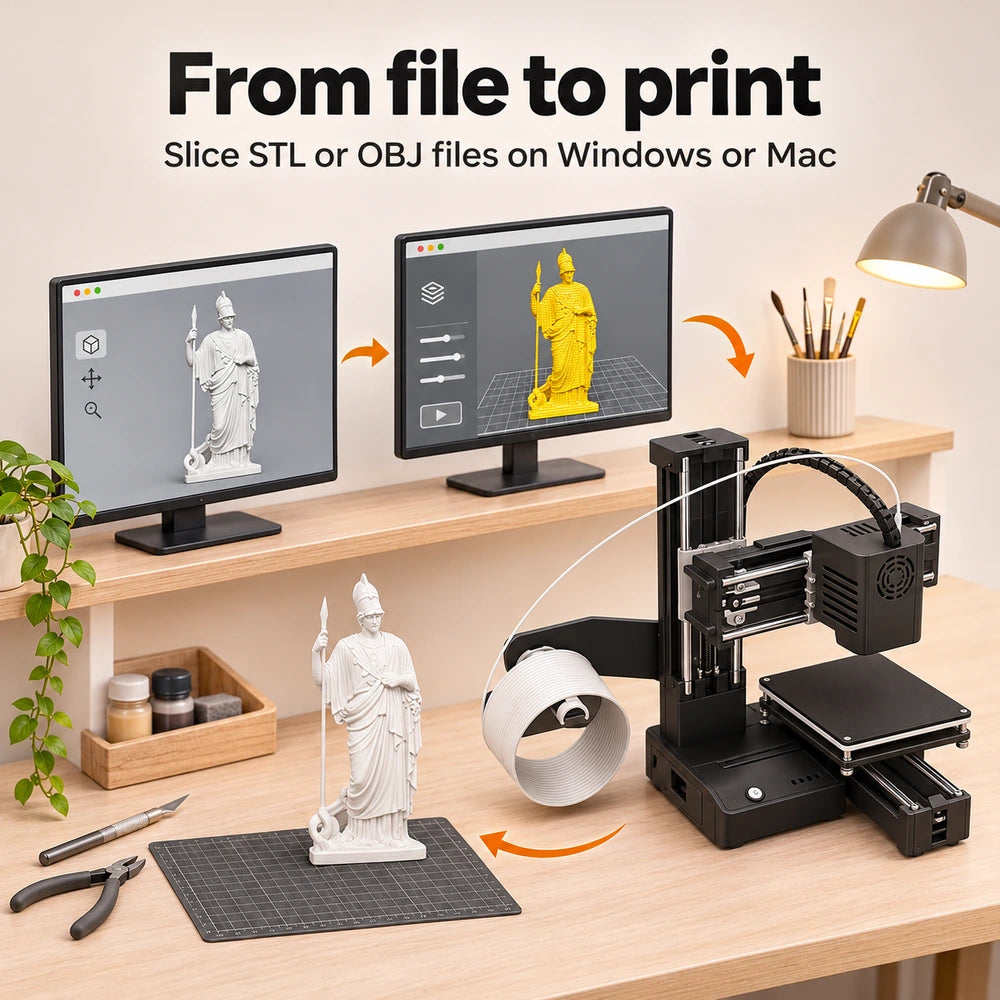
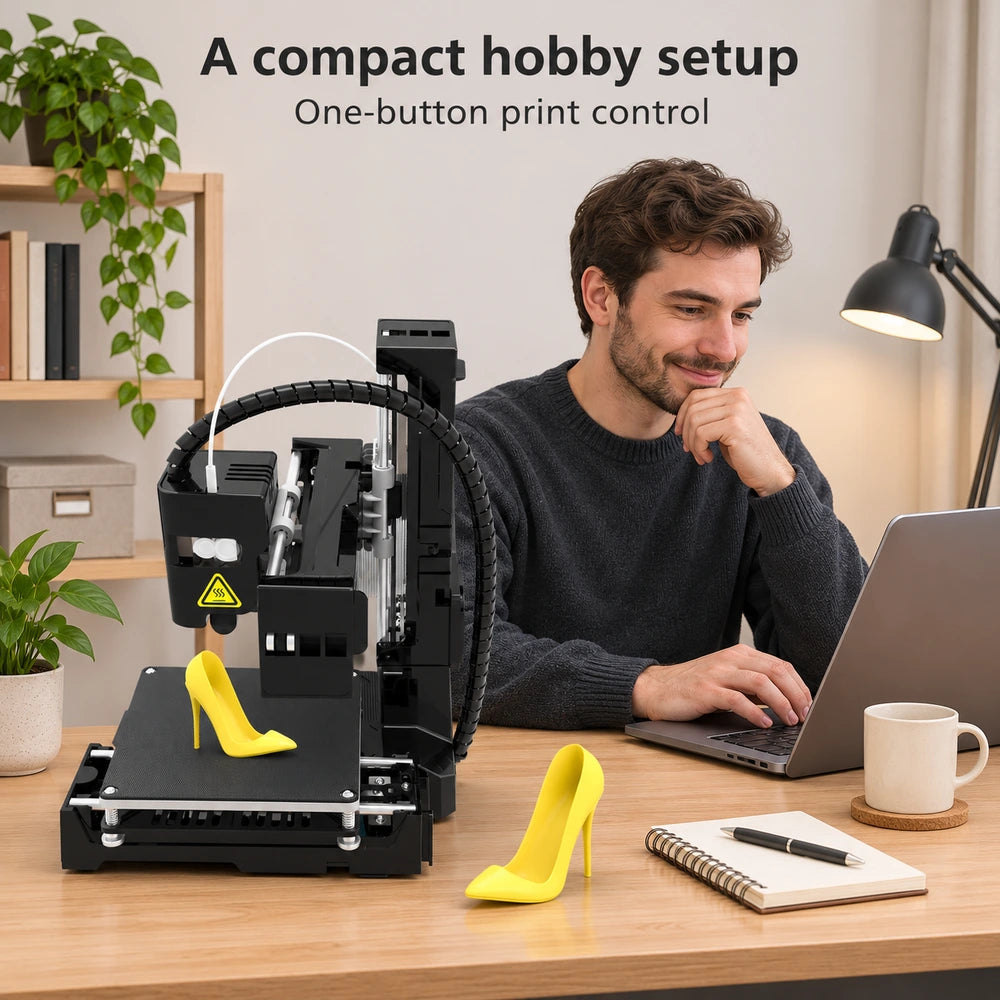
Prepare your STL or OBJ model with slicing software on Windows or Mac, then transfer the sliced file by memory card. Level the print bed manually before you begin and start the prepared job with the one-button control. For a first print, choose a model with broad shapes and straightforward details, such as a crate, plinth or low-poly animal.
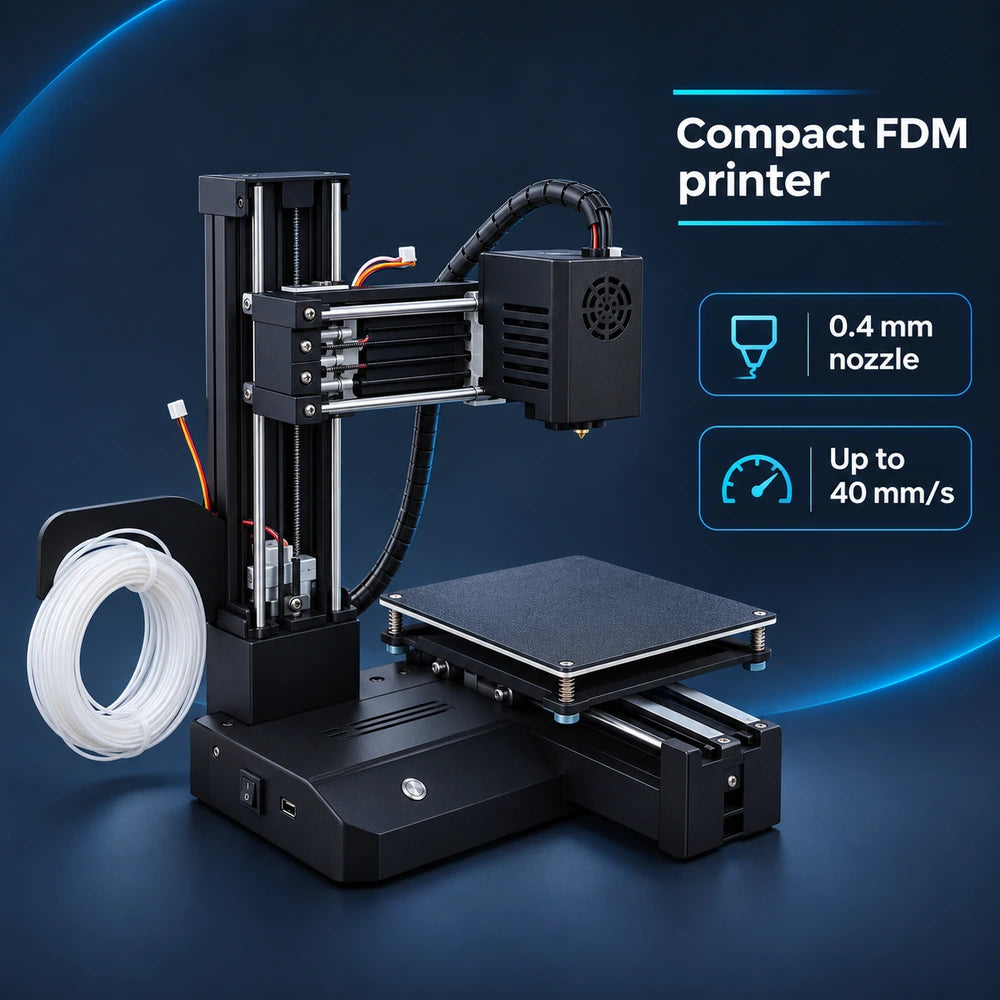
- 0.4 mm nozzle: Print bases, scenery and simple figures.
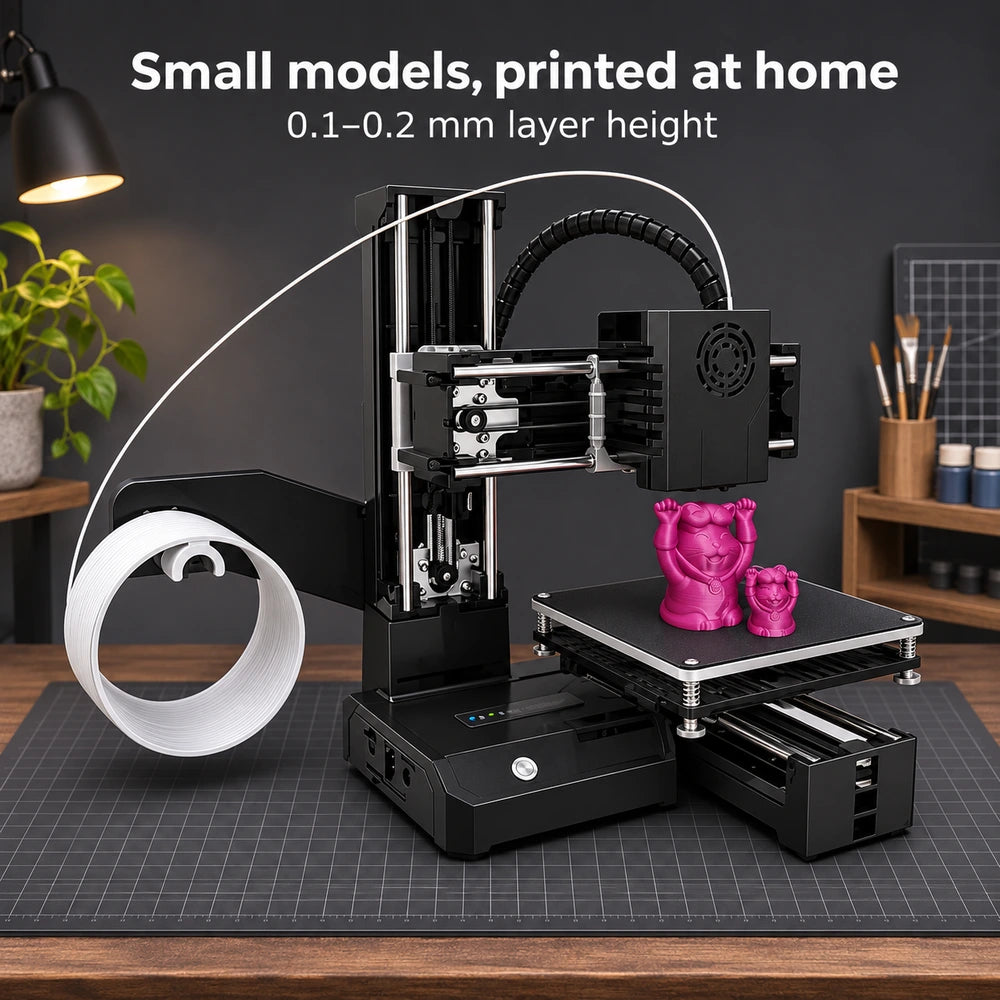
- 0.1–0.2 mm layer height: Choose the layer setting to suit your model.
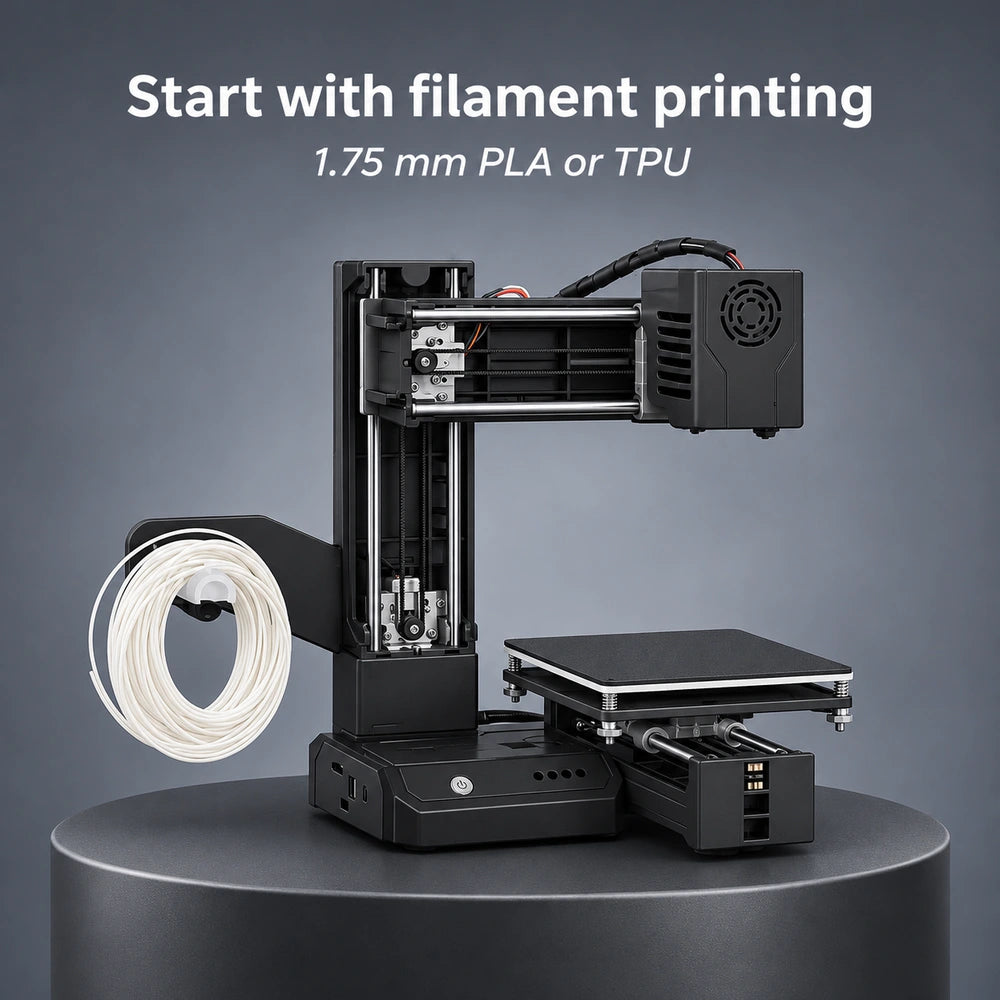
- 1.75 mm PLA or TPU: Choose rigid or flexible filament for your project.
- Up to 40 mm/s: Set your print speed within the printer’s supported range.
FAQ
Frequently asked questions about the 3D Printer for Miniatures
What kinds of miniatures can I print?
Start with model bases, terrain pieces and figures with simple shapes. The 0.4 mm nozzle is a practical fit for these projects. If your design relies on tiny facial features or fine engraving, choose a larger version where the build volume allows.
How big can I print in one piece?
The build volume measures 100 × 100 × 100 mm. Check the width, depth and height in your slicer after you orient the model, and allow room for any supports you add. For larger scenery, slice separate pieces that you can join afterwards.
Can I send files over Wi-Fi?
Print jobs are transferred by memory card. Open your STL or OBJ file in the slicing software on Windows or Mac, slice the model, then save the prepared print file to the card before starting the job on the printer.
Does the printer level the bed automatically?
You level the bed manually at four points. The supplied memory card includes a manual and a tutorial video to guide you through the setup. If the first layer struggles to stick, check the nozzle gap again before retrying the print.
What filament should I buy?
Choose 1.75 mm PLA for rigid models such as bases and terrain, or 1.75 mm TPU for pieces that need to flex. Select the matching material in your slicer so the print file uses settings appropriate for the filament you load.
Discover our associated collections: 3d printer
Products to discover next: 3d printer for action figures


Reviews
There are no reviews yet.