

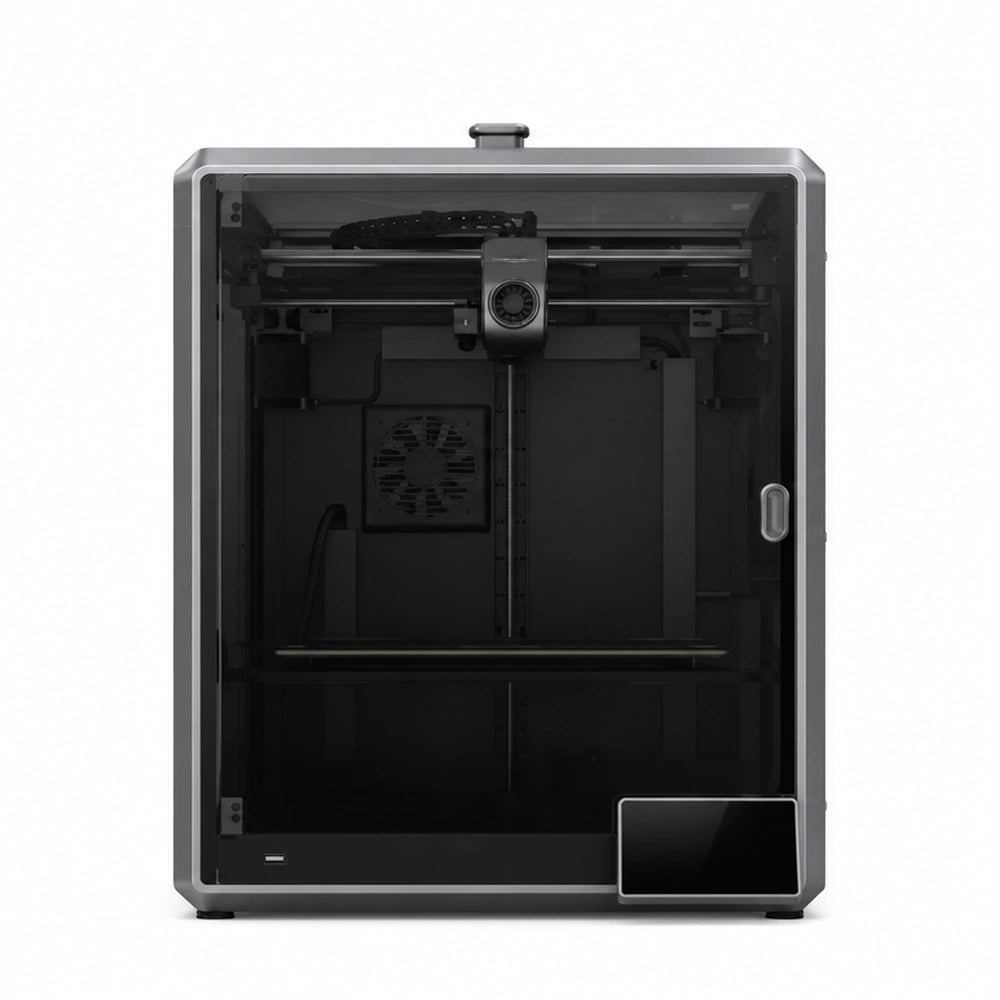
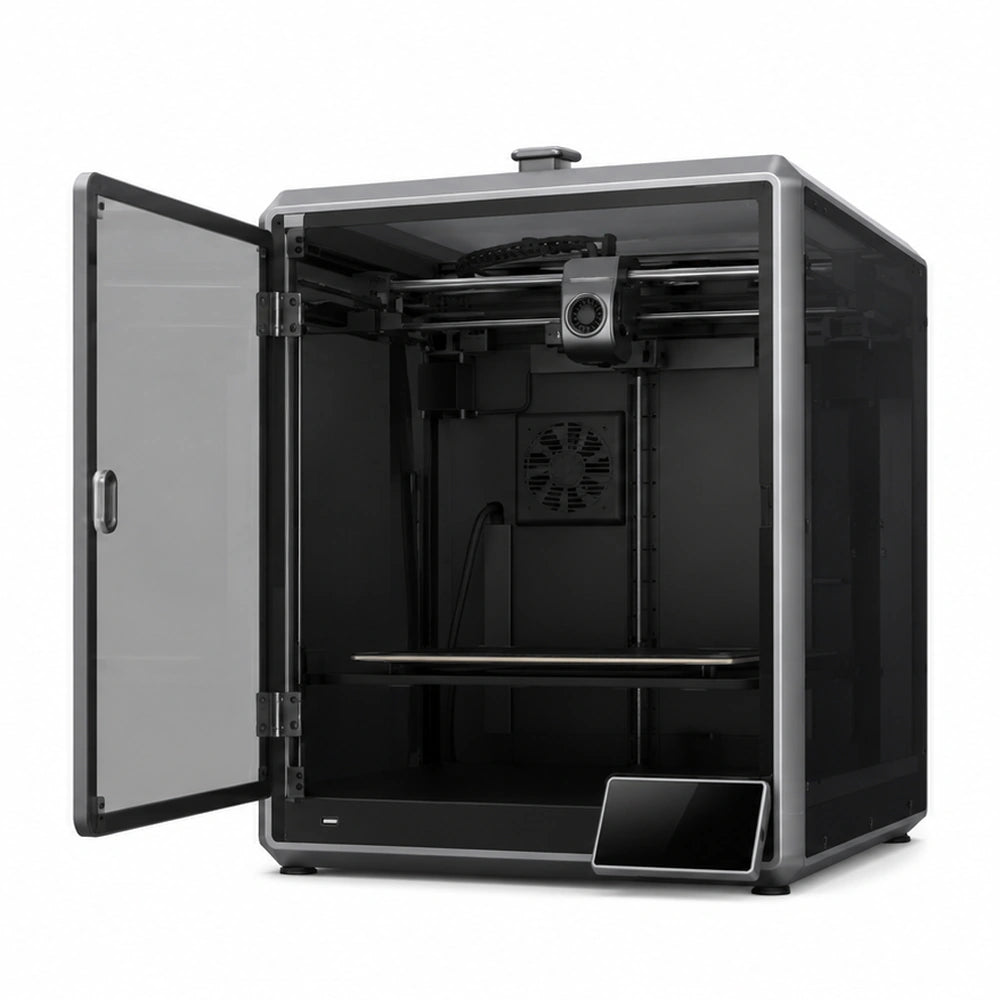
Give bigger builds room with a dual-gear 3D printer
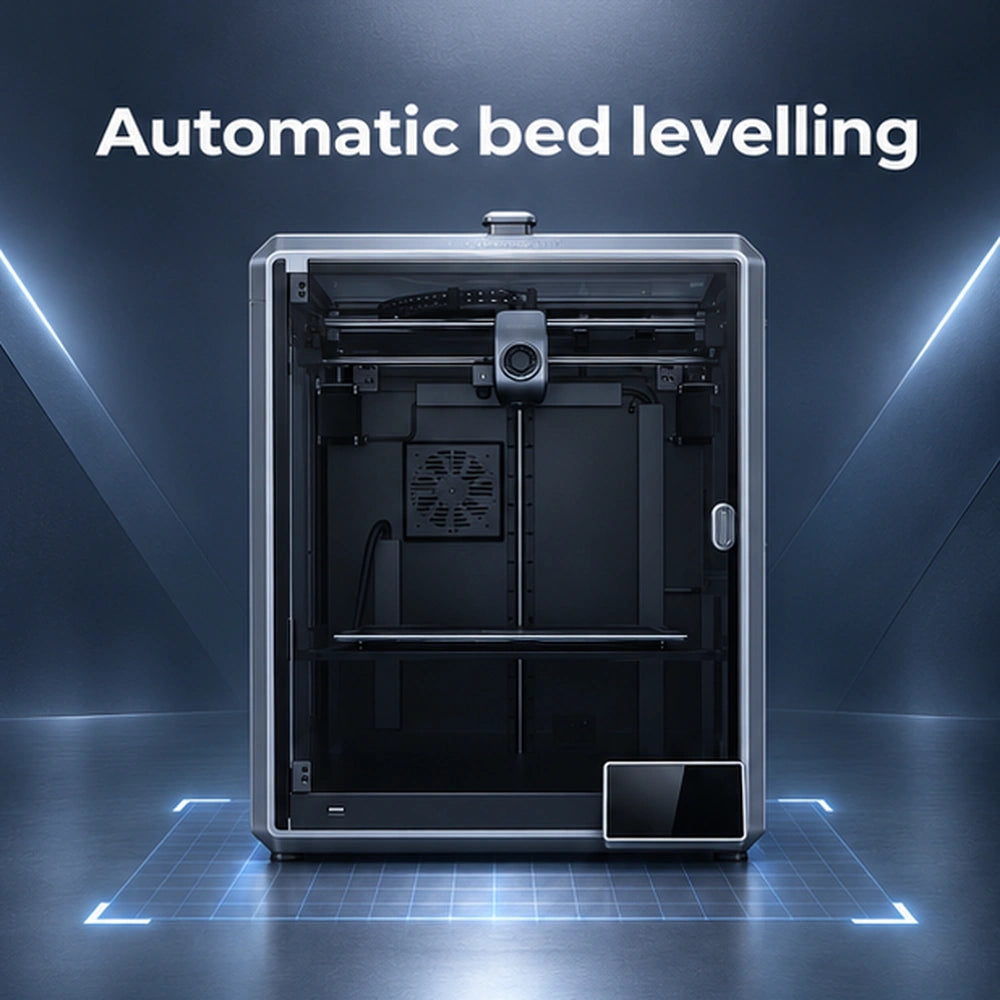
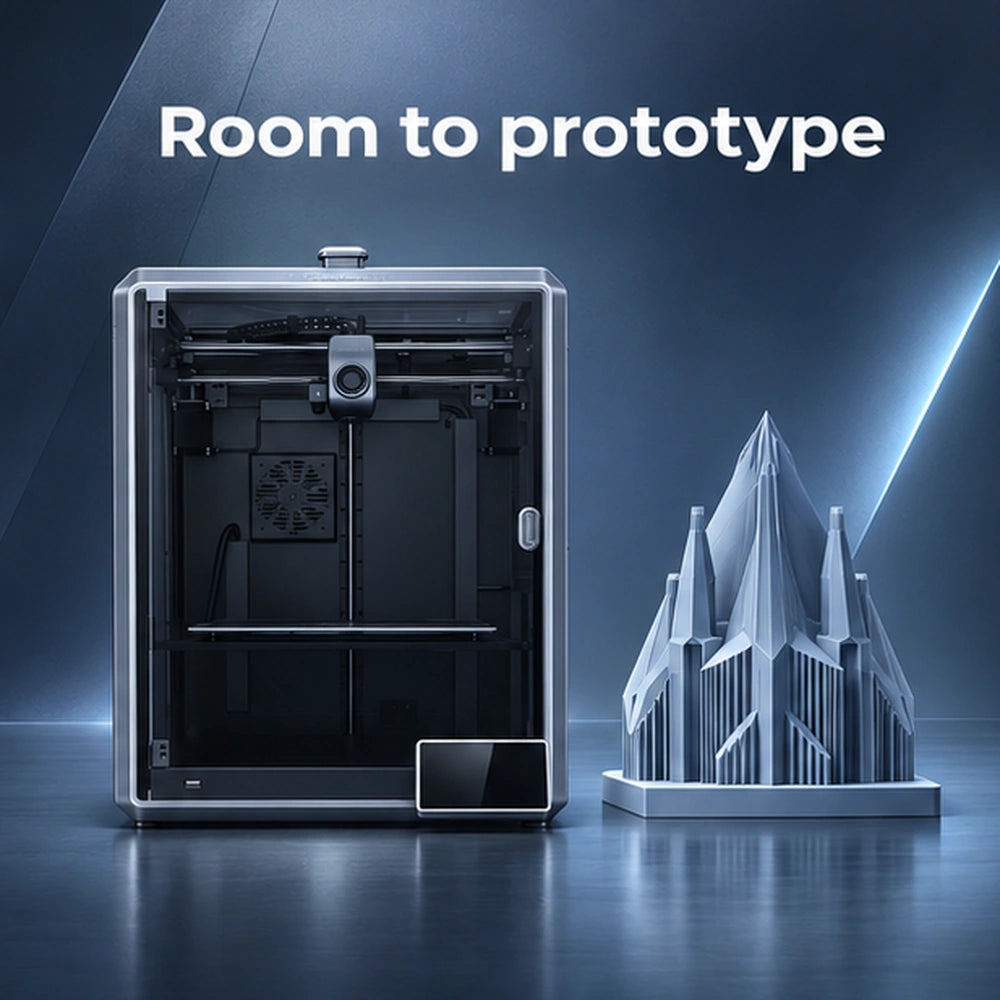
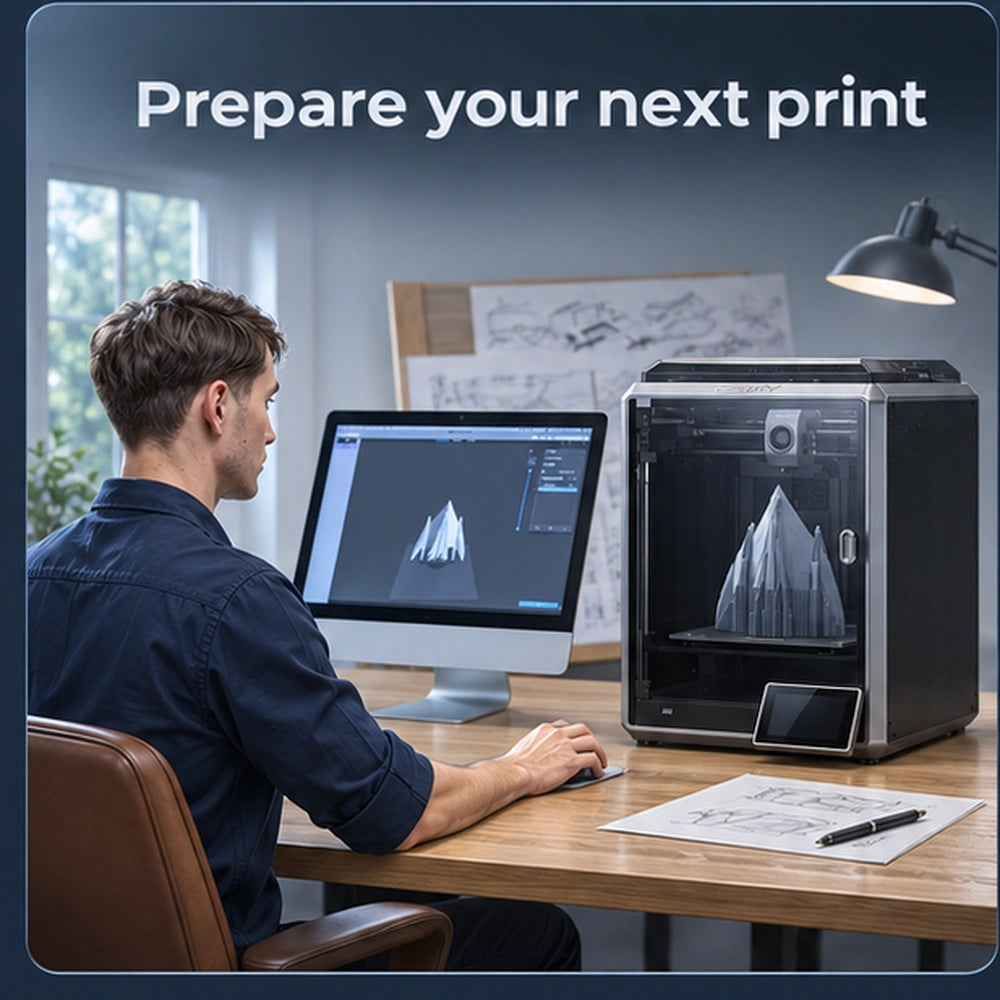
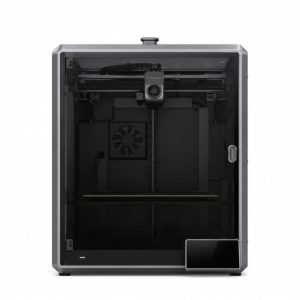
Print larger prototypes, housings and display models in the 300 × 300 × 300 mm build volume. This enclosed FDM 3D printer gives you room to orient bulky designs or arrange several smaller parts on the same build plate in one job. Automatic bed levelling takes care of calibration before a print, so you can spend more of your setup time choosing how to position the part and where it will need supports.
Direct drive for flexible filament
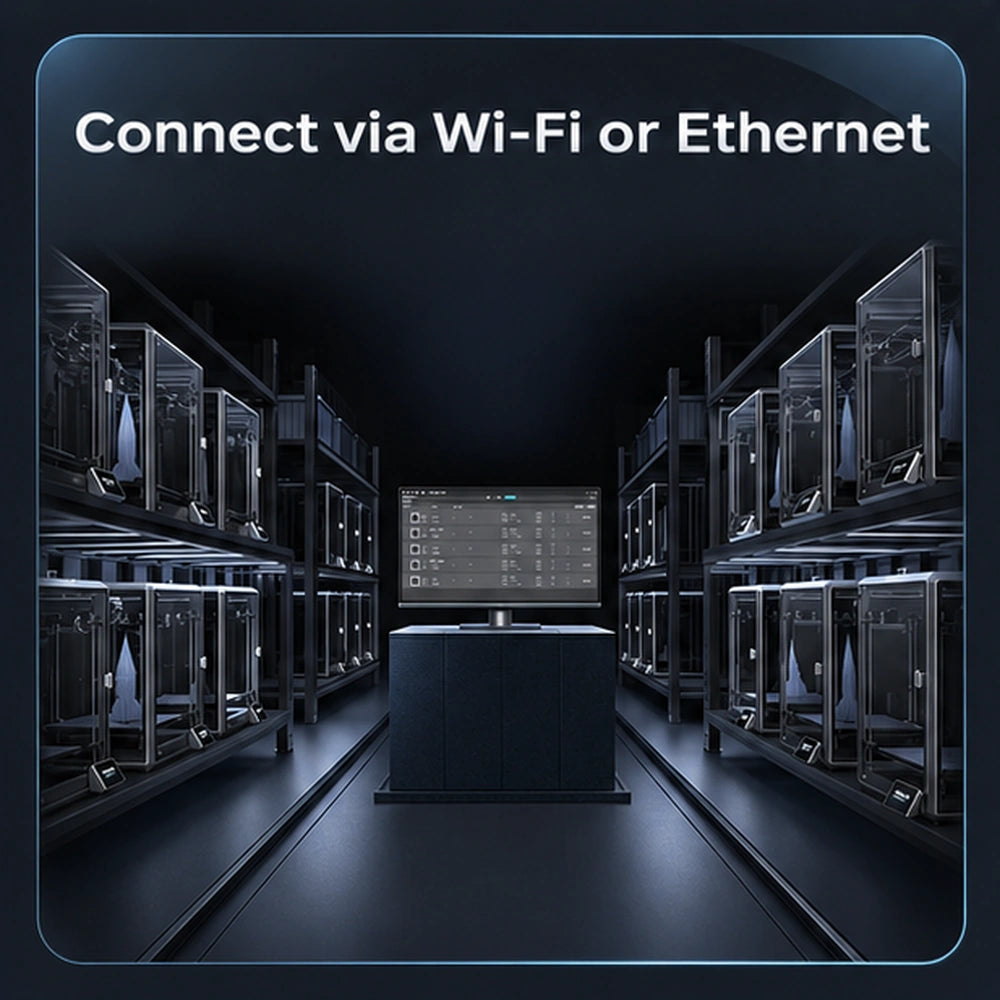
The direct-drive extruder uses two gears to grip and feed a single strand of 1.75 mm filament. Choose PLA for a model you want to review for size and shape, PETG for a practical workshop part or flexible TPU for a component that needs to bend. The high-flow hotend supports faster material delivery when your settings and filament allow it. You can send a job over Wi-Fi or transfer it by USB to suit how you work at your bench.
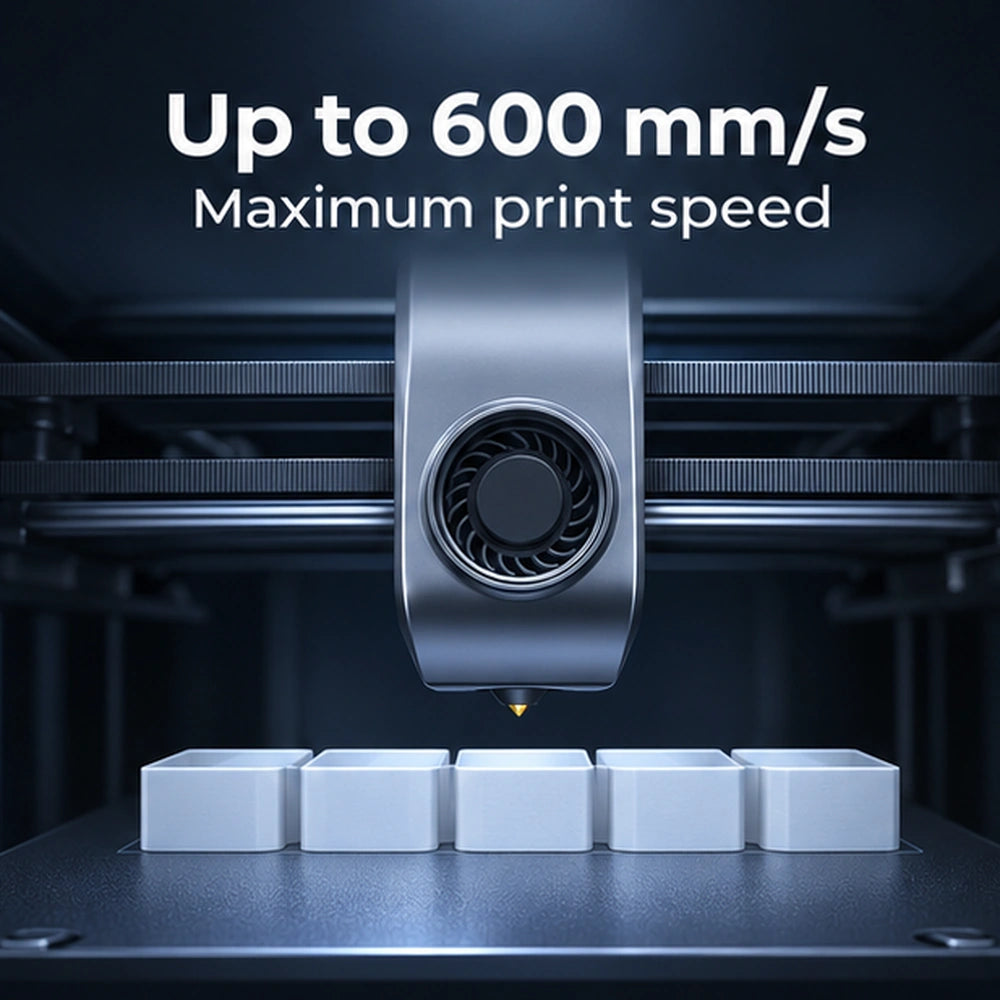
- Up to 600 mm/s with suitable profiles.
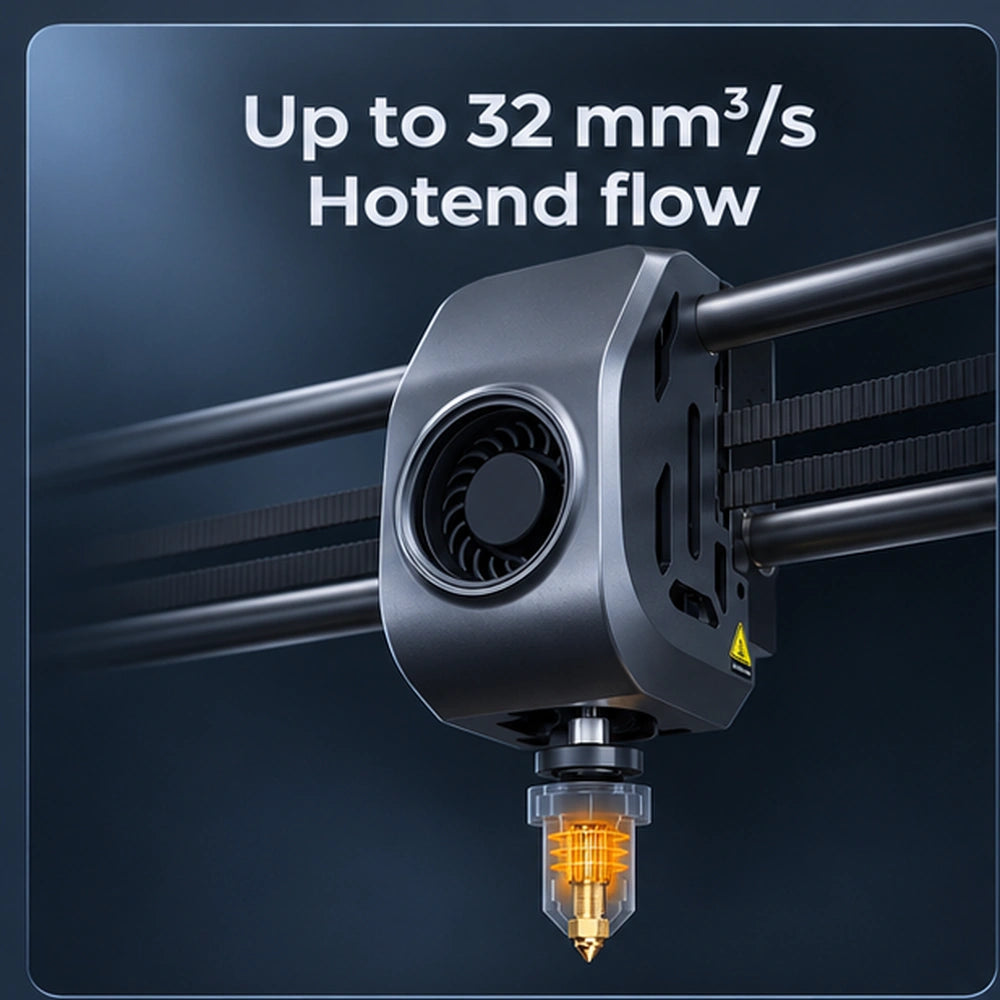
- Up to 32 mm³/s hotend flow for faster extrusion.
- 0.4 mm nozzle for everyday prototypes.
- Up to 300°C nozzle temperature for compatible higher-temperature filaments.
Frequently asked questions about the Dual-Gear 3D Printer
How many extruders does this 3D printer have?
It has one direct-drive extruder with two gears and one nozzle. Both gears feed the same strand of filament. If your project needs two filaments to feed independently during a print, you’ll need a printer with a different extrusion system.
How large a part can I print?
The build volume is 300 × 300 × 300 mm. Check the model in your slicer at its final print orientation and leave space for any brim or supports you plan to use, especially if the design nearly fills the build plate.
Will every job print at 600 mm/s?
600 mm/s is the maximum print speed. Your actual speed and finish time depend on the shape of the model, filament, layer height and slicer settings. Use the slicer’s time estimate for the specific part you plan to print.
Which filament should I buy?
Choose 1.75 mm filament in a supported material such as PLA, PETG, ABS or TPU. PLA works for mock-ups, and TPU suits parts you want to flex. Select a profile that matches the material and check the spool’s recommended temperatures before printing.
Can I use the slicer I already have?
The printer is compatible with Cura, PrusaSlicer and Simplify3D. Choose a profile matching this printer’s build volume and nozzle, then slice your model before transferring the prepared job. If you change the nozzle size, update the profile to match before slicing again.
Discover our associated collections: 3d printer
Products to discover next: Large resin 3d printer


Reviews
There are no reviews yet.