

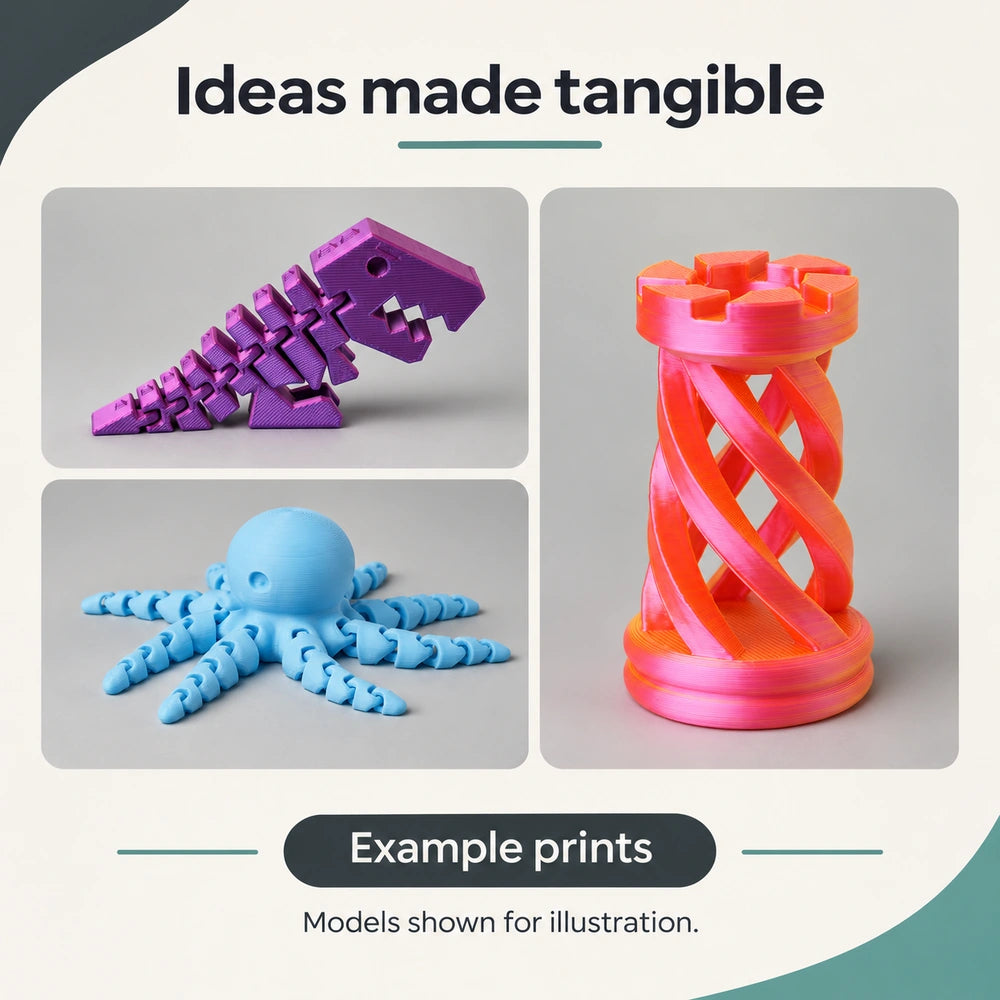
Turn your next idea into a finished print with this 3D printer kit
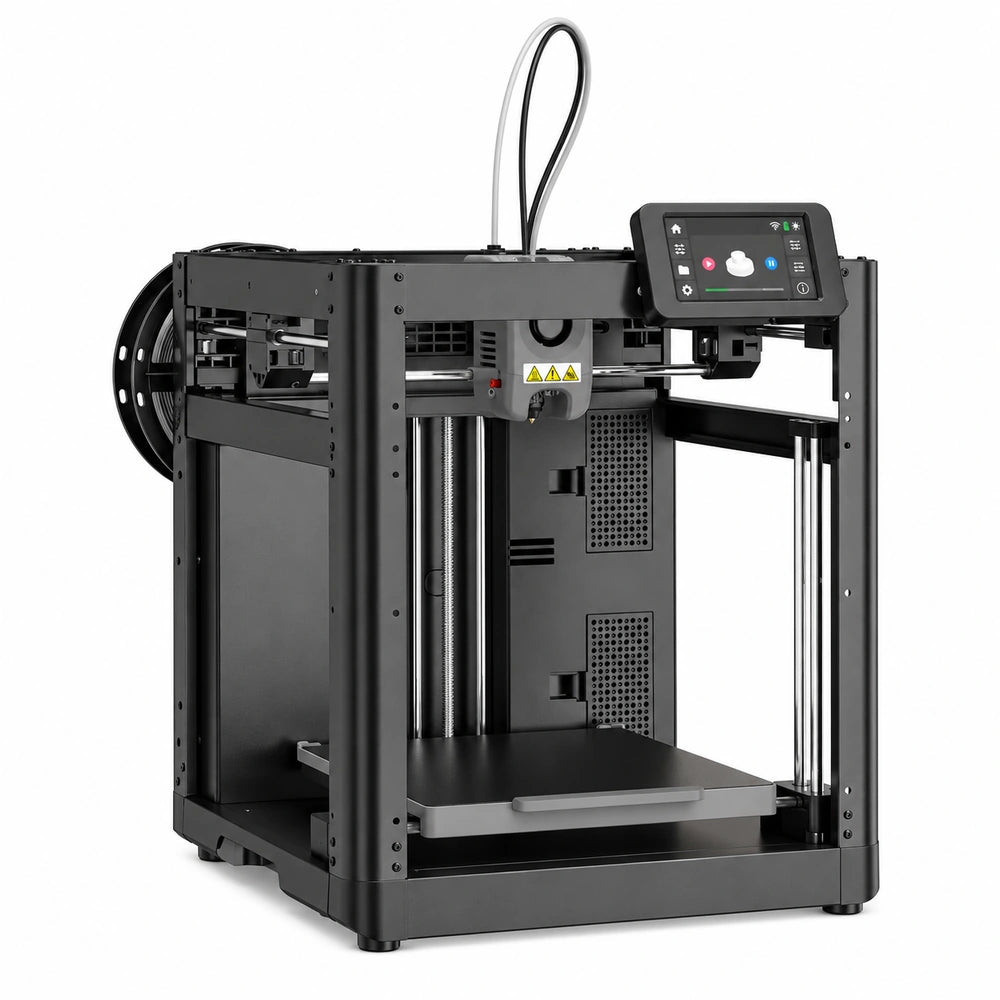
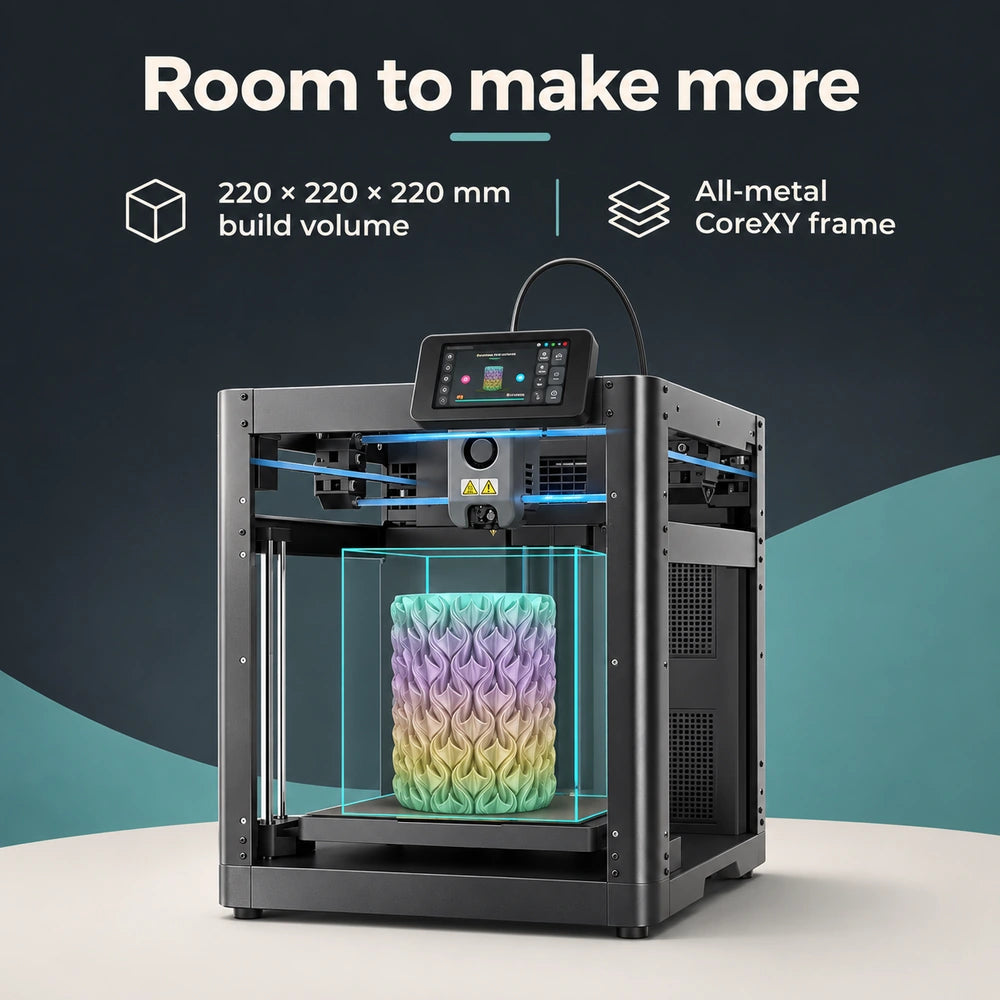
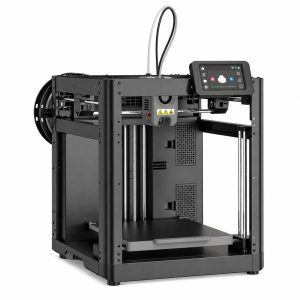
Make room for your own models, prototypes and desk accessories with this 3D printer kit. Its 220 × 220 × 220 mm build volume gives you space to explore different projects, while automatic bed levelling takes care of a key setup step. The open-frame FDM design keeps the printing process visible, so you can watch each layer take shape.
CoreXY movement and quick-release nozzles for everyday making
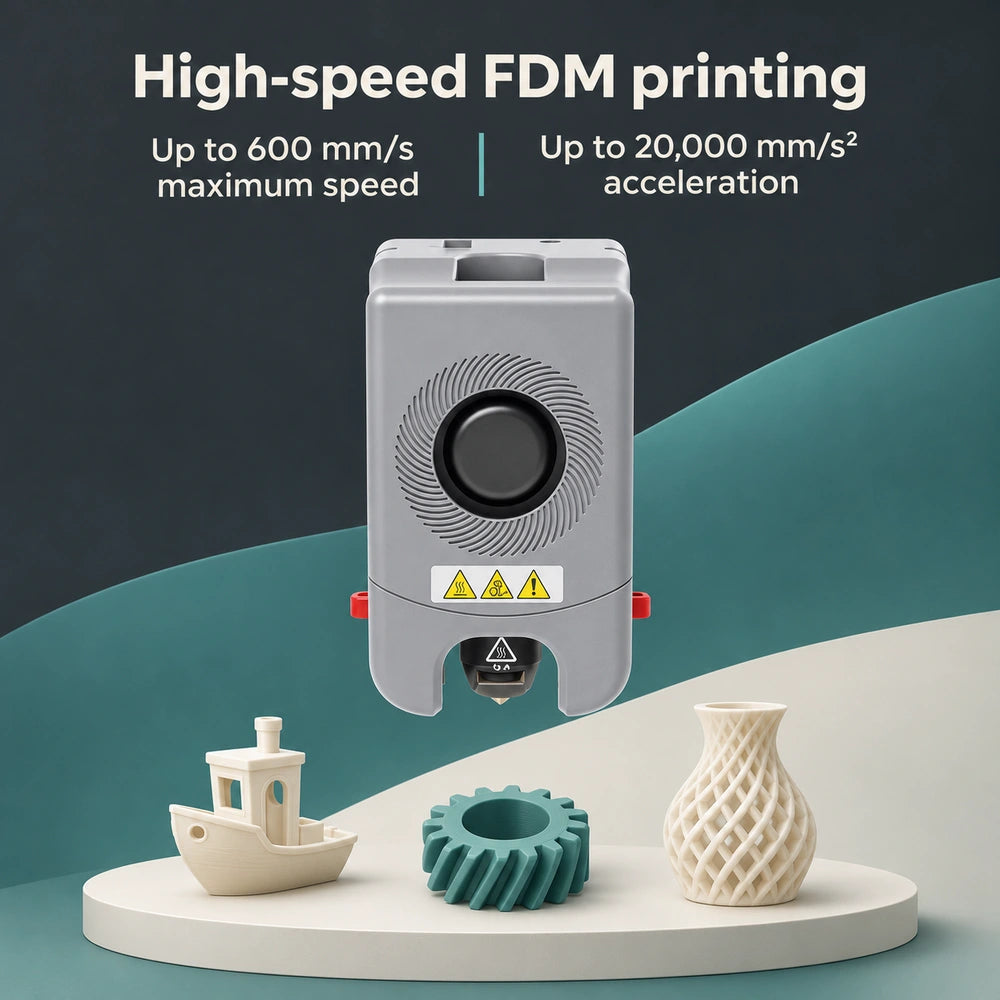
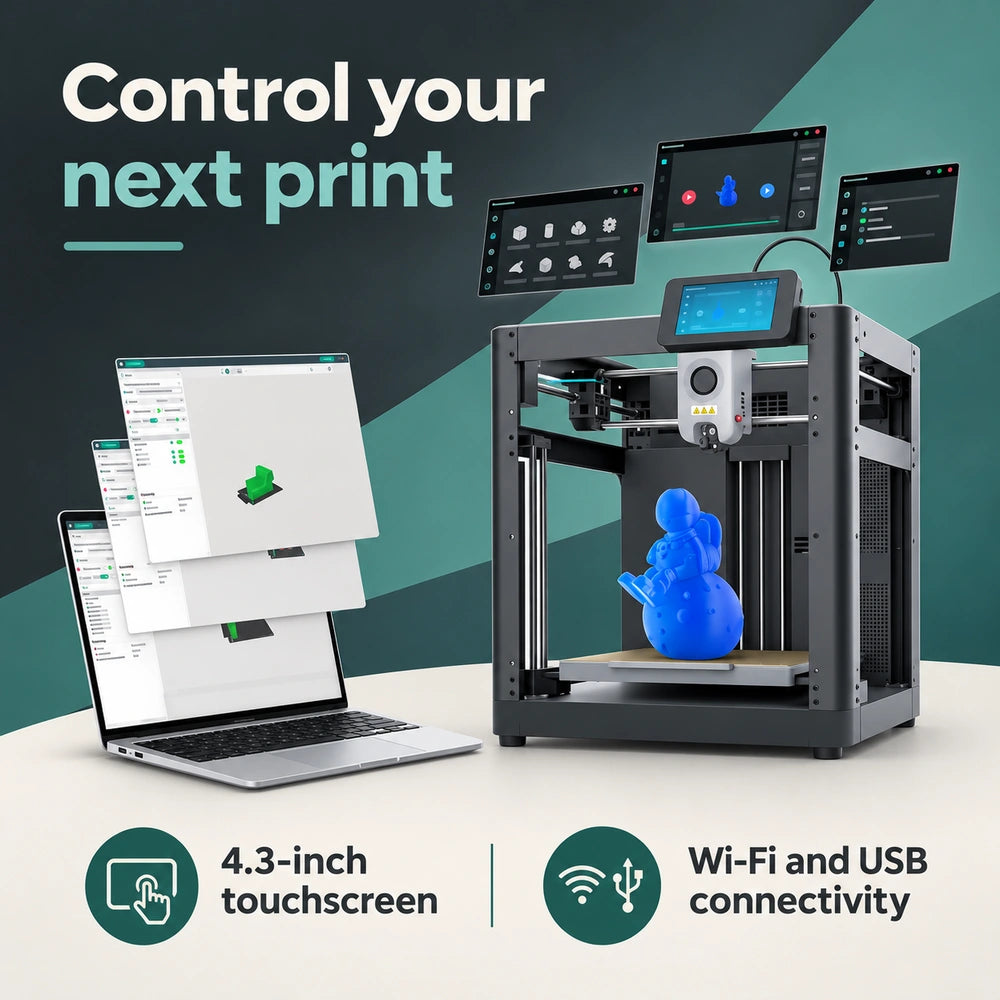
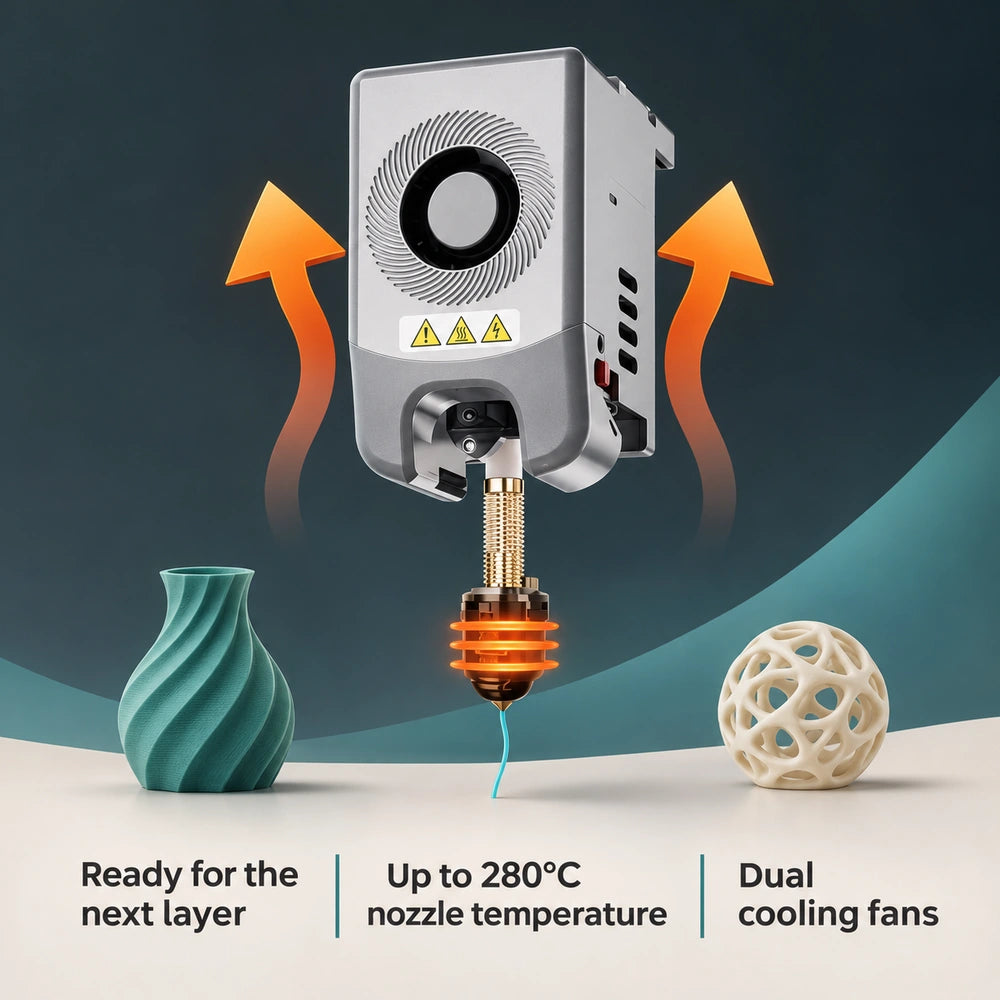
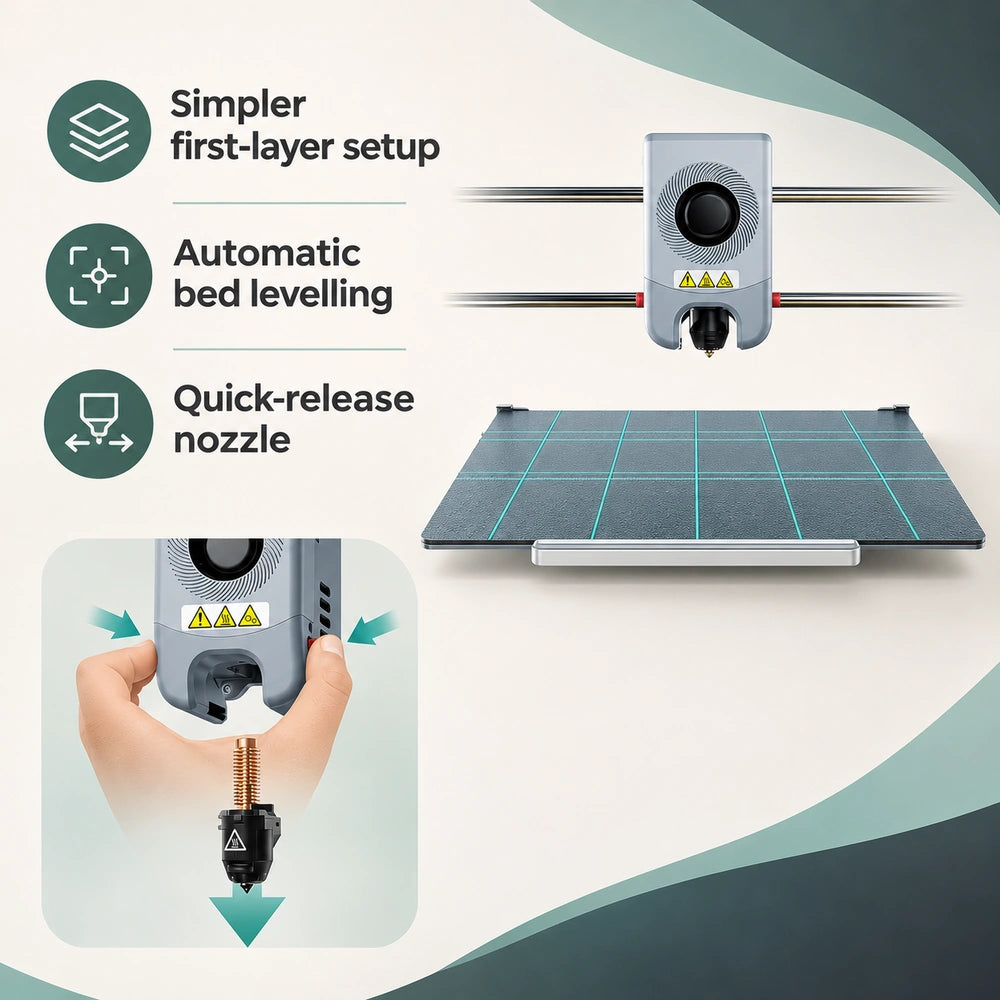
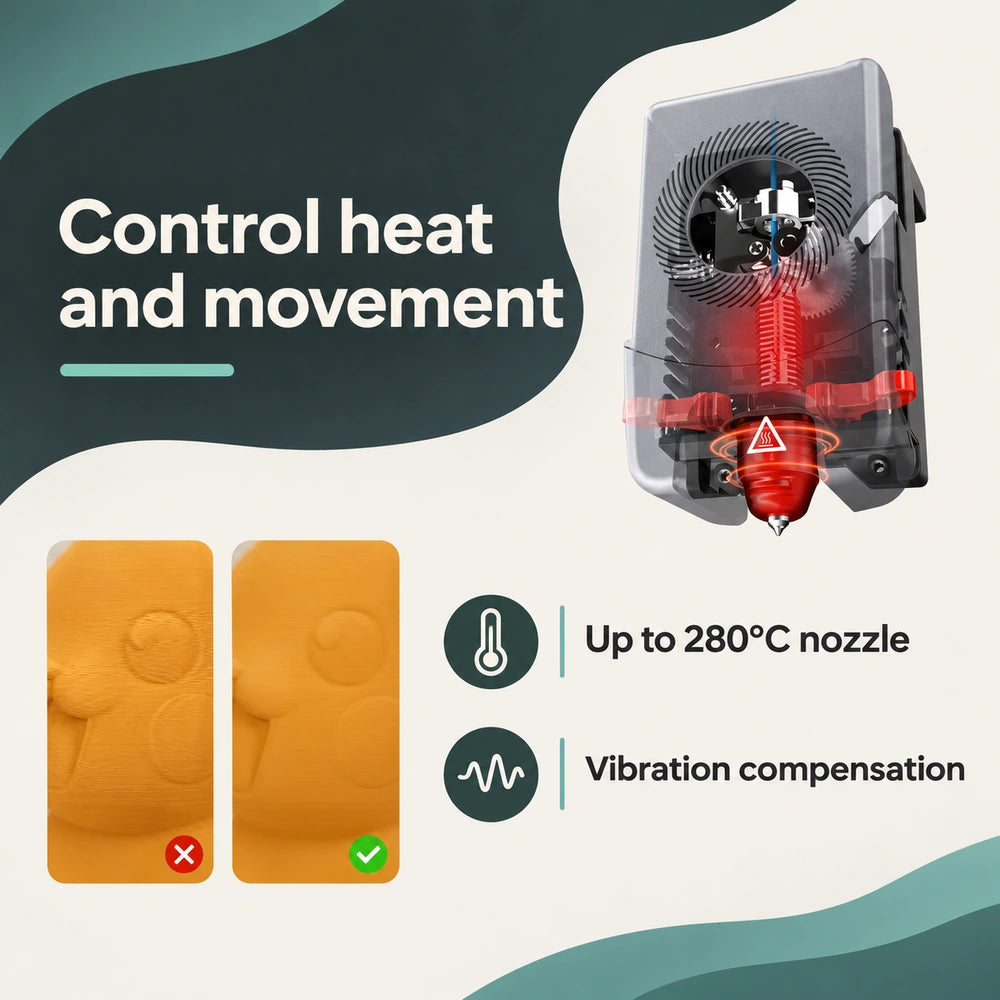
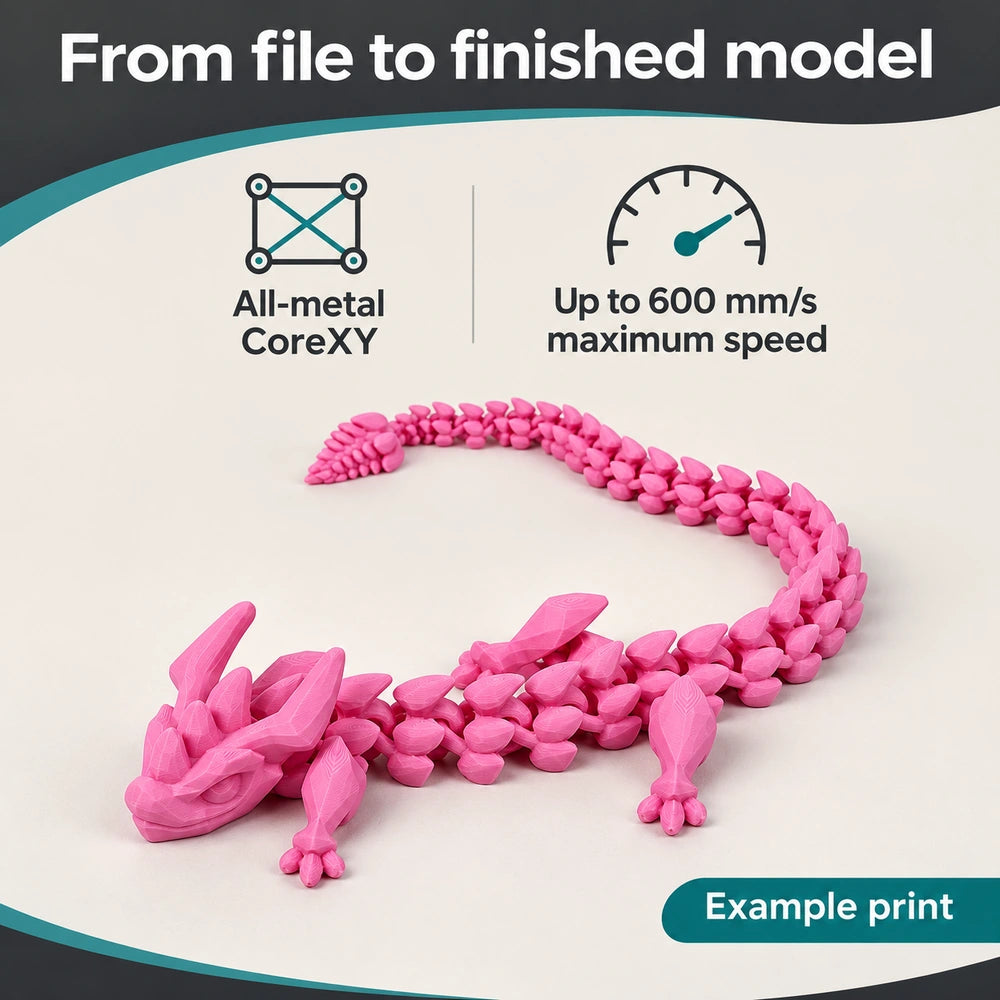
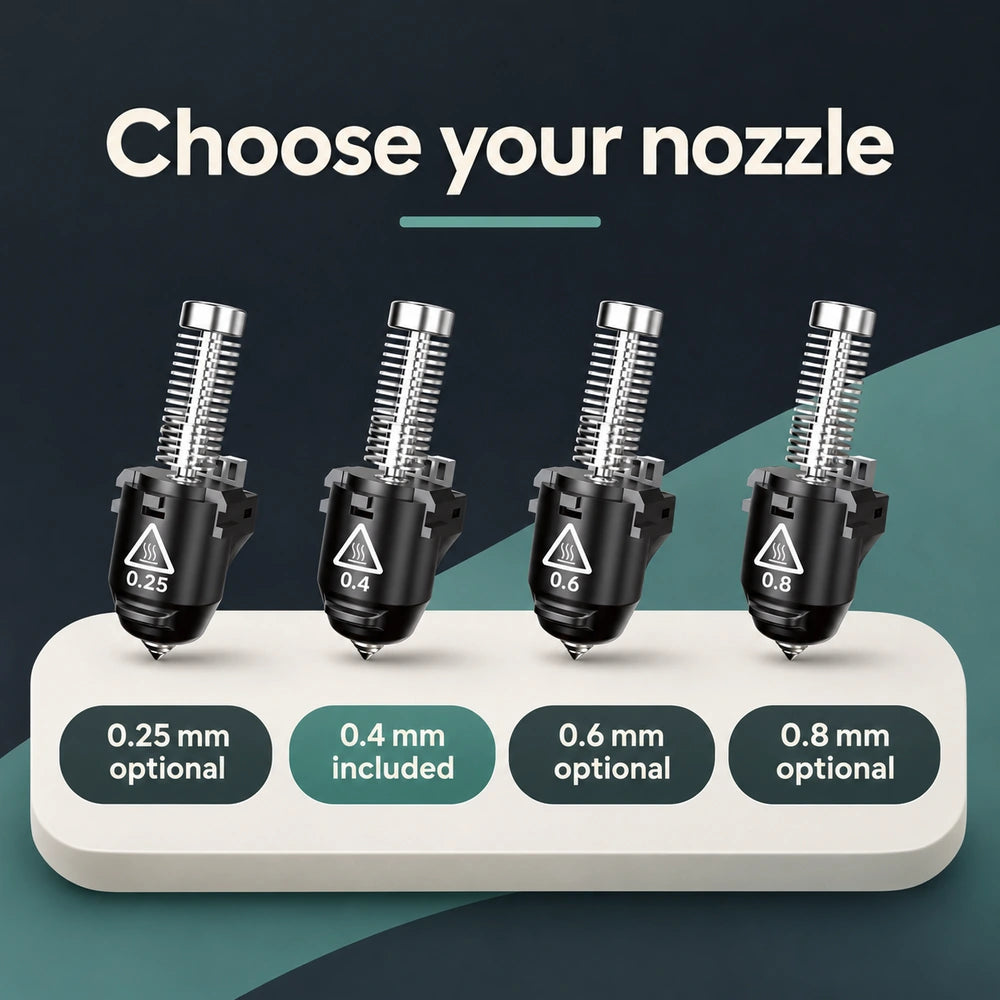
The all-metal CoreXY frame supports fast movement, with a maximum speed of 600 mm/s and acceleration up to 20,000 mm/s². Choose settings to suit your filament and model, then send your prepared print over Wi-Fi or USB. When your project calls for a different nozzle, the quick-release design makes changes straightforward. The included 0.4 mm nozzle gets you started, with three other diameters available as options.
- Automatic levelling: Simplifies preparation for the first layer.
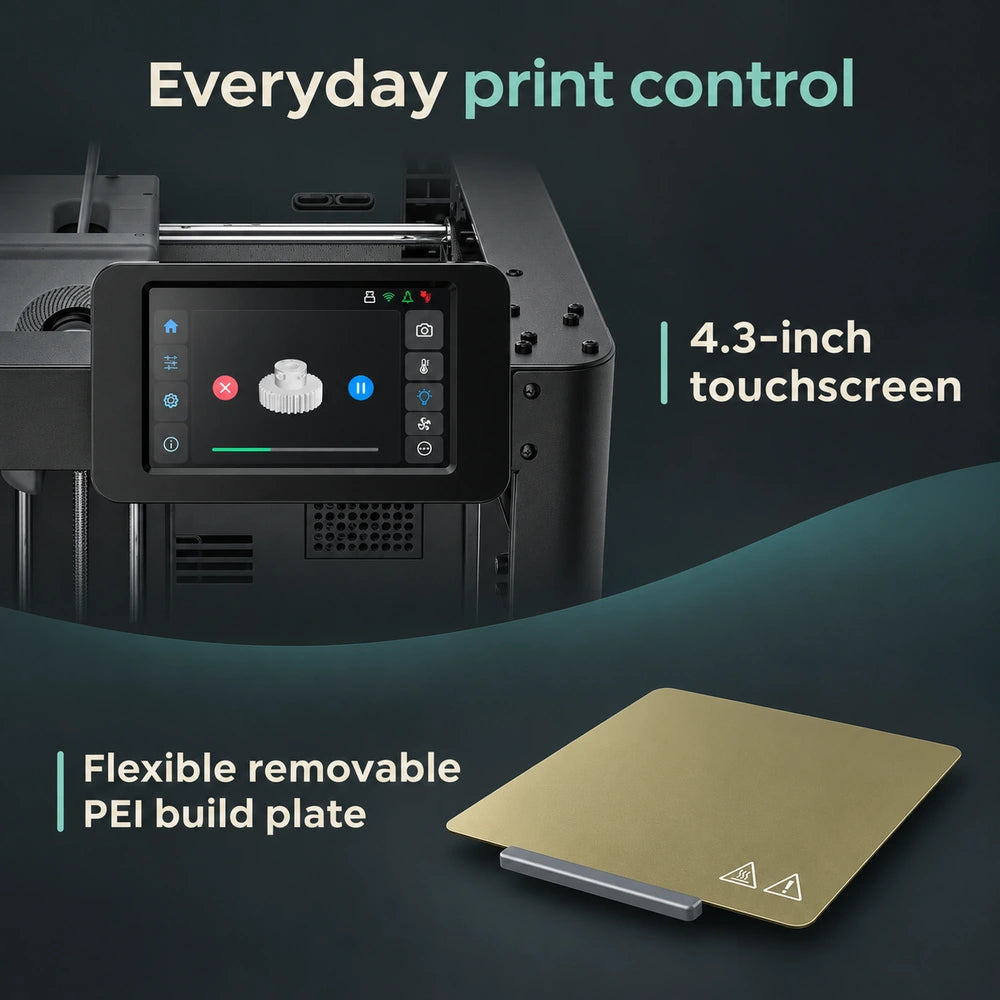
- Flexible PEI plate: Remove and flex the plate to release prints.
- 0.1–0.4 mm layers: Adjust the balance between detail and printing time.
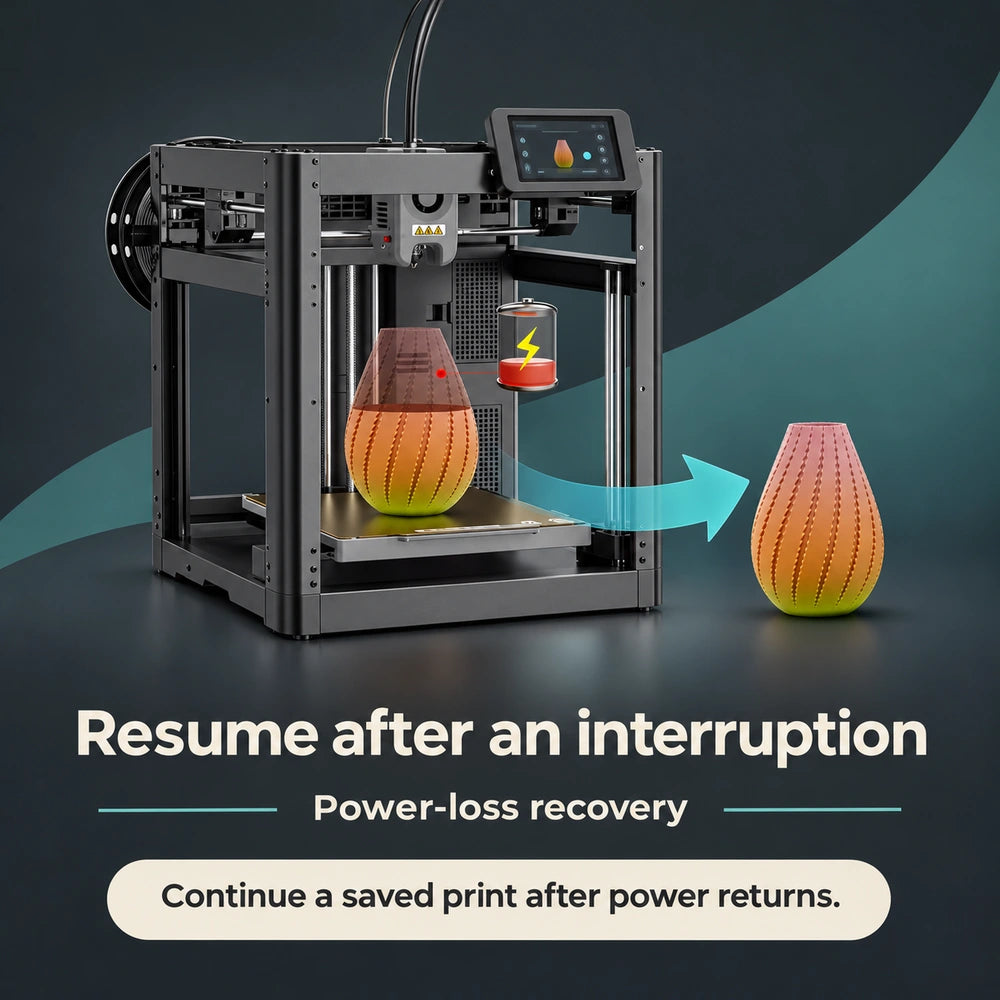
- Power-loss recovery: Resume a saved print after an interruption.
Frequently asked questions about the 3D Printer Kit
How much setup does this 3D printer kit need?
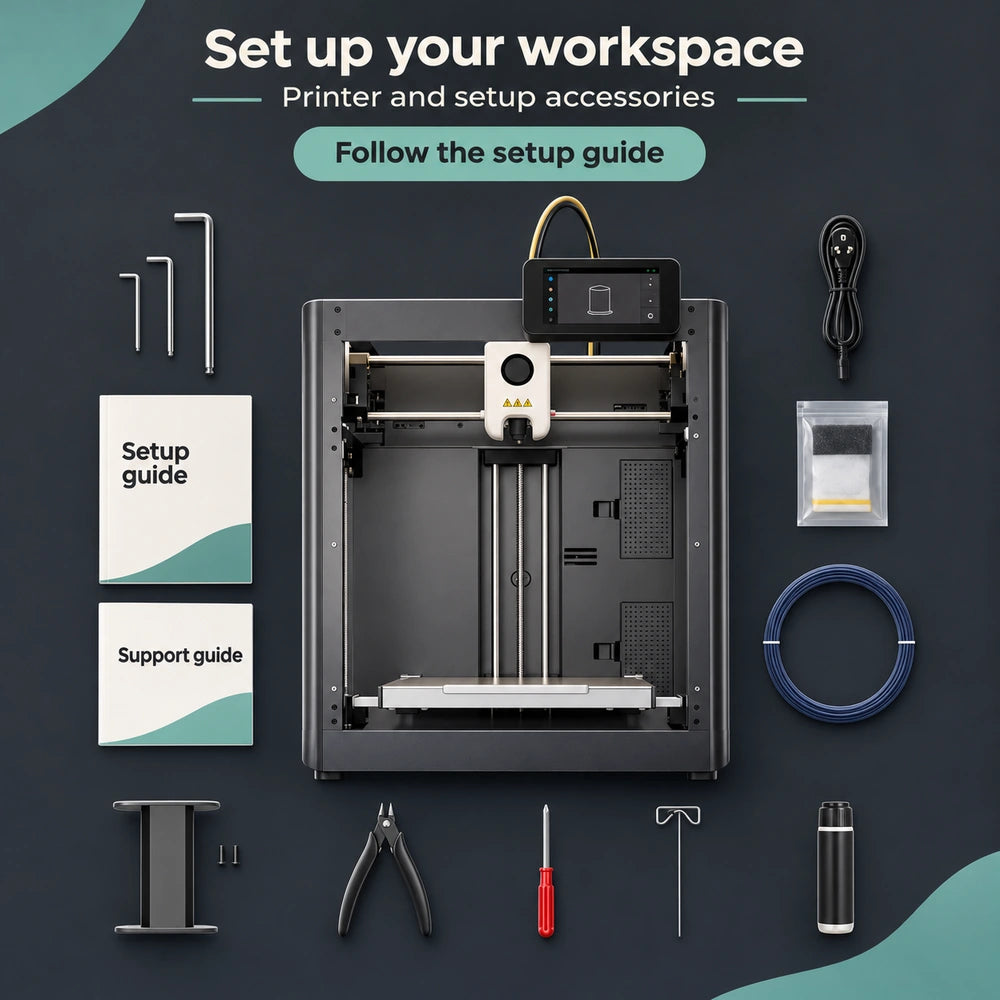
The printer is designed for quick initial setup, with preparation taking around ten minutes or less. Follow the setup guide, fit the required components and run automatic levelling before printing. Allow additional time to prepare your model and choose its slicing settings.
What can I fit on the build plate?
The maximum build volume is 220 × 220 × 220 mm. Keep your model and any supports within that space when preparing a print. This gives you room for miniatures, desk accessories and prototypes, with the usable layout depending on each design.
Which nozzles are included?
A 0.4 mm nozzle is included. The 0.25 mm, 0.6 mm and 0.8 mm nozzles are optional choices, so you can select another diameter as your projects develop. The quick-release design makes it easier to change the nozzle for maintenance or a different task.
Which filament does the printer use?
The printer uses 1.75 mm filament and supports PLA, PETG, TPU, PLA-CF and PETG-CF. Choose a nozzle and print profile suited to your material. Check those requirements before starting, especially when moving from standard filament to flexible or carbon-fibre-filled options.
Will every model print at 600 mm/s?
The 600 mm/s figure is the maximum printing speed. Actual speed depends on the model, filament, nozzle and slicing settings. Use a suitable material profile and adjust the settings for the detail and finish you want, particularly on small or intricate parts.
How do I send a model to the printer?
You can send prepared print files over Wi-Fi or transfer them using USB. Start by opening your model in compatible slicing software, select the printer and material settings, then slice it before transferring the resulting print file to the machine.
Discover our associated collections: 3d printer
Products to discover next: 3d printer for miniatures
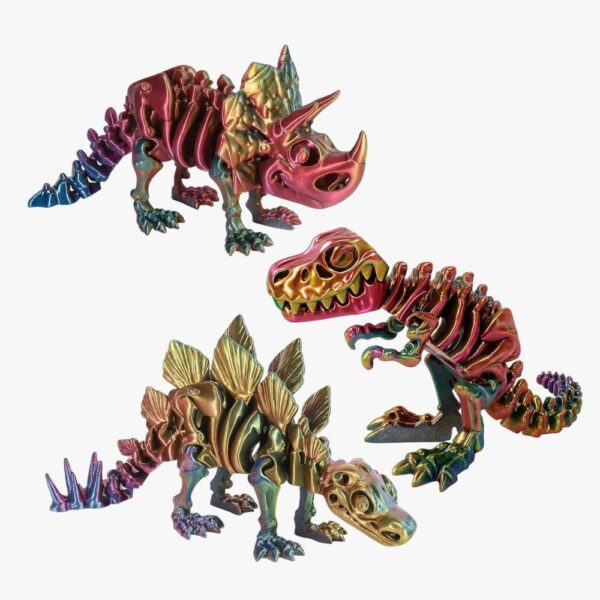
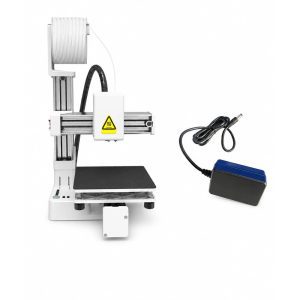


Reviews
There are no reviews yet.