

Make your first small models with this 3D printer for beginners
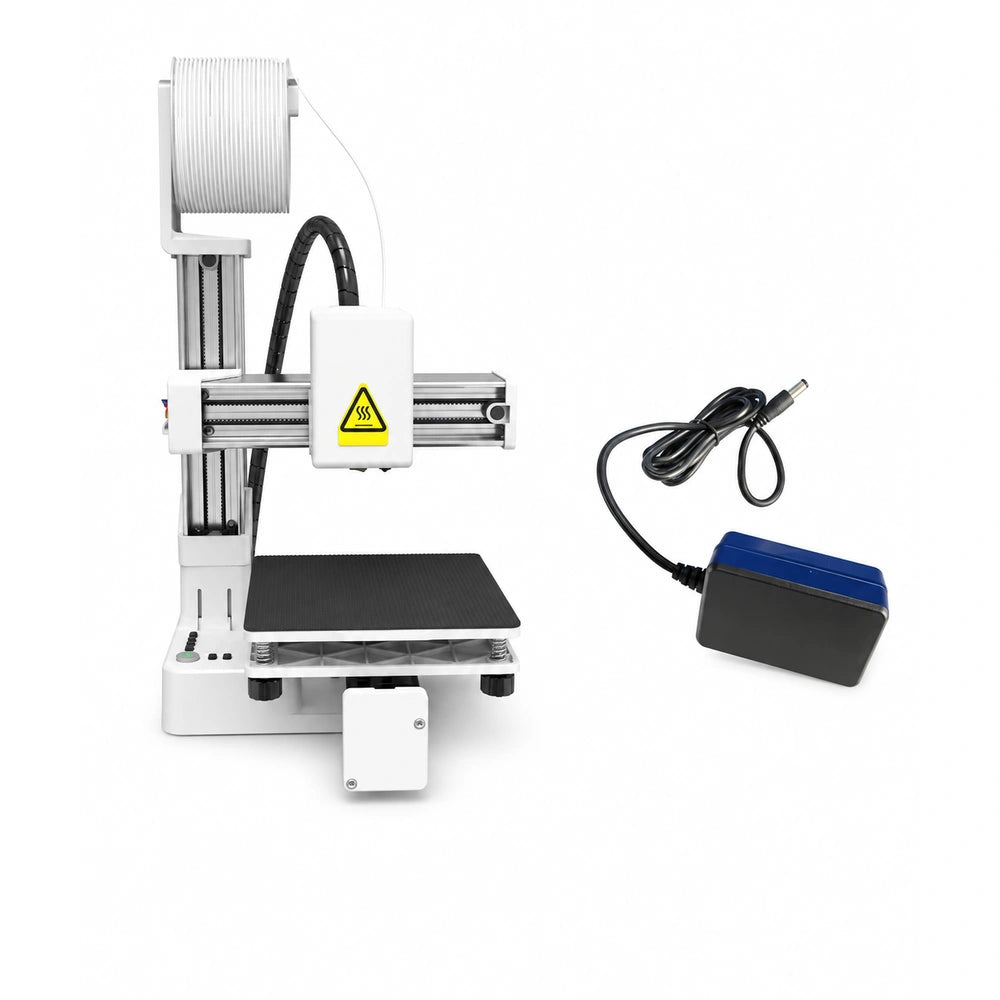
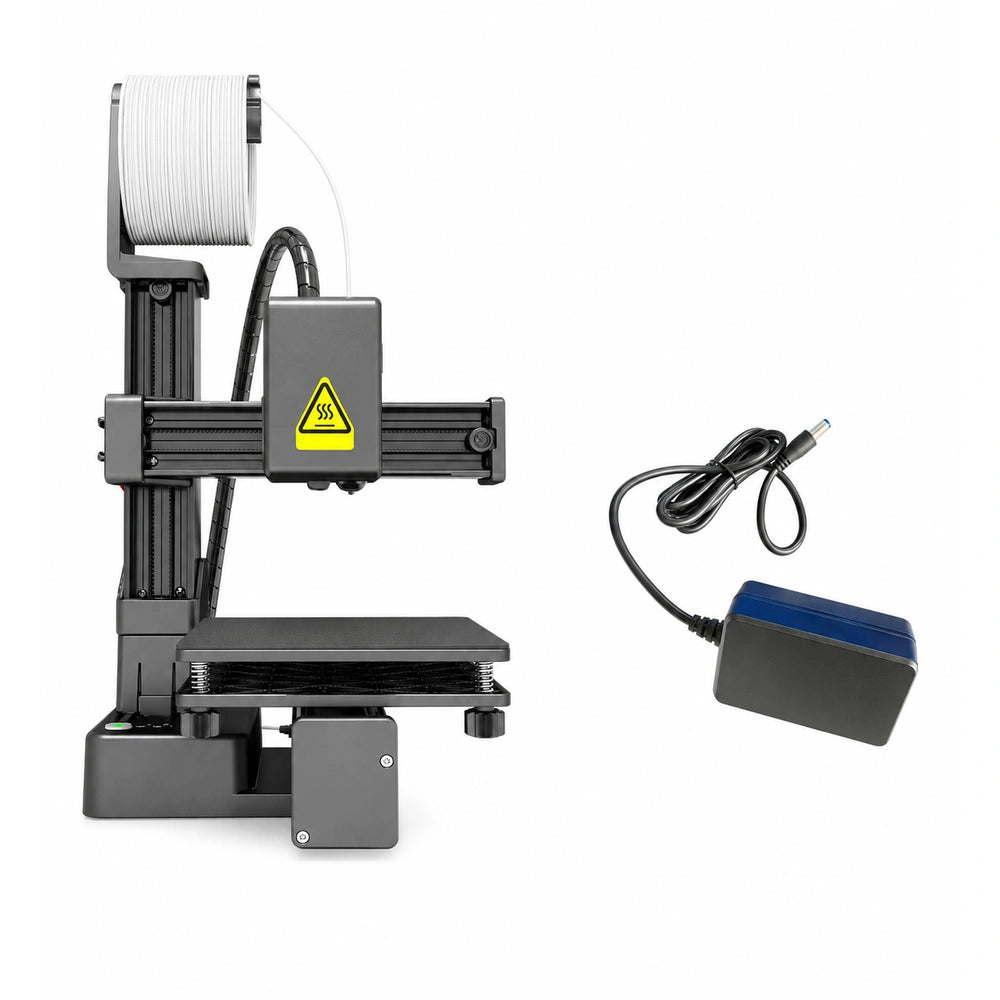
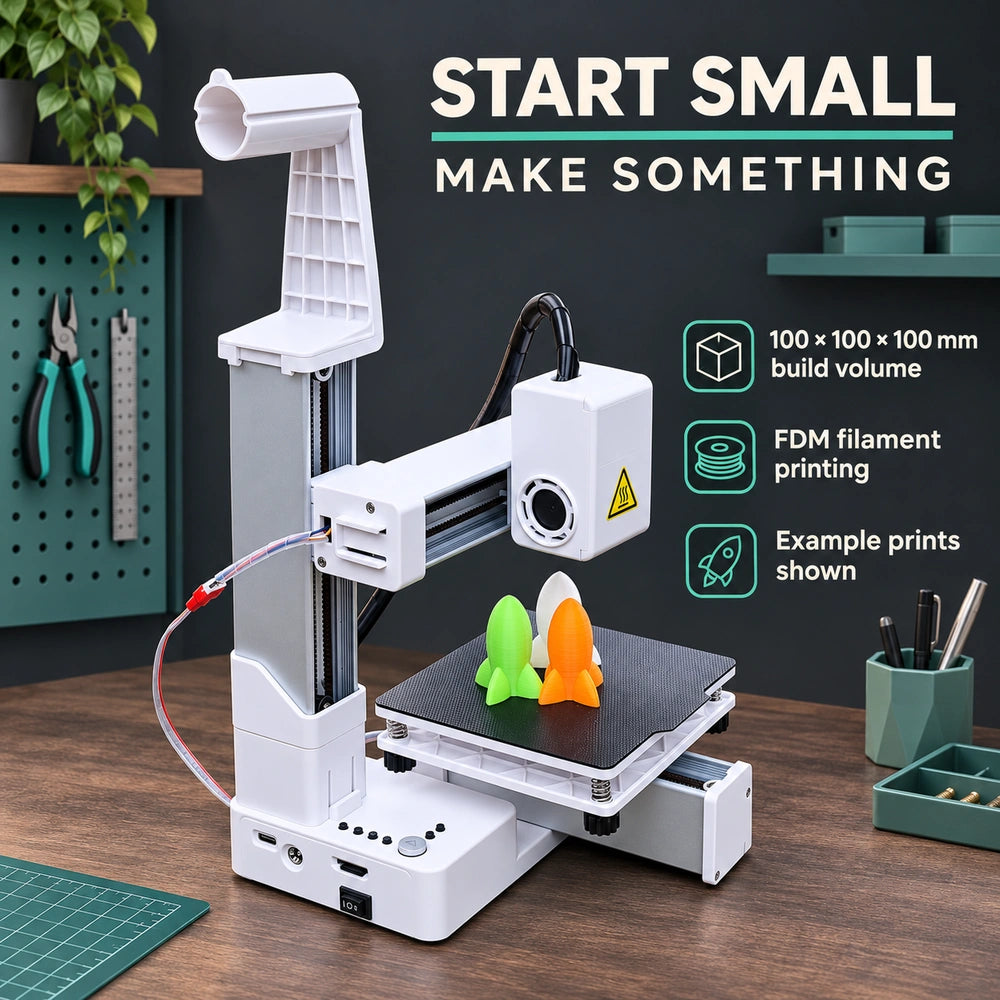
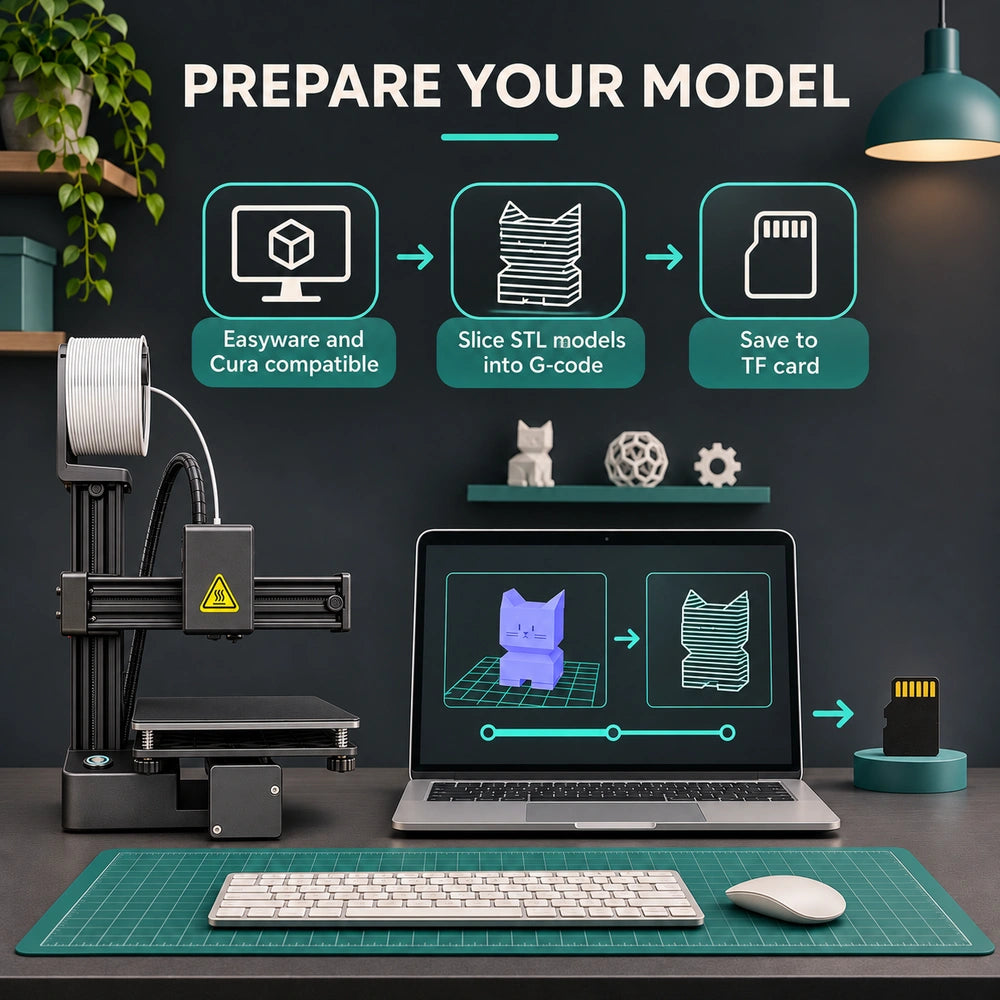
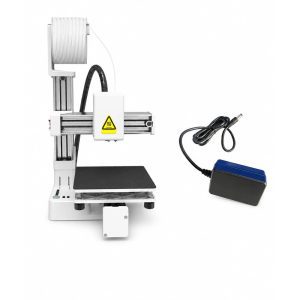
Turn a digital design into something you can hold with this compact 3D printer for beginners. Its 100 × 100 × 100 mm build volume gives you room to explore small figurines, decorative pieces and DIY projects. Prepare your model in Easyware or Cura, save the G-code to a TF card and start printing offline. The included power adaptor gets your workspace ready, while the open frame lets you watch your model take shape.
Learn filament printing with a practical desktop setup
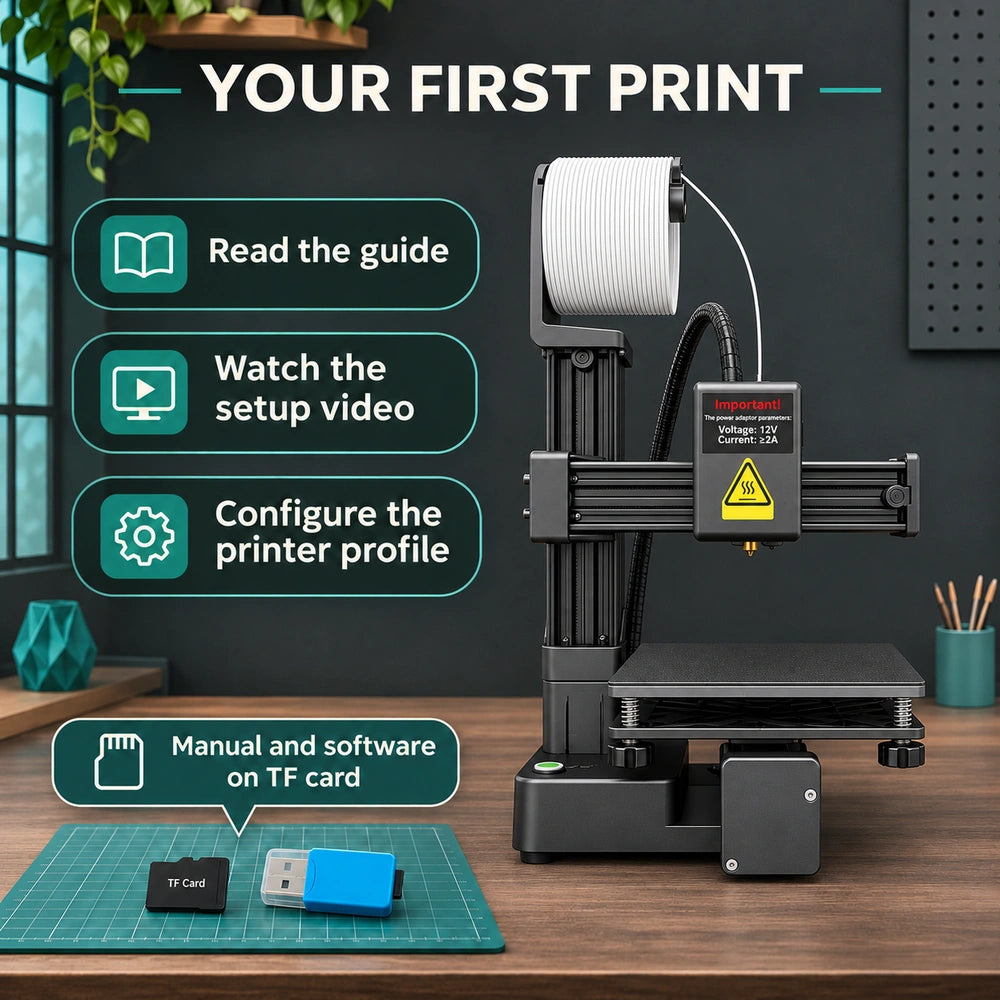
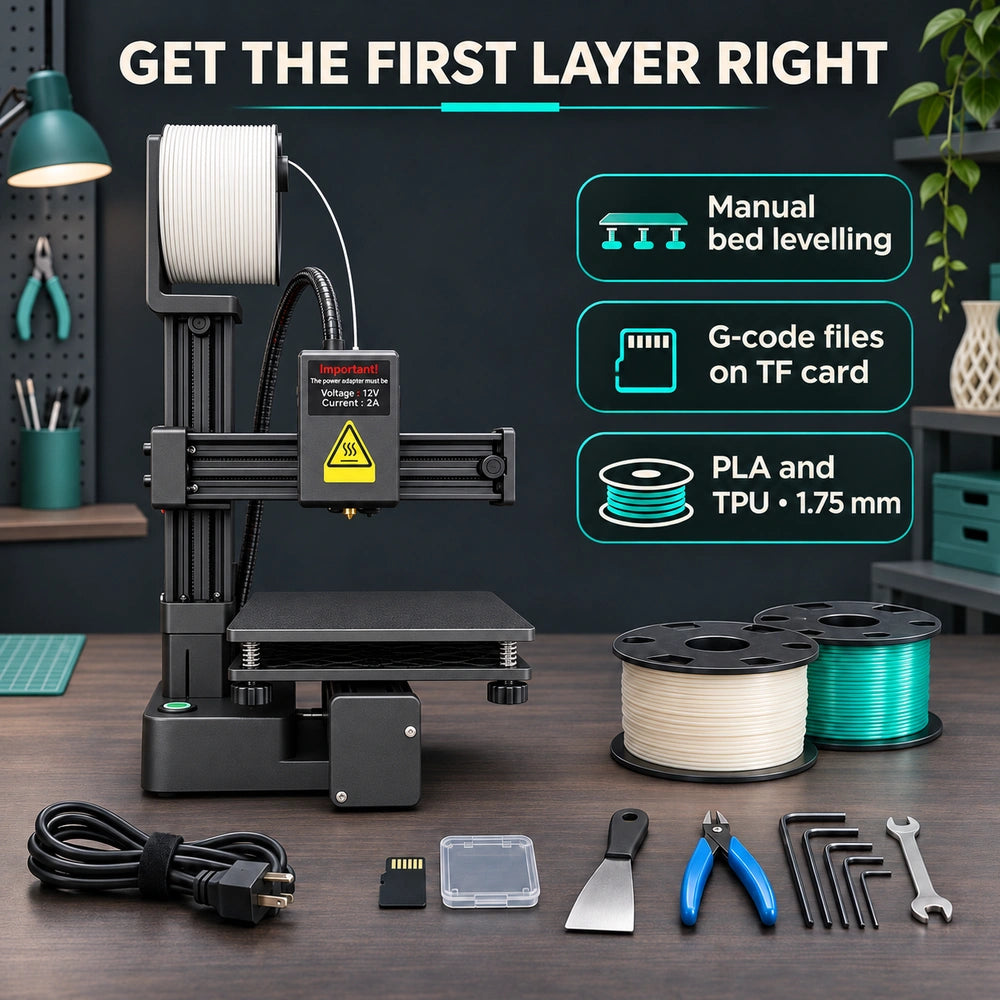
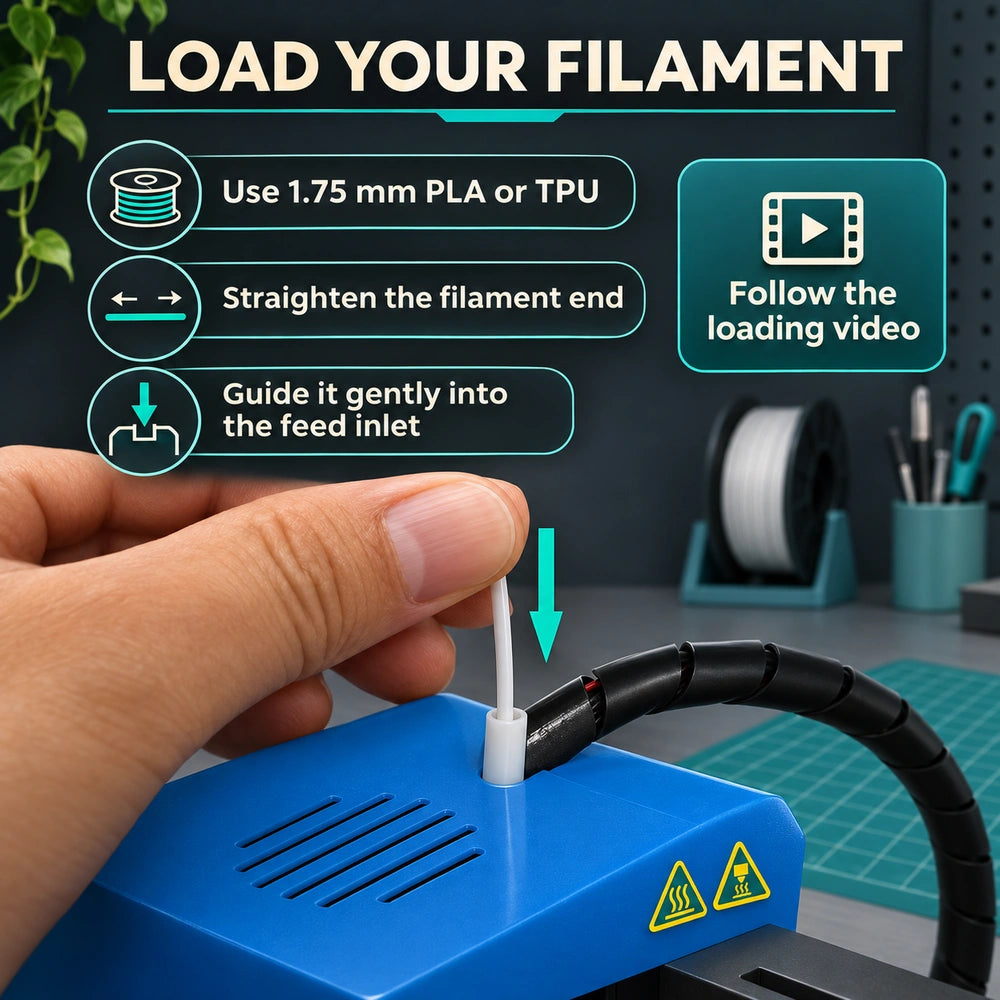
Use 1.75 mm PLA or TPU filament and learn the steps behind each print, from slicing your model to levelling the platform by hand. The TF card contains software, a manual and teaching videos to guide your setup. Start with a small project, follow the printer-profile instructions and build your confidence as you adjust settings.
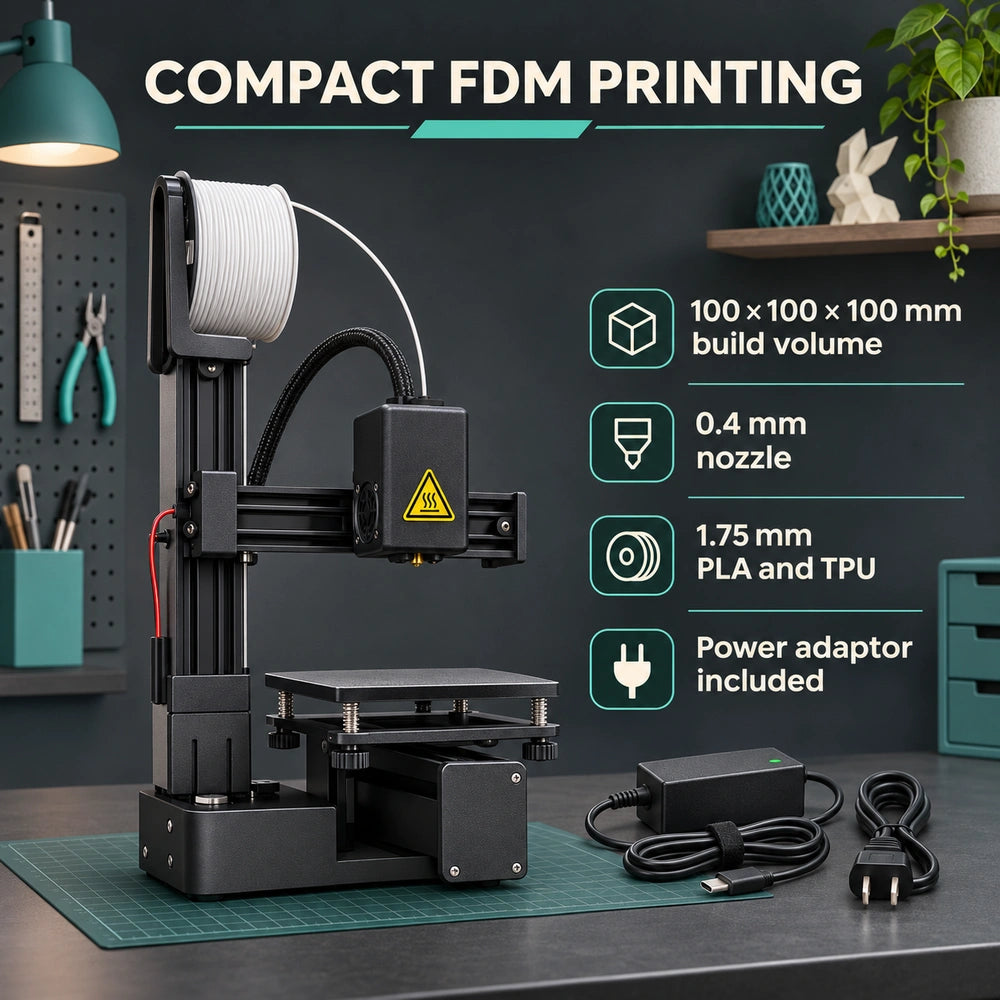
- 100 mm cubic build volume: Create compact models.
- 0.4 mm nozzle: Prints with 1.75 mm PLA and TPU.
- Offline TF-card printing: Run prepared G-code files.
- Manual bed levelling: Adjust the platform before printing.
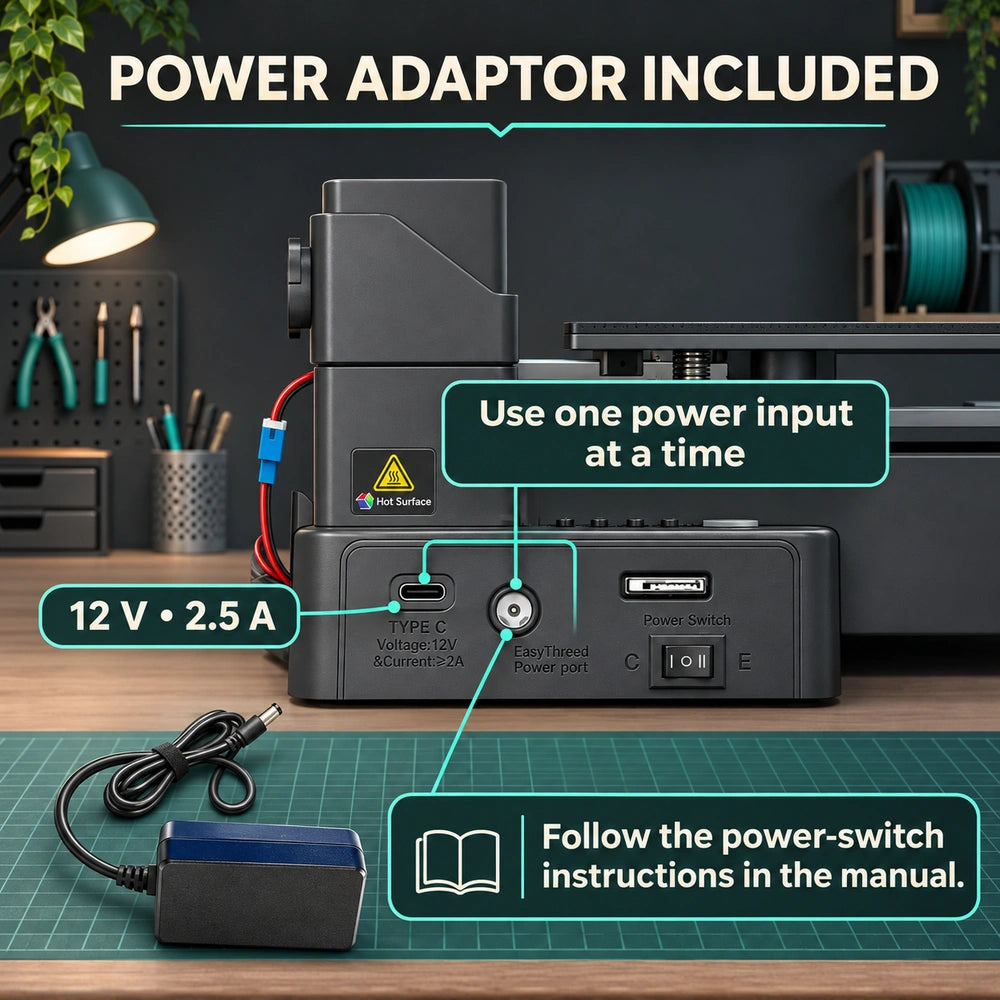
- Power adaptor included: Supplied with a 12 V, 2.5 A power supply.
Frequently asked questions about the 3D Printer for Beginners
What can I make with this beginner 3D printer?
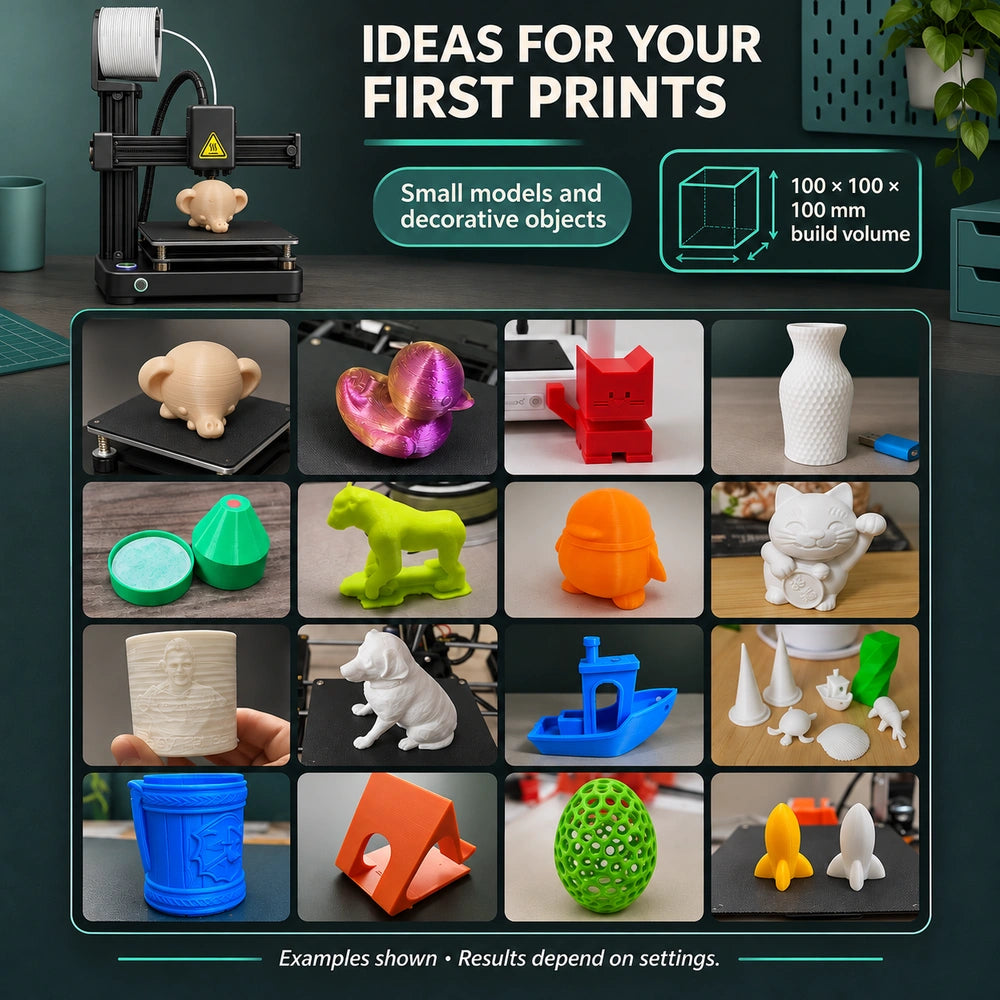
You can print models that fit within a 100 × 100 × 100 mm build volume, including small figurines, decorative objects and DIY designs. Check the dimensions in your slicing software before saving the file, allowing room for any supports your model needs.
Which filament does it use?
The printer works with 1.75 mm PLA and TPU filament. Check both the material and diameter when buying replacement filament, then select the appropriate settings in your slicer. The kit includes 10 m of PLA starter filament for your first projects.
How do I prepare and transfer a model for printing?
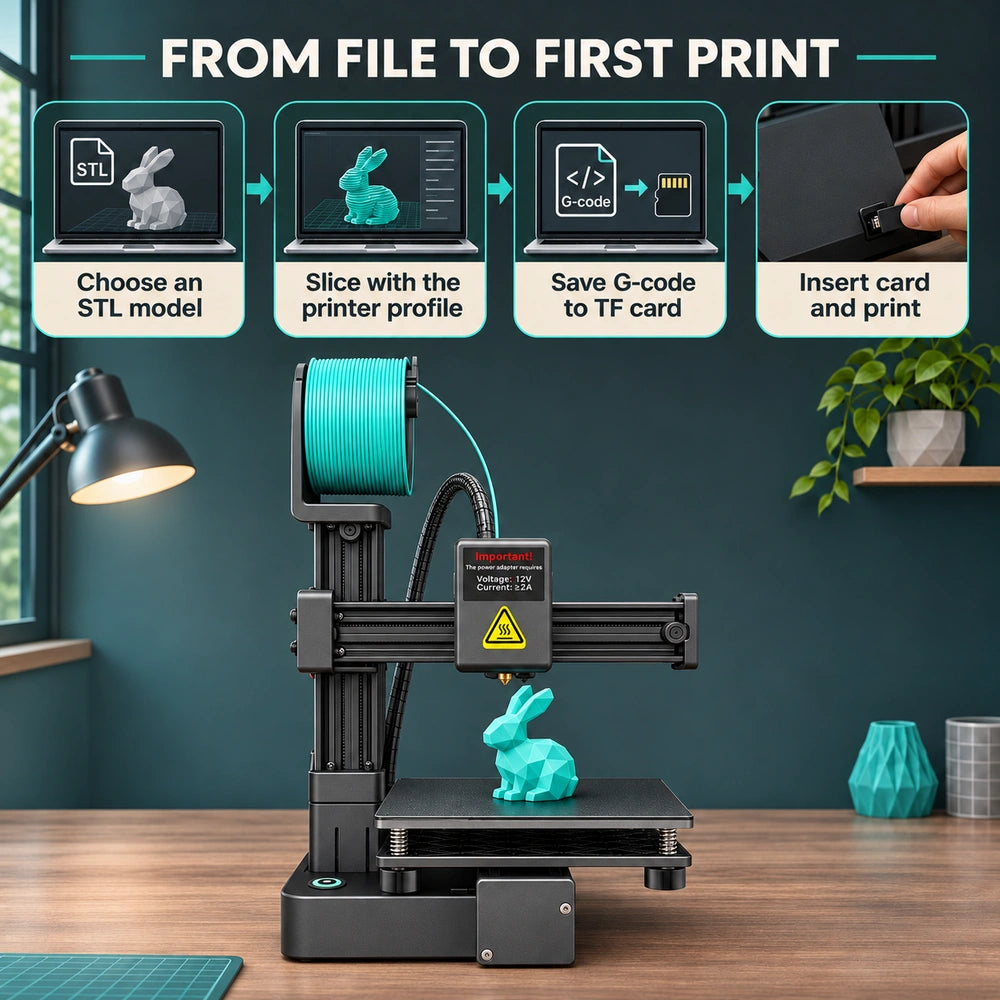
Prepare an STL model in Easyware or Cura using the correct printer profile, then save the resulting G-code to your TF card. Insert the card into the printer to print offline. Follow the included software tutorial when configuring your first slicing profile.
Does the printer connect through Wi-Fi or Bluetooth?
This printer uses offline TF-card operation and has no Wi-Fi or Bluetooth connectivity. Prepare your files on a computer, transfer the G-code to the card and insert it into the printer. The TF card also contains software, instructions and teaching videos.
Does the print bed need manual levelling?
Yes, you level the platform by hand before printing. Follow the levelling video and check the nozzle gap at each adjustment point using a sheet of paper. Recheck the level if the first layer fails to stick or the nozzle scrapes the platform.
What comes with the printer?
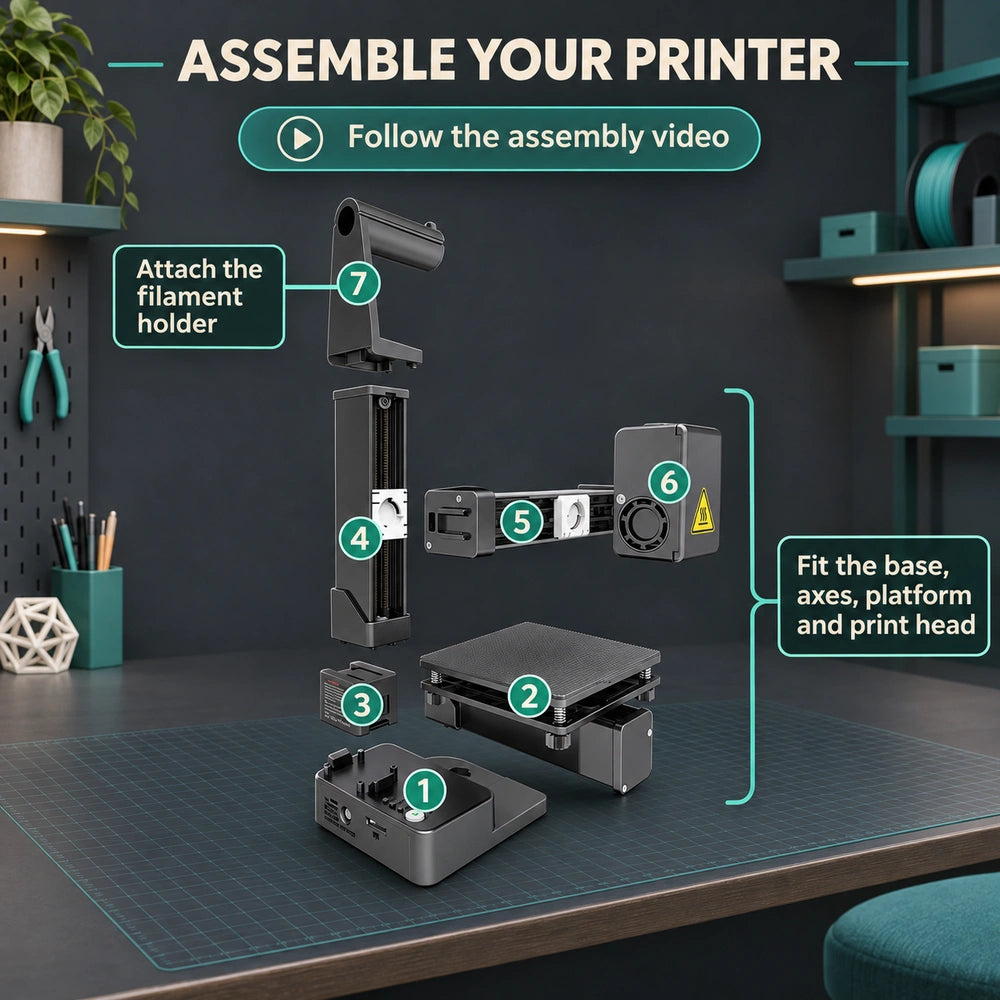
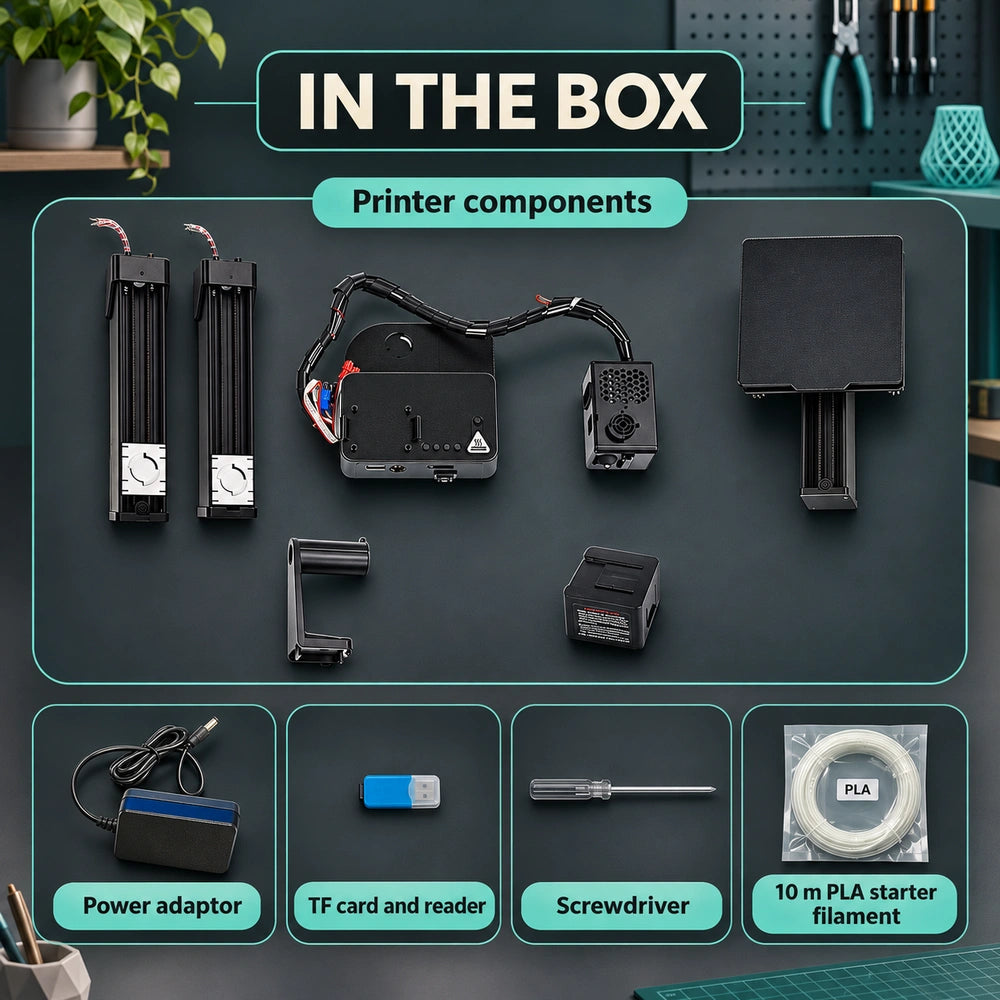
The kit includes the printer components, filament holder, power adaptor, TF card and reader, screwdriver and 10 m of PLA filament. Assemble the printer using the teaching video, then complete the levelling and filament-loading steps before starting your first print.
Discover our associated collections: 3d printer
Products to discover next: Mini 3d printer


Chloe –
Bought this mini printer for my kids to learn the basics of 3D printing and they love it. It is compact, quiet, and super easy to operate with the TF card.
Aiden –
Amazing entry-level 3D printer for the price! Setup was super quick right out of the box, and it printed the test model cleanly on the very first try.
Hannah –
Great compact size for a small desk! It came with everything needed to get started right away, including the power adaptor, and works reliably for small DIY projects.
Ryan –
Best budget 3D printer for beginners. Simple controls, lightweight design, and no complicated assembly required before your first print.
Daniel –
Really impressed with how well this little machine handles 1.75mm PLA filament. Once you level the bed properly, the print quality for small figurines is surprisingly sharp.