

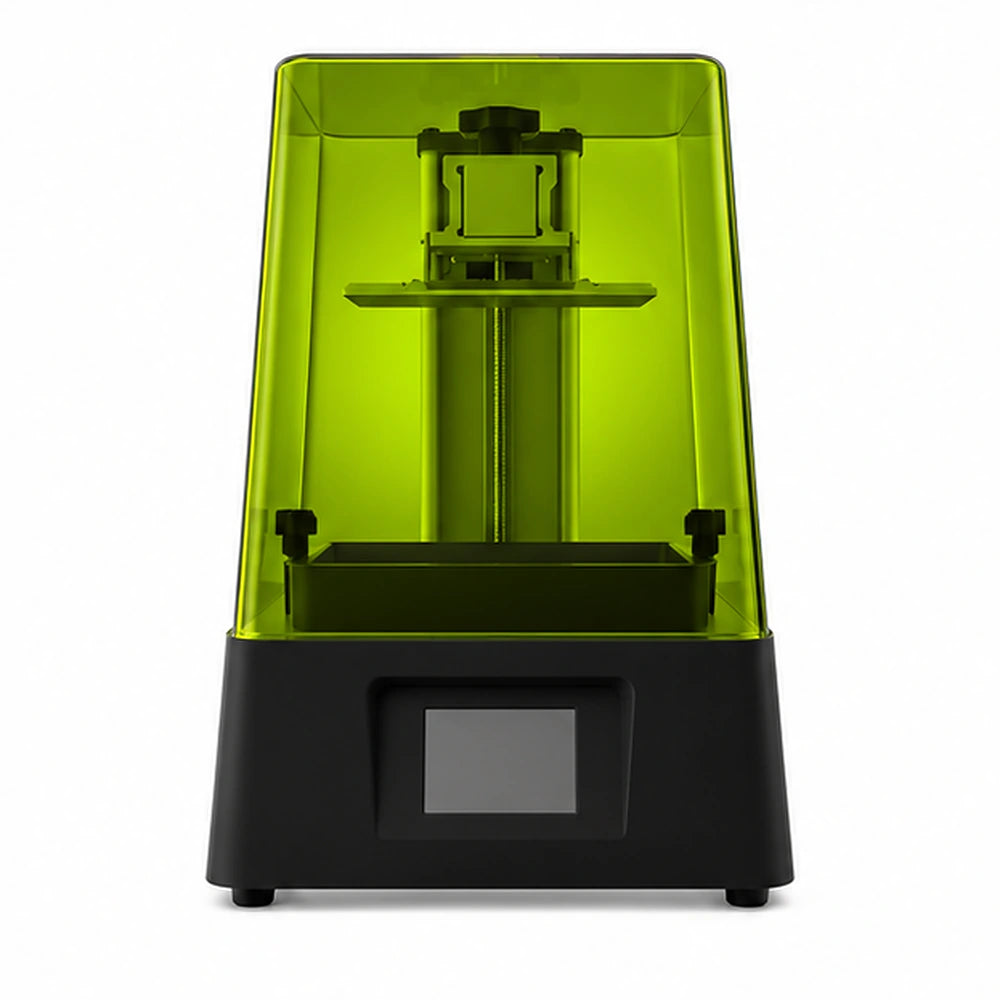
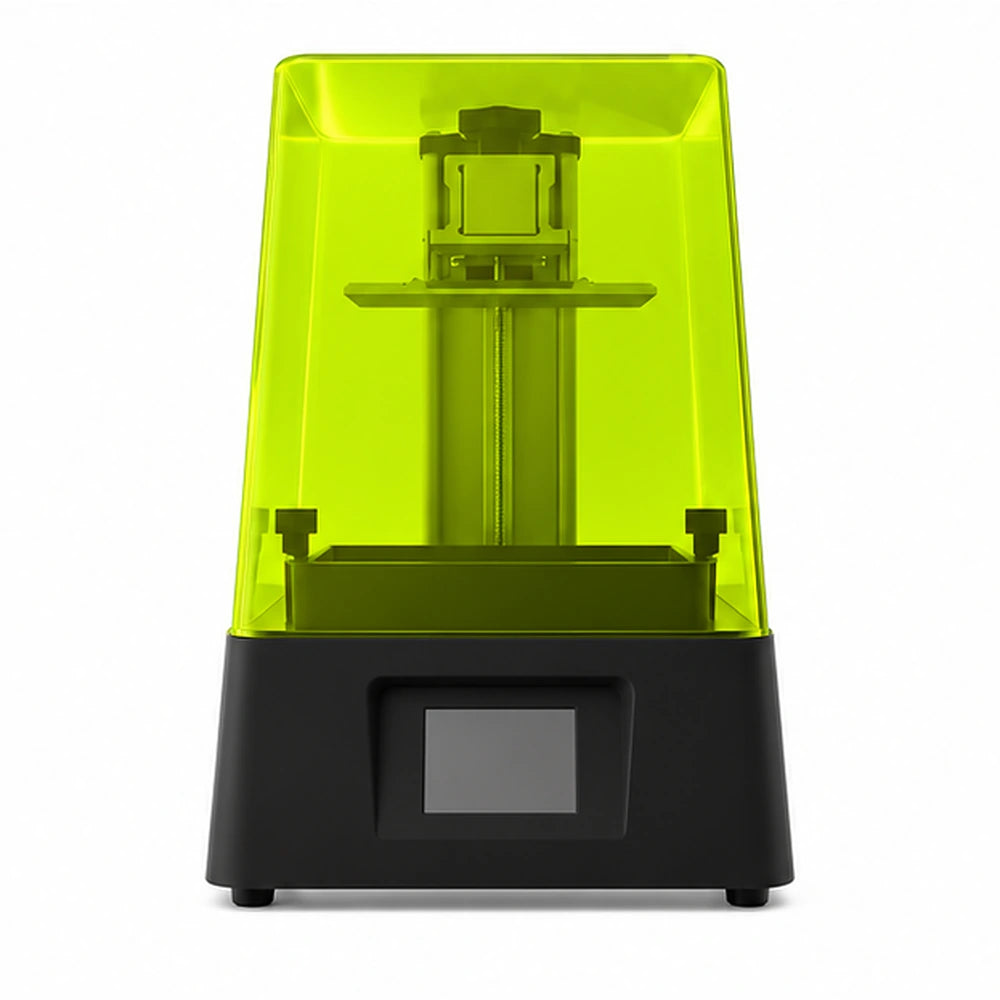
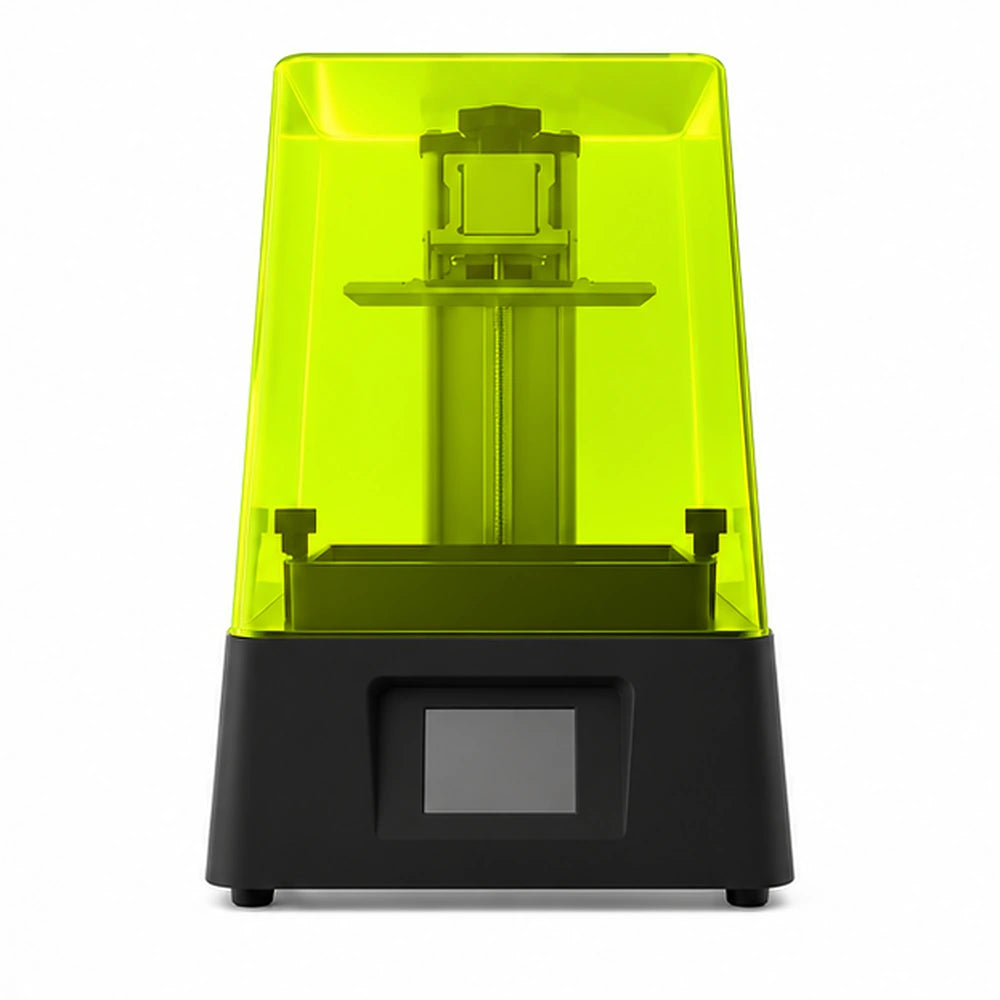
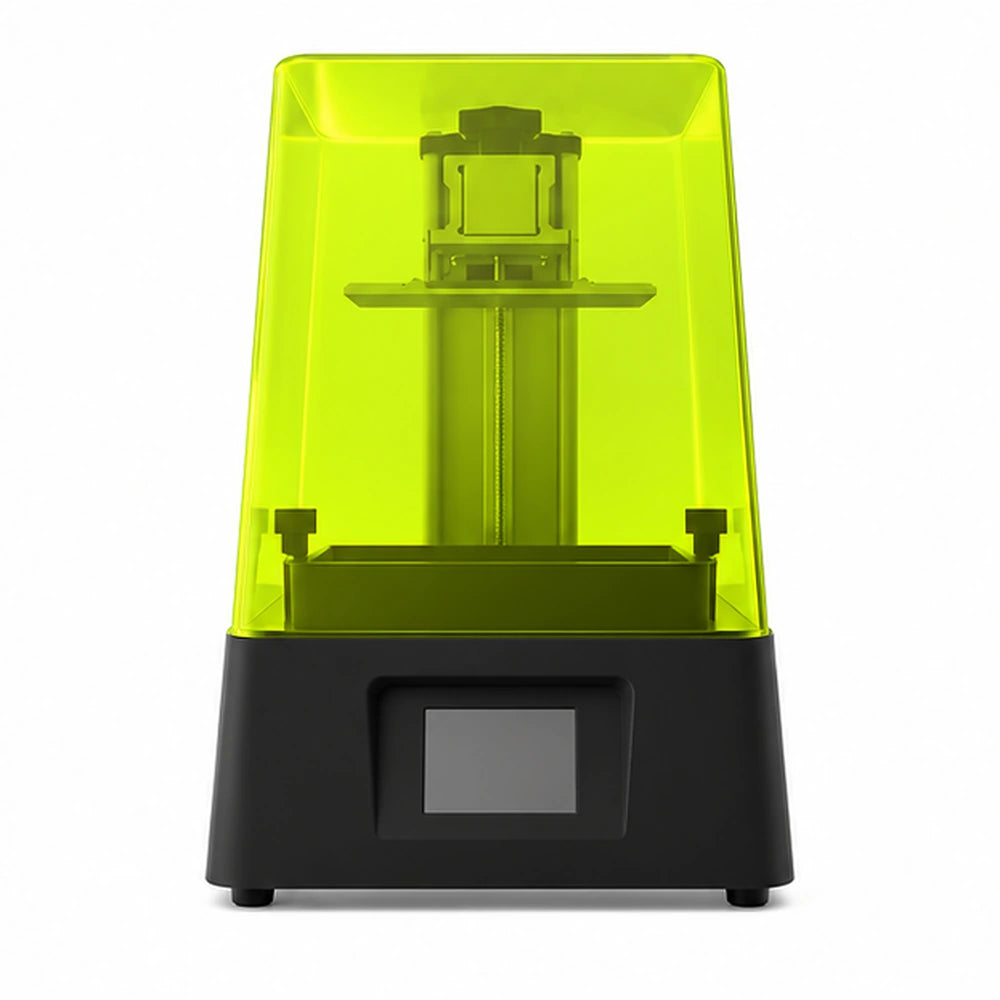
See the fine details of your designs with an 8K 3D printer for jewellery
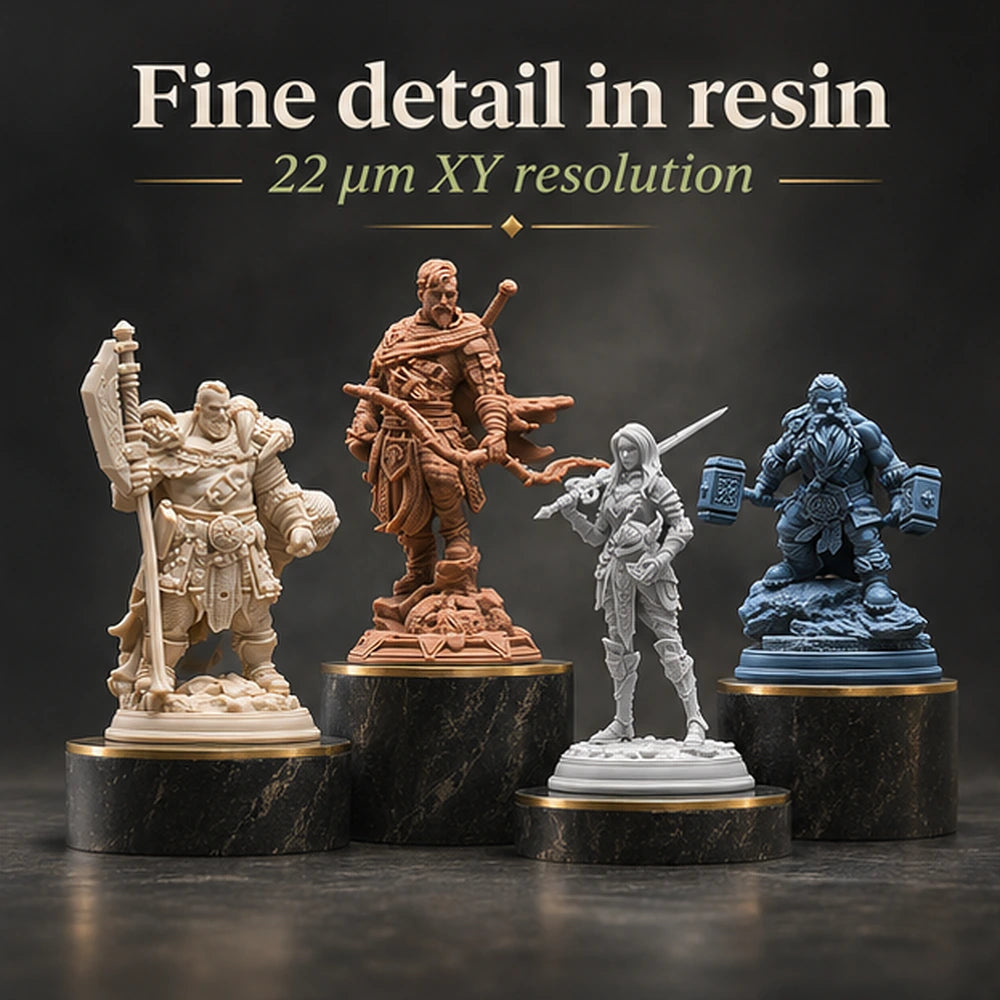
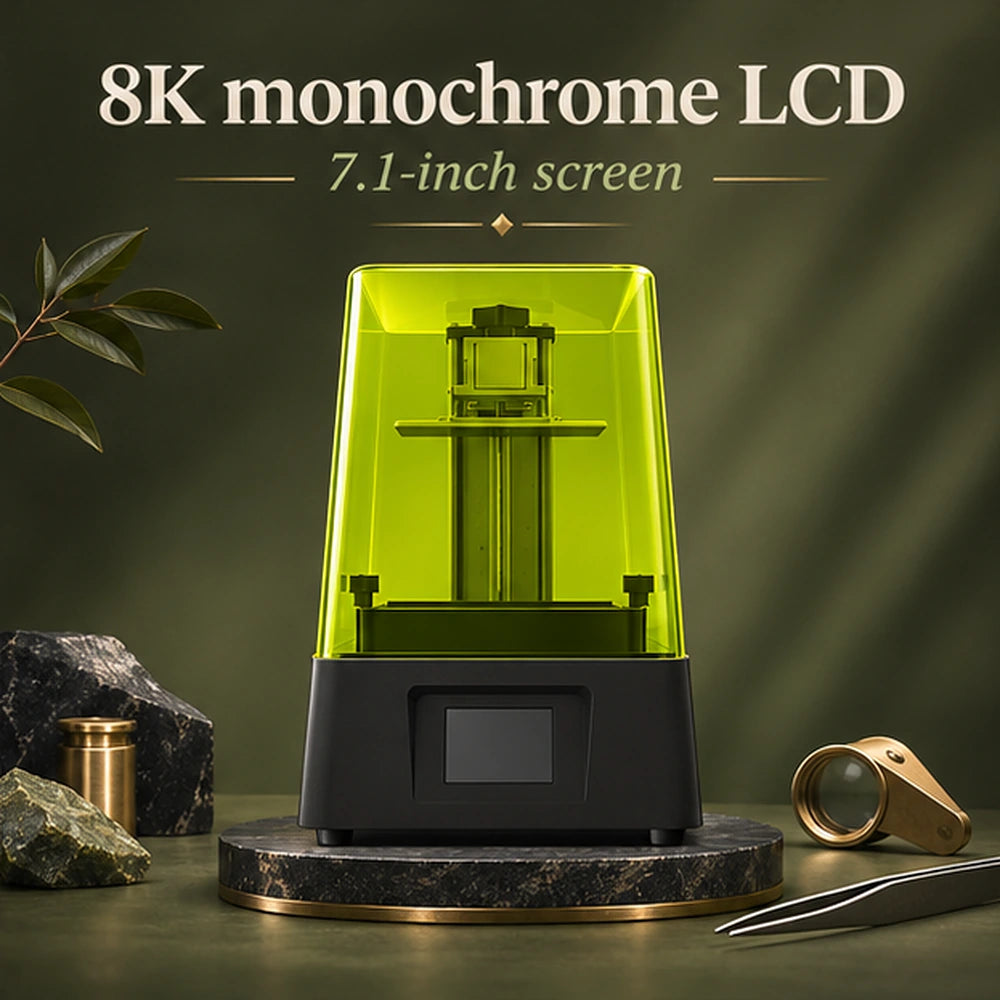
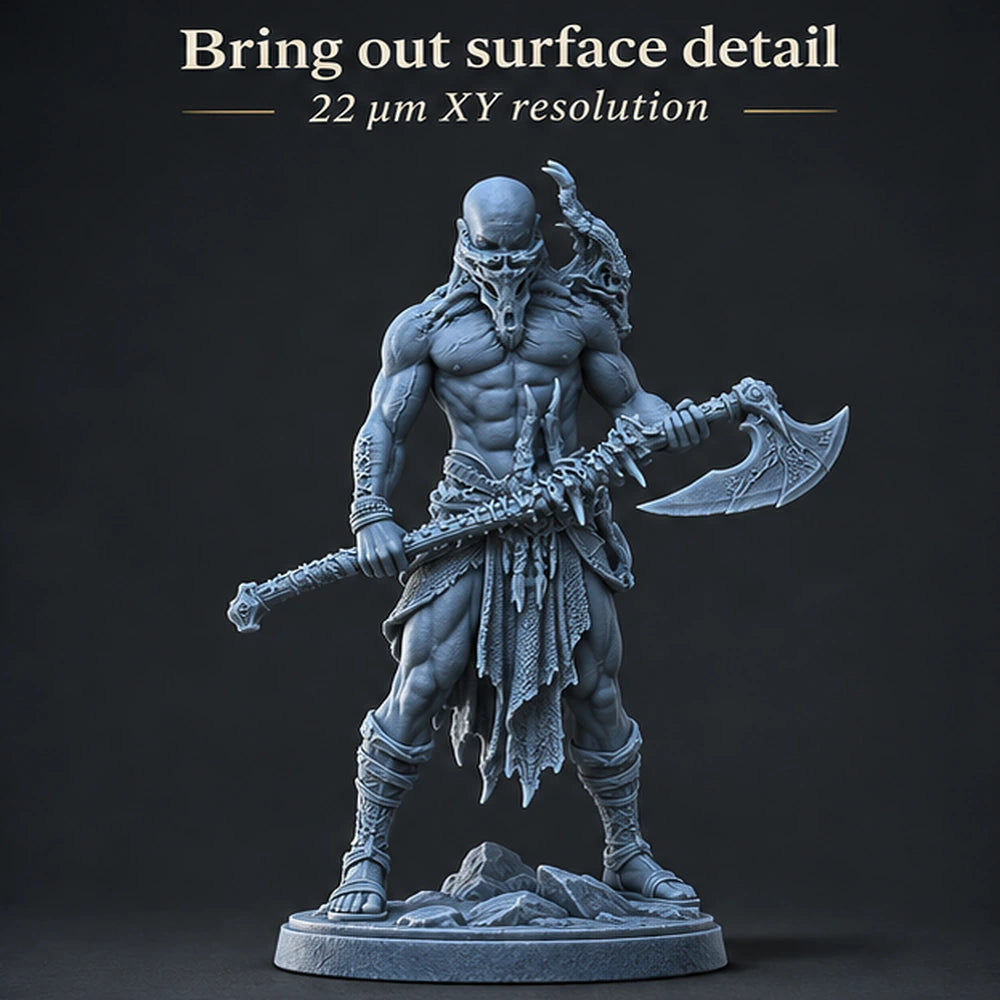
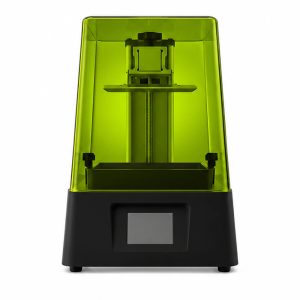
Turn your CAD designs into resin prototypes you can inspect at the bench. This 3D printer for jewellery uses a 7.1-inch 8K monochrome LCD with 22 µm XY resolution for fine details such as lettering on a signet ring or a raised motif on a pendant. Hold the print under your bench light, check the profile from the side and see how the details sit together before you commit to the next version. You can also show a customer the shape and relief before refining the design.
Compare resin prototypes side by side
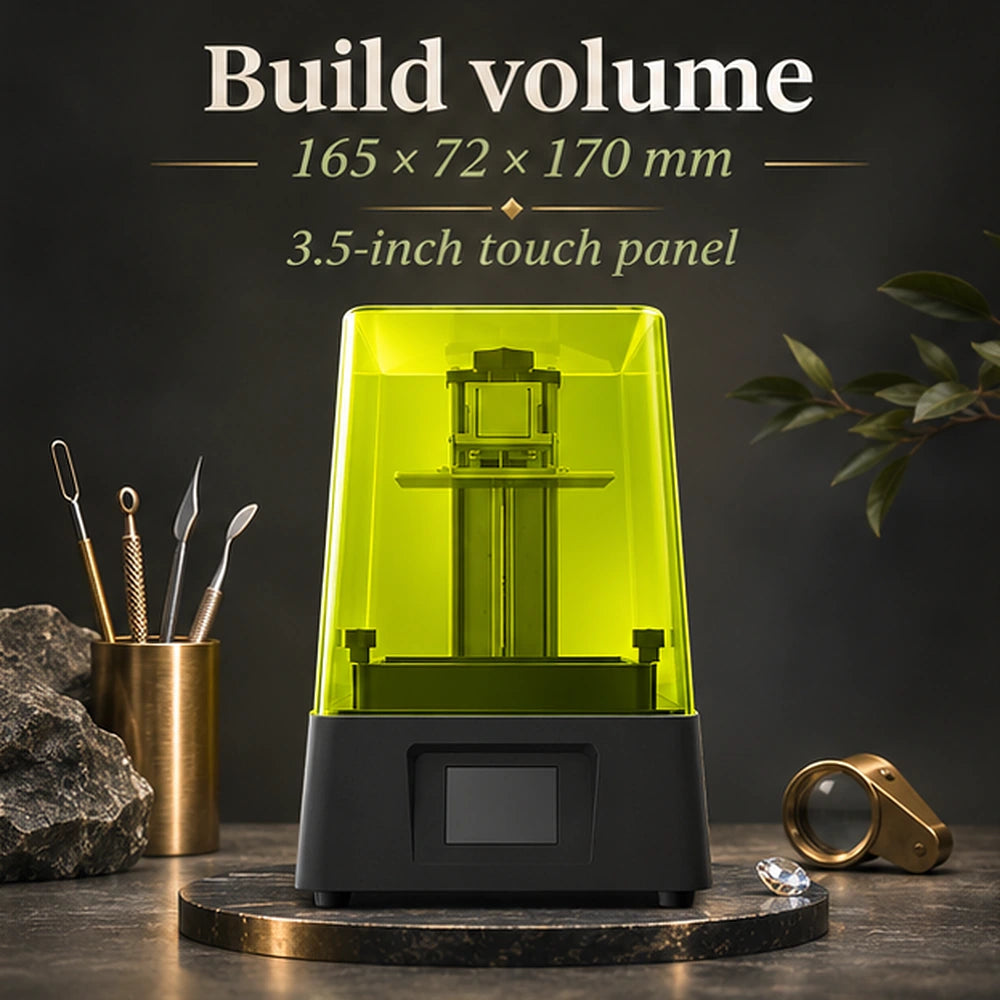
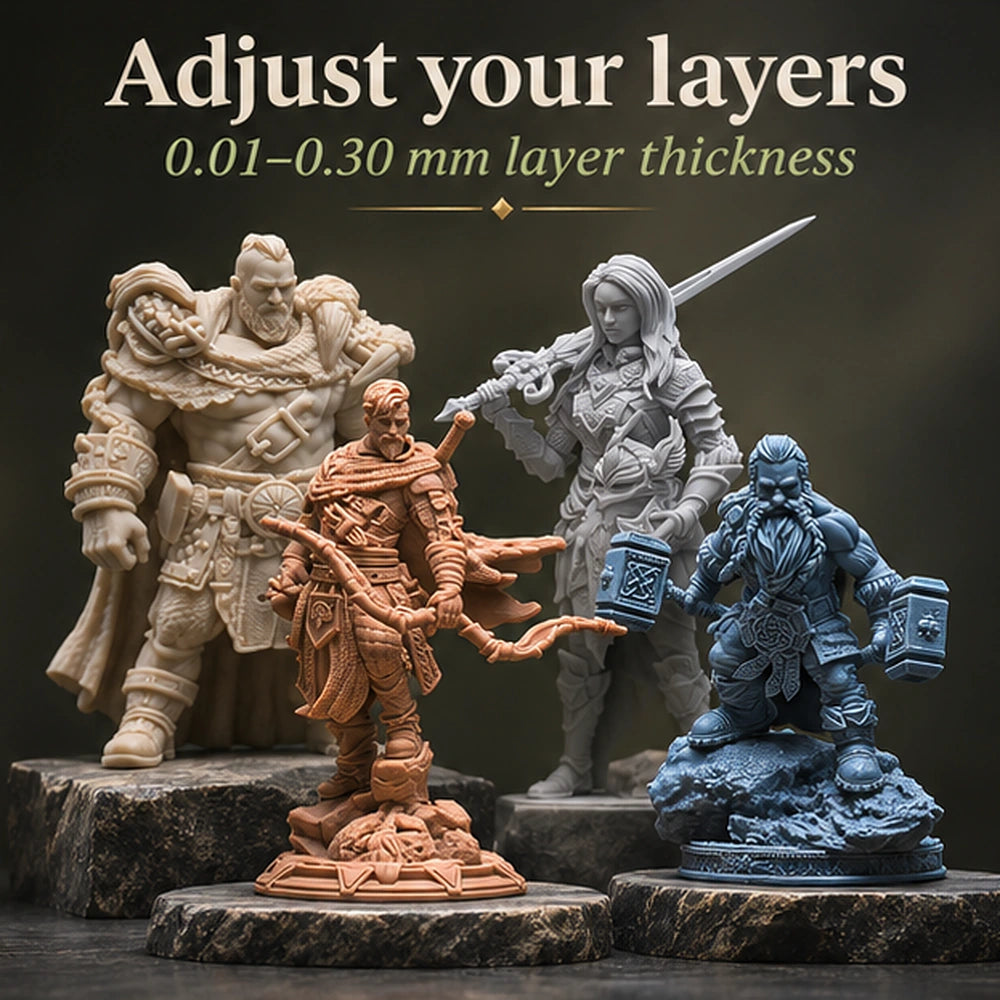
Use the 165 × 72 × 170 mm build volume to lay out several small designs together when they fit with their supports. You could print two versions of a ring to compare the band widths, or put a pendant beside its matching earring design to check the proportions. Adjust the layer thickness in your slicer and use the 3.5-inch touch panel to operate the printer.
- 8K LCD: Exposes resin layers.
- 22 µm XY resolution: Captures fine surface detail.
- 0.01–0.30 mm layers: Adjust layer height for each job.
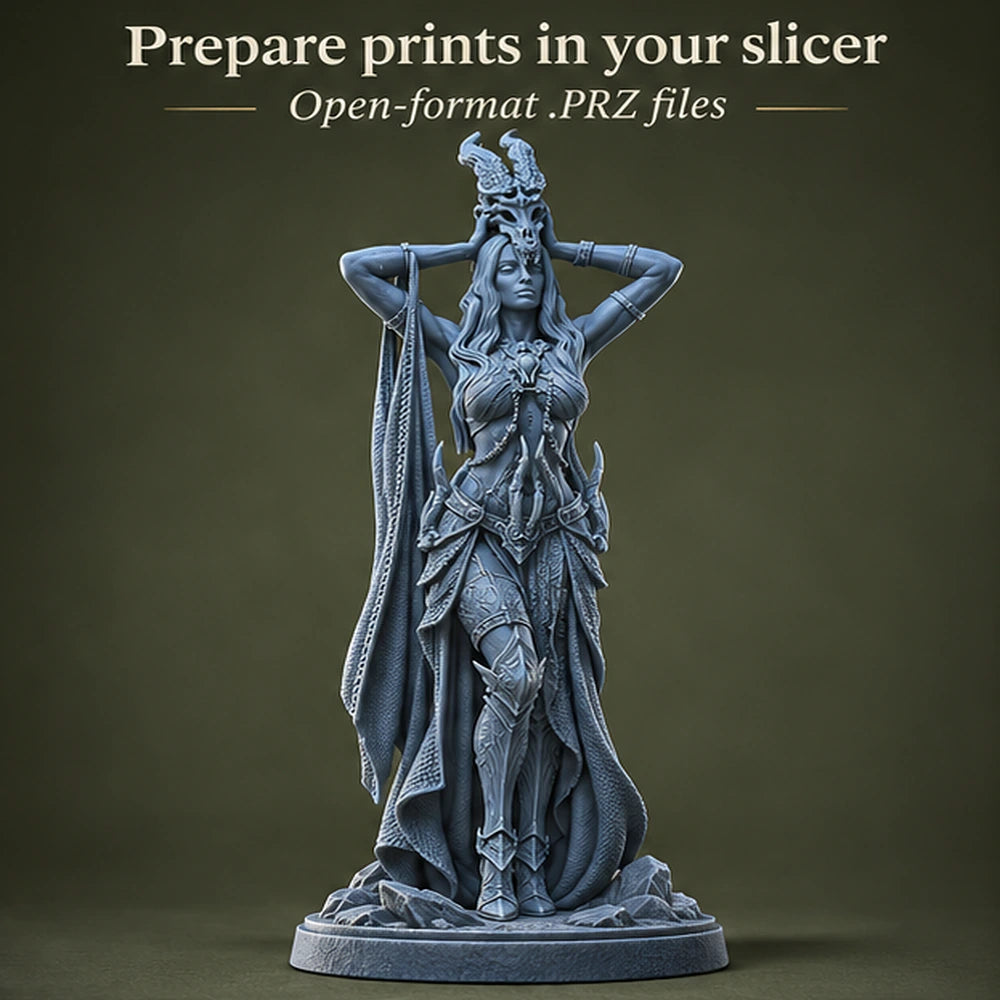
- Open-format .PRZ: Use compatible slicer exports.
Frequently asked questions about the 3D Printer for Jewellery
Can I print gold or silver jewellery directly?
This printer makes models in resin. To produce a gold or silver piece by investment casting, you need a compatible castable resin and a separate casting process. If you work with a casting house, check which resins it accepts before making your pattern.
Will my design fit on the build plate?
The usable print volume is 165 × 72 × 170 mm. Check your model after orienting it in the slicer, with its supports and any raft in place. Rotating a design can change how much space it uses across the plate and how tall the job becomes.
Which slicers can I use to prepare my print?
You can prepare prints with Chitubox, Lychee or VoxelDance Tango. Select the matching printer profile in the slicer and check that your version can export the open-format .PRZ print file. Use the slicer preview to check the orientation and supports before printing.
How much bench space does the printer need?
The printer measures 29 × 29 × 43 cm and weighs 10 kg. Allow extra room above the machine to lift the cover, plus room beside it to set down the build plate or resin vat while you work.
Discover our associated collections: 3d printer
Products to discover next: 3d printer enclosure


Reviews
There are no reviews yet.