

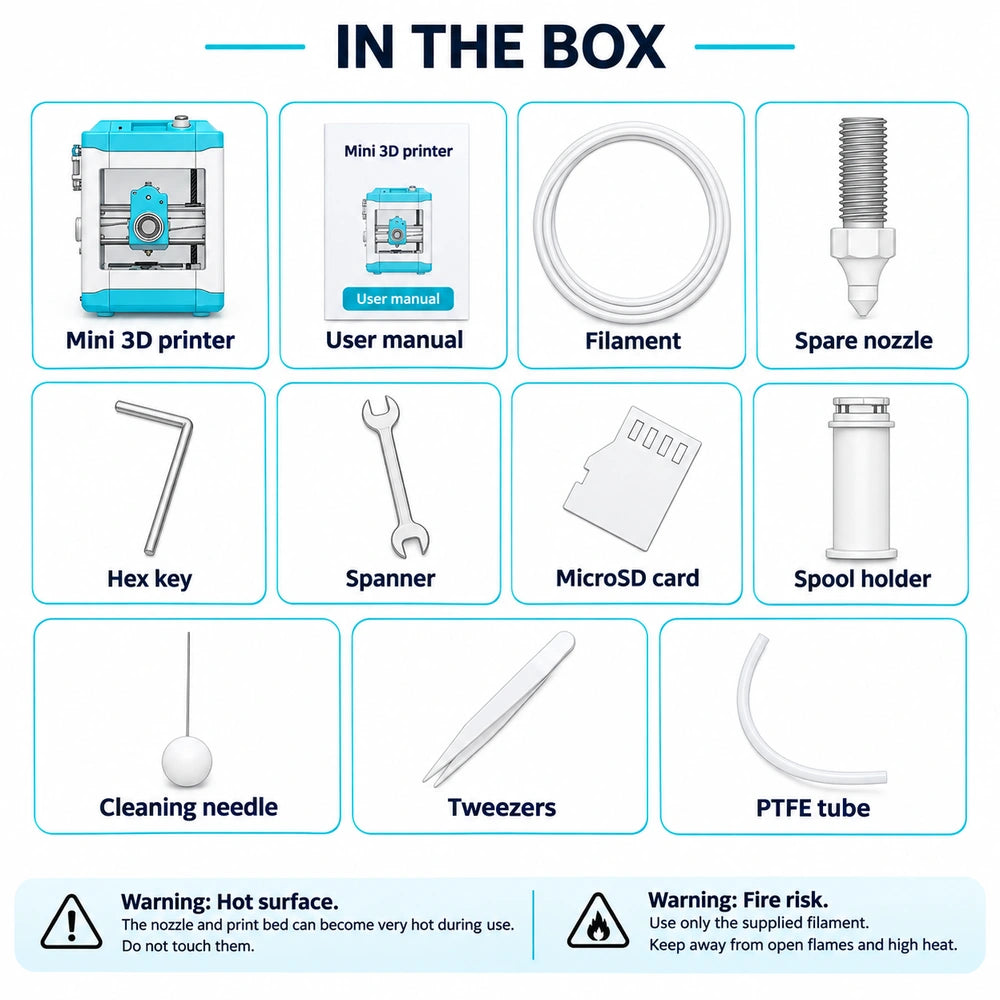
Turn small ideas into models with this mini 3D printer
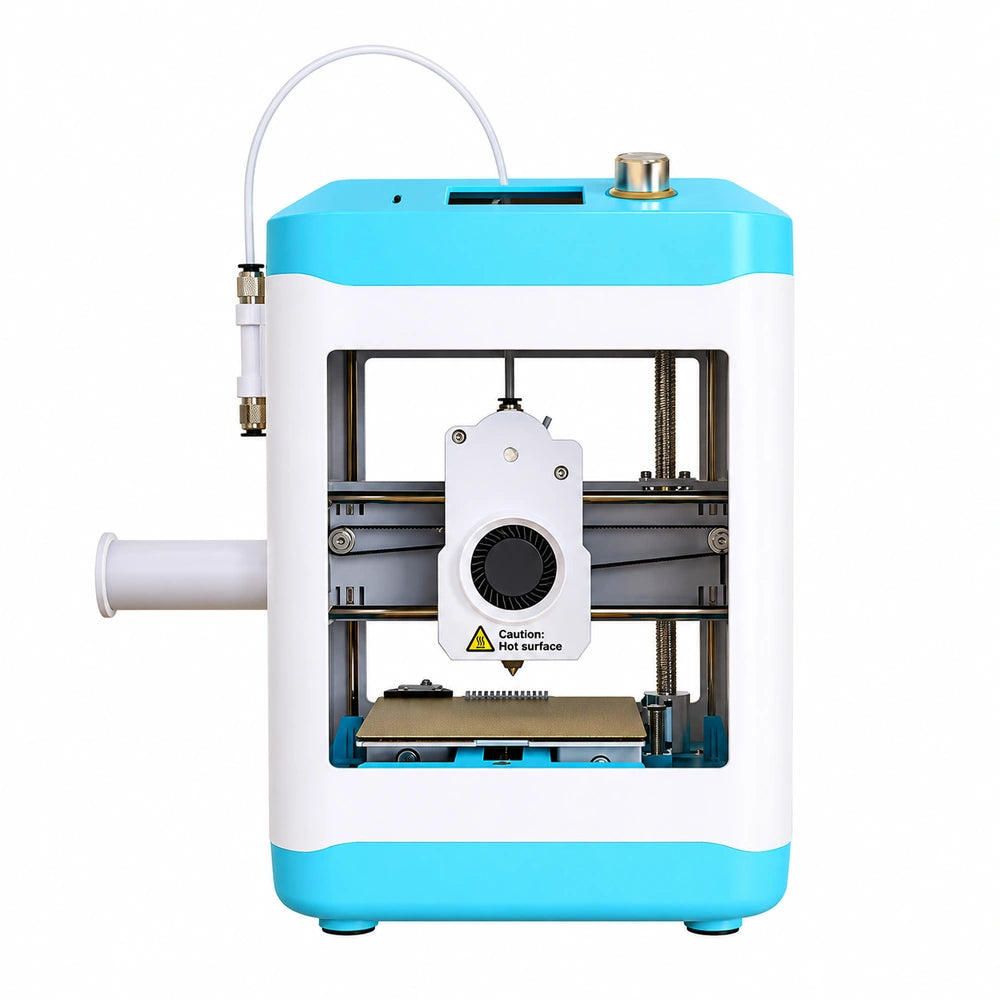
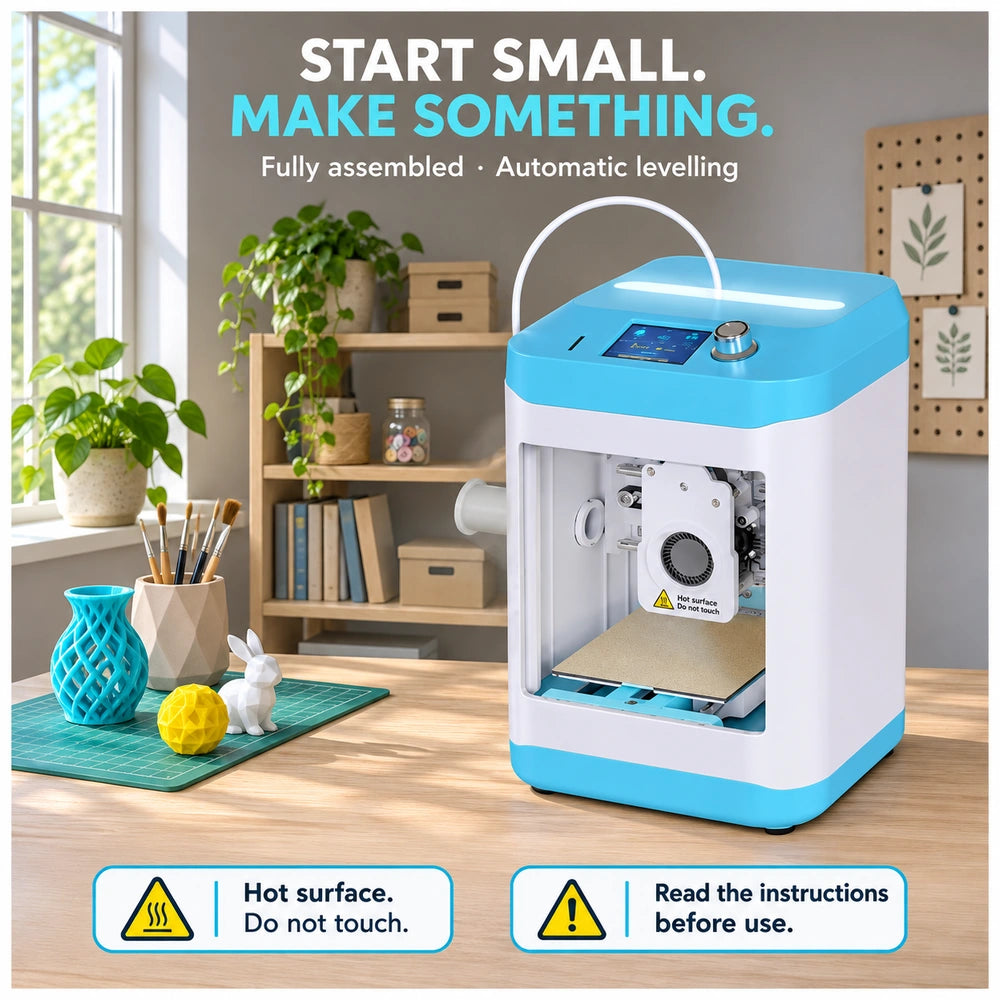
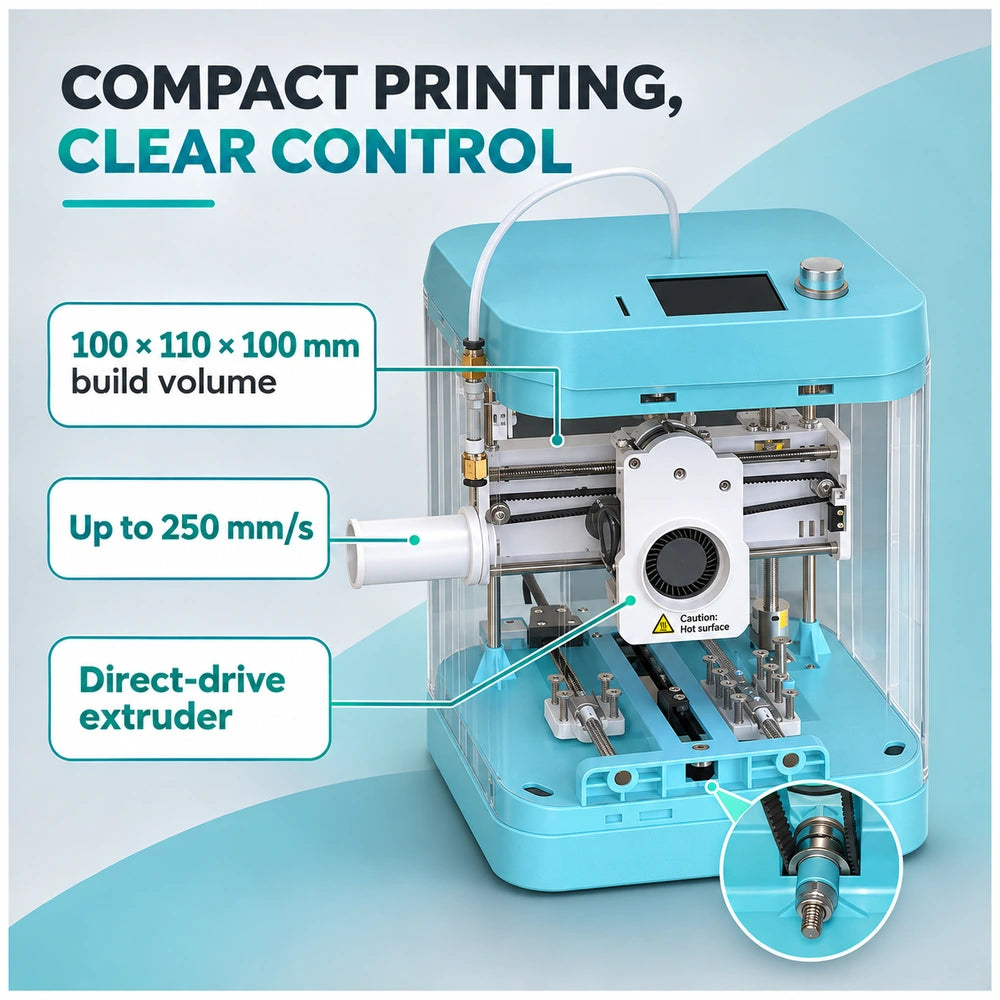
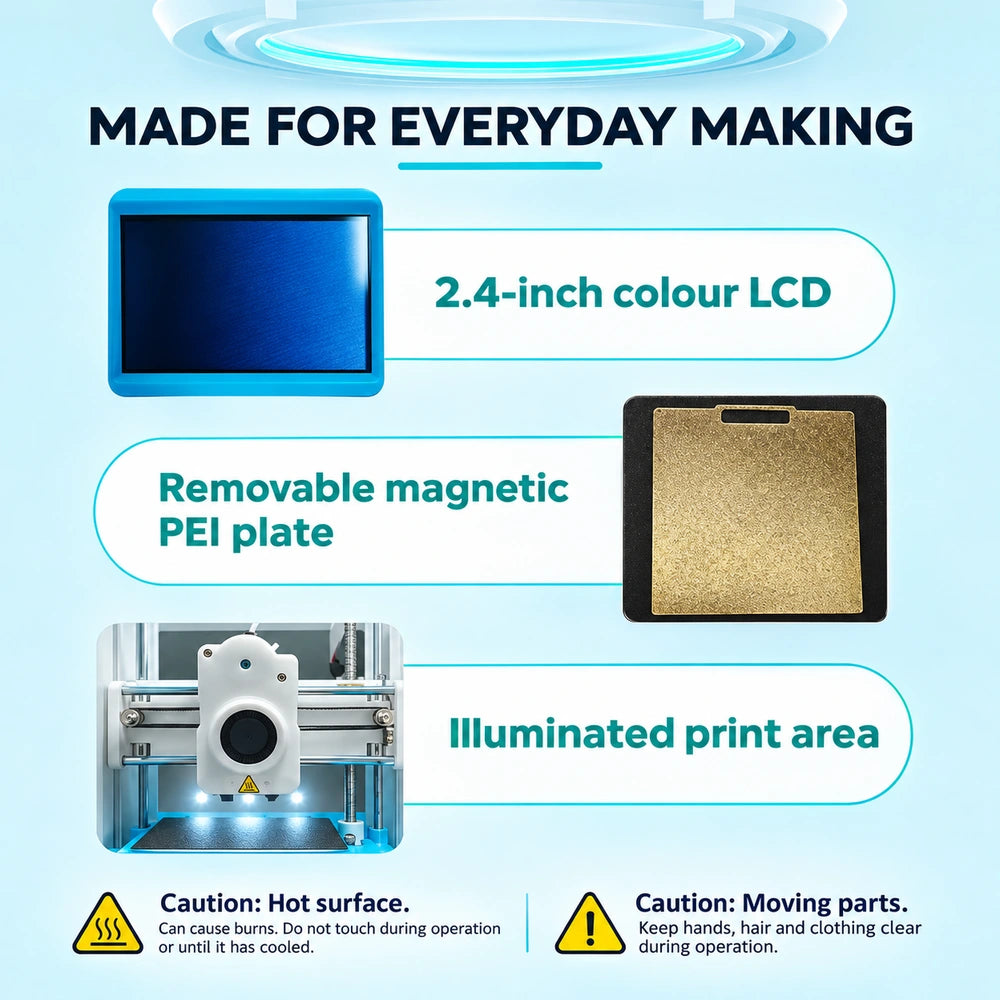
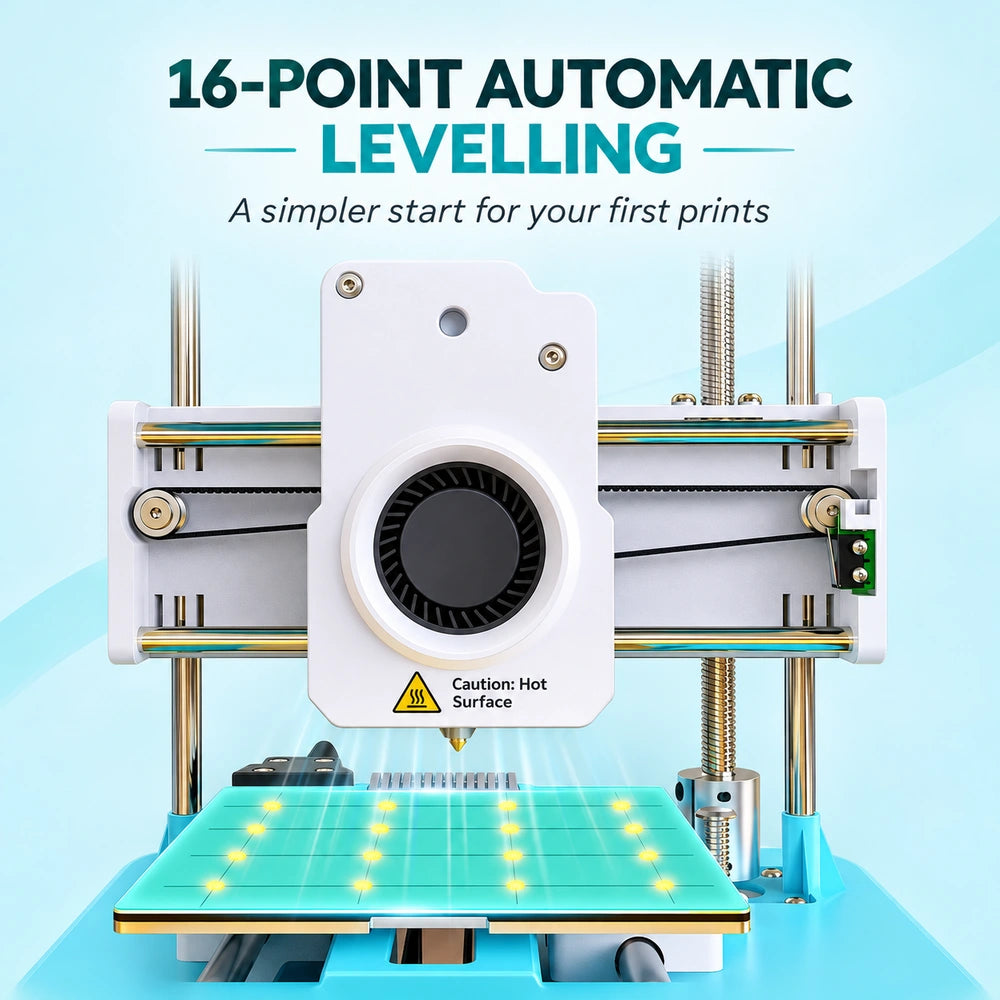
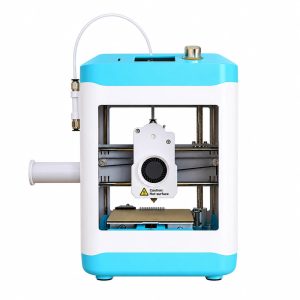
Start creating with a mini 3D printer designed for your first projects. It arrives fully assembled, with a 2.4-inch colour LCD and rotary control for everyday operation. Automatic 16-point bed levelling simplifies preparation, while the 100 × 110 × 100 mm build volume gives you room for miniature figures, small prototypes and decorative pieces.
Direct-drive printing with an easy-to-remove PEI plate
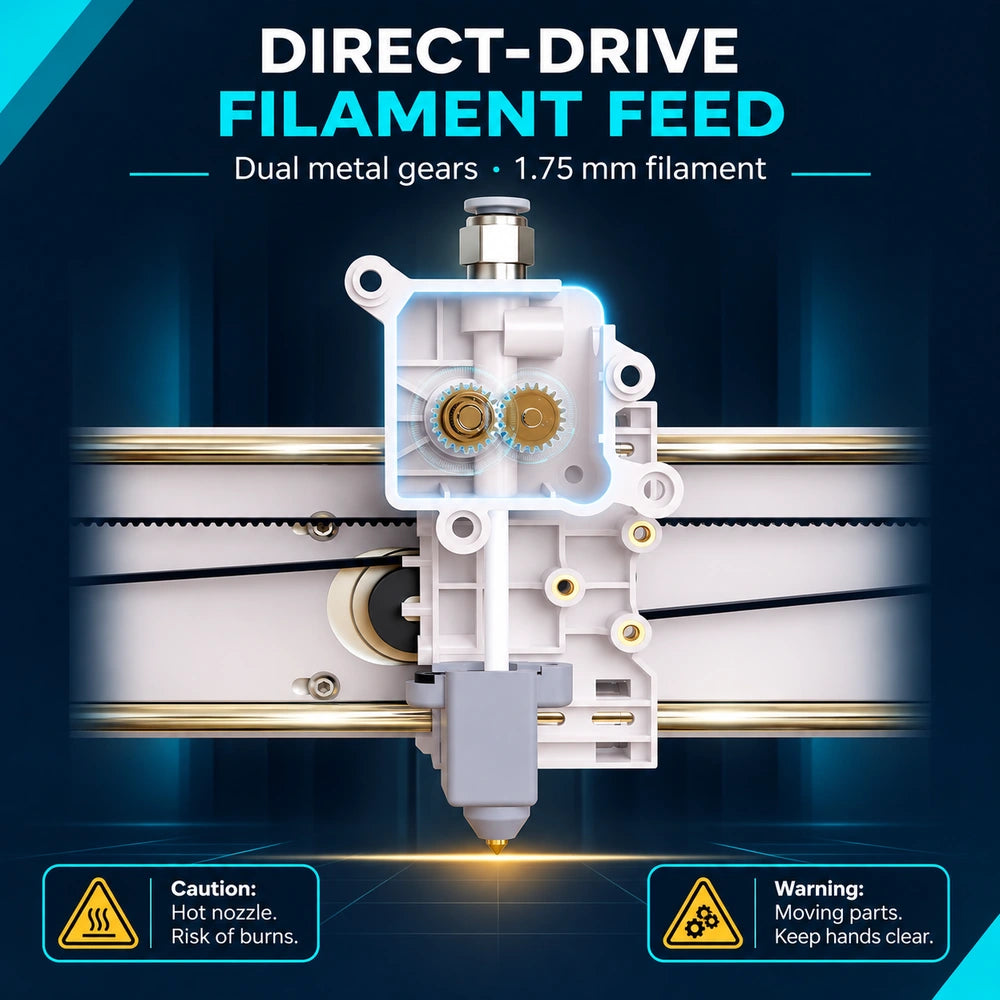
Prepare your model in Cura, save it as G-code and explore FDM printing with 1.75 mm filament. The direct-drive extruder feeds material close to the nozzle, and the removable magnetic PEI plate lets you lift the printing surface out when a model is ready to remove. Built-in lighting helps you watch your project take shape. Adjust your print settings to suit the model, material and finish you want.
- Automatic levelling: 16-point preparation reduces manual bed adjustment.
- Heated platform: Bed up to 60°C and nozzle up to 230°C.
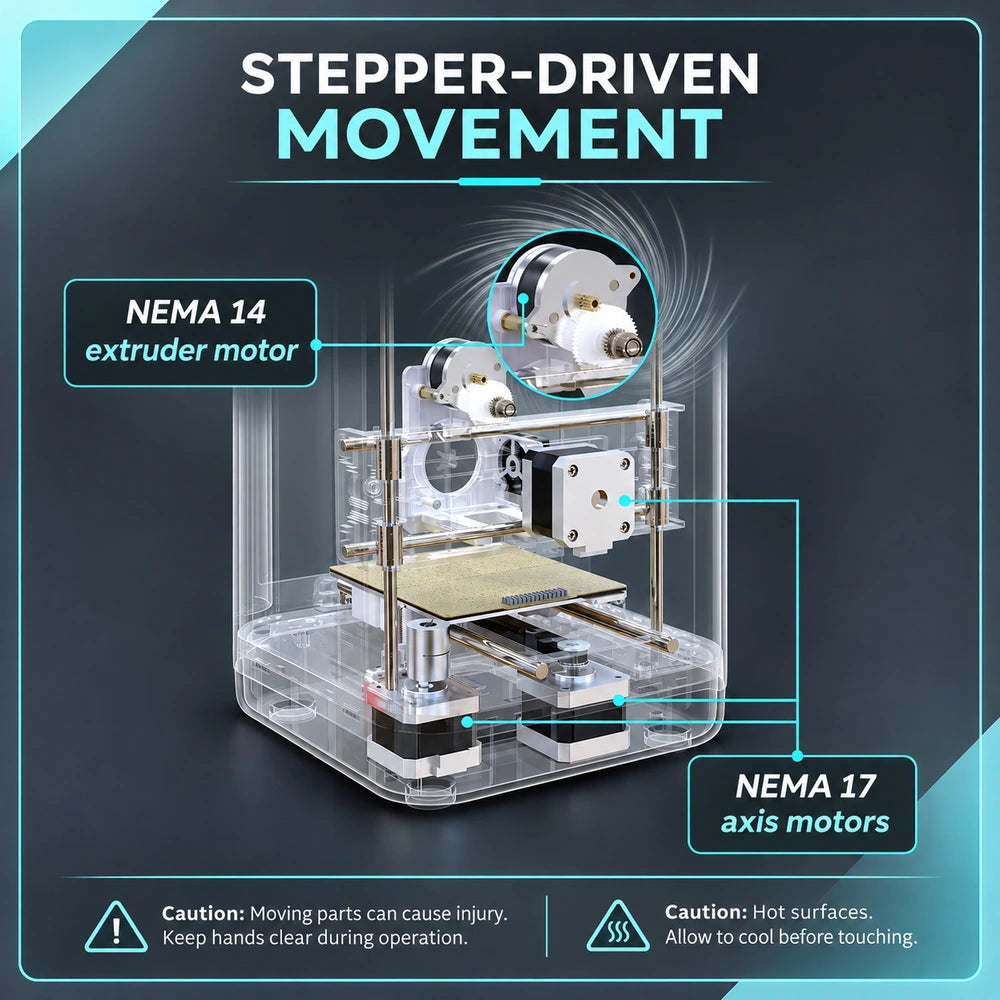
- Direct-drive extrusion: Dual metal gears feed 1.75 mm filament.
- Removable PEI plate: Flex the magnetic surface to help release cooled prints.
- Print speed: 150 mm/s standard specification, with a maximum of 250 mm/s.
Frequently asked questions about the Mini 3D Printer
Does the mini 3D printer need assembling?
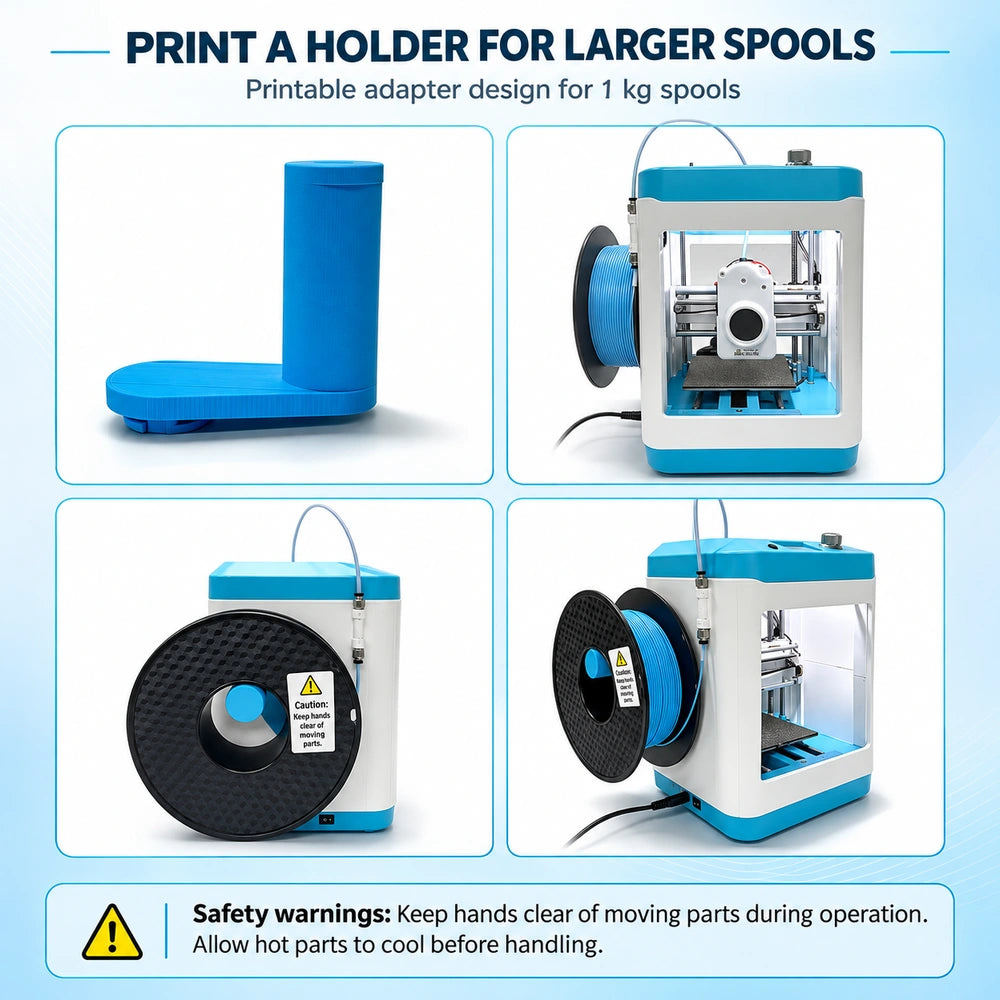
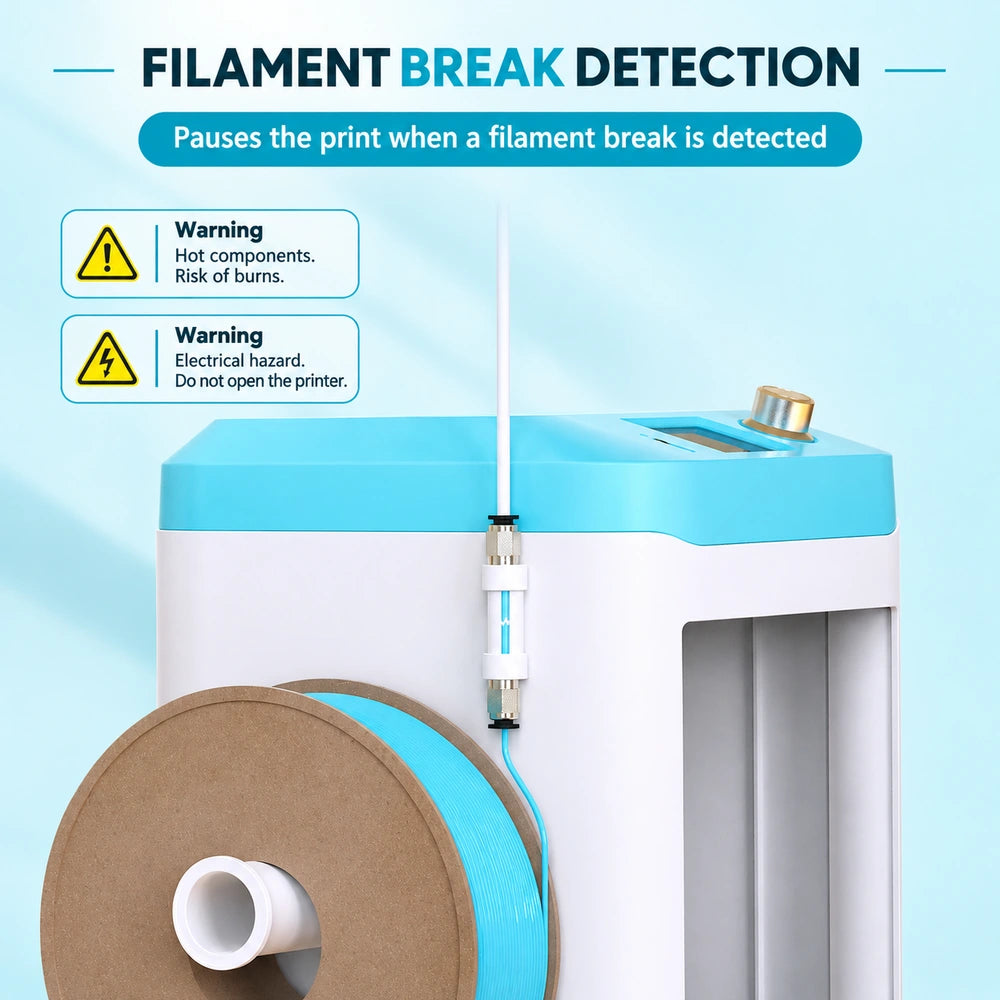
The printer arrives fully assembled. Follow the setup instructions, fit the filament holder, load your filament and run the levelling routine before printing. The colour LCD and rotary control let you access the printer’s settings directly.
How large a model can I print?
The maximum build volume is 100 × 110 × 100 mm. Your model needs to fit within those dimensions, including any supports or bed-adhesion structures added during slicing. This volume suits miniature figures, small decorations and compact prototypes.
Which filament does it use?
The printer uses 1.75 mm filament and supports PLA, PETG, ABS+ and TPU. Choose a filament whose printing requirements fit the 230°C maximum nozzle temperature and 60°C maximum bed temperature. Use settings suited to that particular material.
Does this mini 3D printer have Wi-Fi?
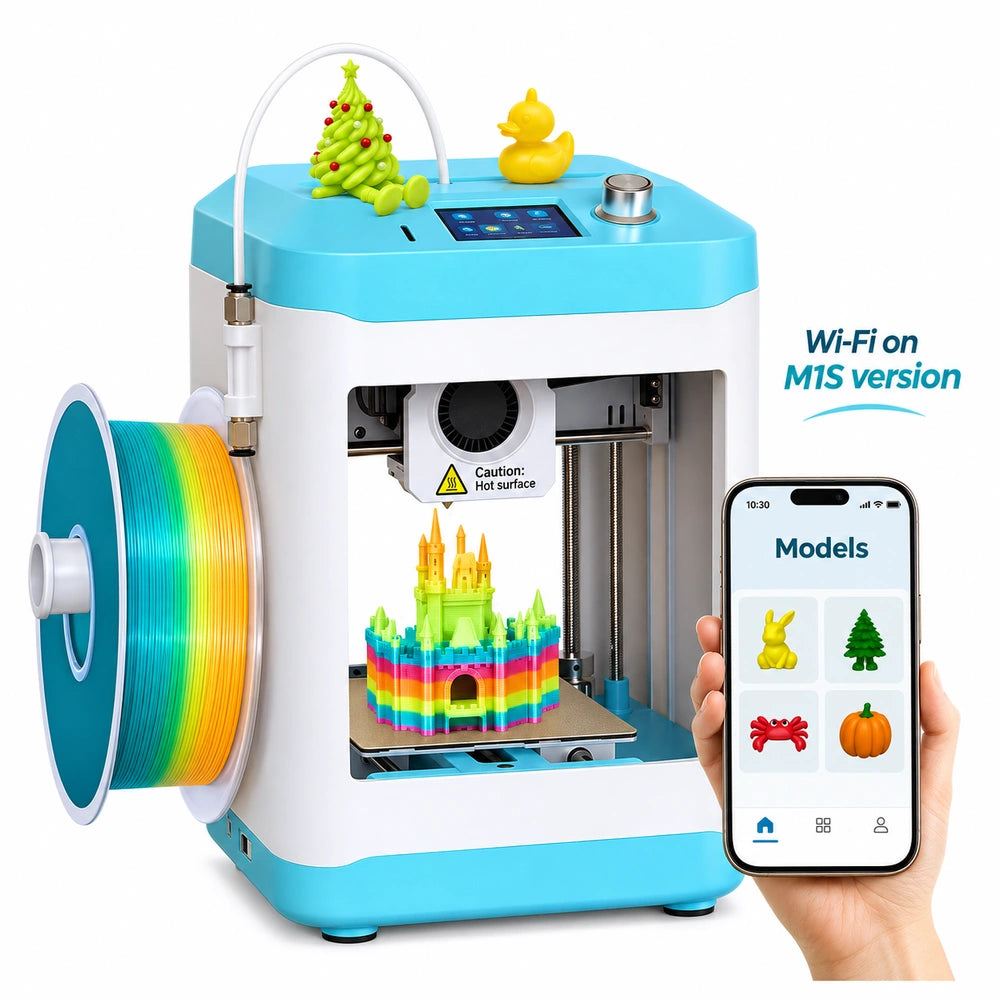
Wi-Fi is available on the M1S version. Choose that version if wireless connectivity matters to your workflow. The standard M1 provides USB and memory-card interfaces, so check the selected version before placing your order.
What software and files do I need?
You can prepare your models in Cura and export them as G-code for printing. Slicing turns the model into printing instructions, including layer settings, temperature and movement. Check the model’s orientation and dimensions before exporting your file.
Will every model print at 250 mm/s?
250 mm/s is the maximum printing speed. The suitable speed depends on the filament, model geometry and finish you want. Use your slicing settings to adjust speed for each project, especially when printing small details or flexible materials.
Discover our associated collections: 3d printer
Products to discover next: 3d printer scanner


Reviews
There are no reviews yet.