

3D Printer Tool Kit for removing and finishing prints
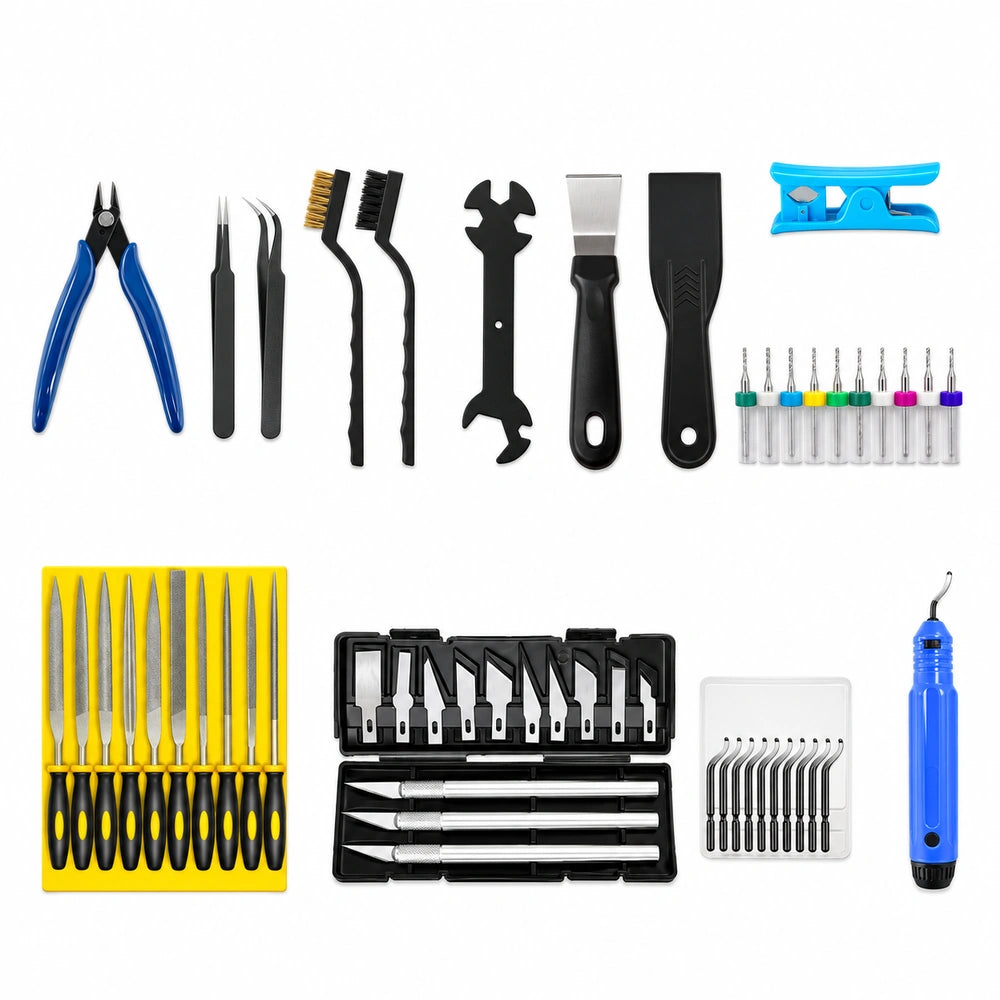
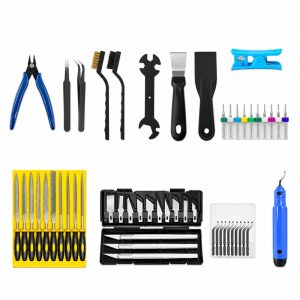
Keep this 53-piece 3D printer tool kit beside your machine for the jobs that come before and after a print. Lift finished parts with a removal scraper, snip away supports with the precision cutters and tidy the small marks they leave behind with a needle file. The kit covers everyday bench work for filament and resin printing, so you can go from a part on the build plate to a model ready for painting, assembly or display.
Clean your FDM nozzle and tidy awkward details
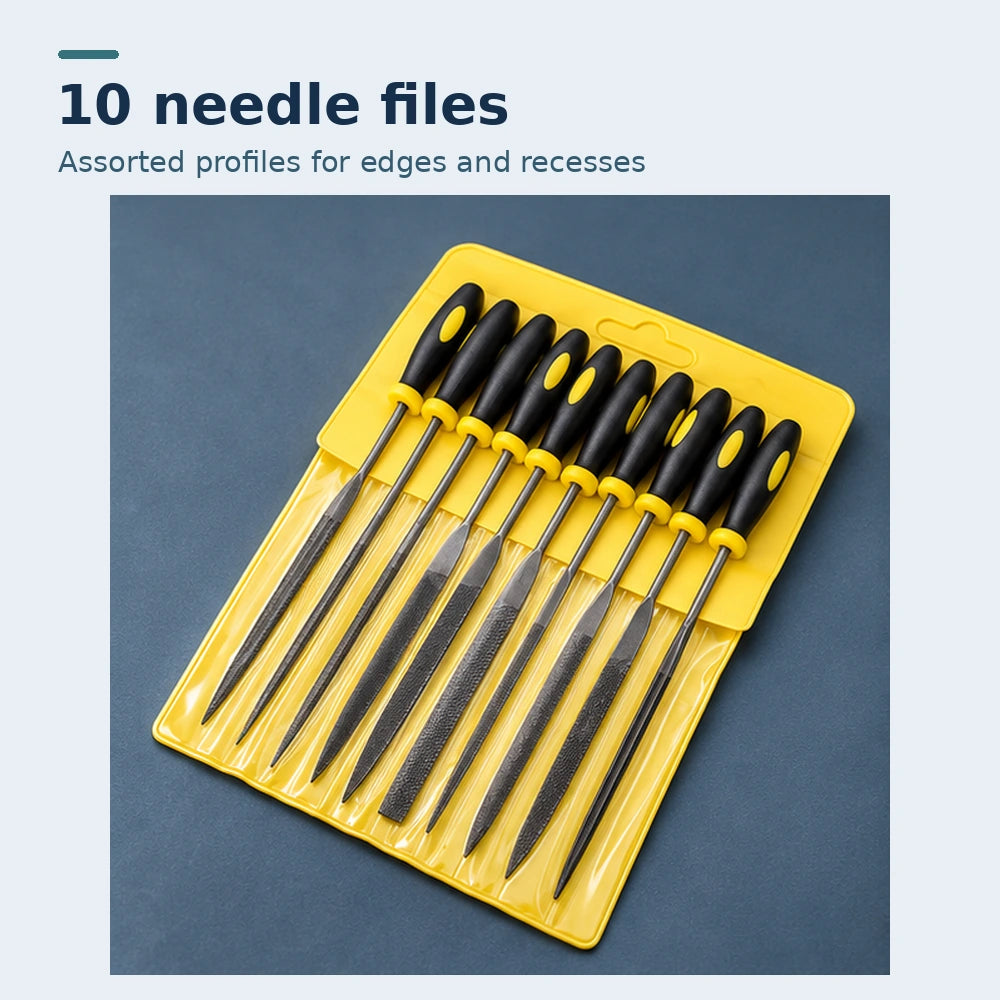
Use the nozzle-cleaning bits for FDM maintenance and keep the copper and nylon brushes handy for clearing residue from suitable surfaces. When you move on to finishing, reach for the fine tweezers to pick out loose scraps from recesses. The needle files come in different shapes, so you can work along straight edges or inside curves without reaching for a bulky file.
- Two removal scrapers help lift prints from compatible build plates.
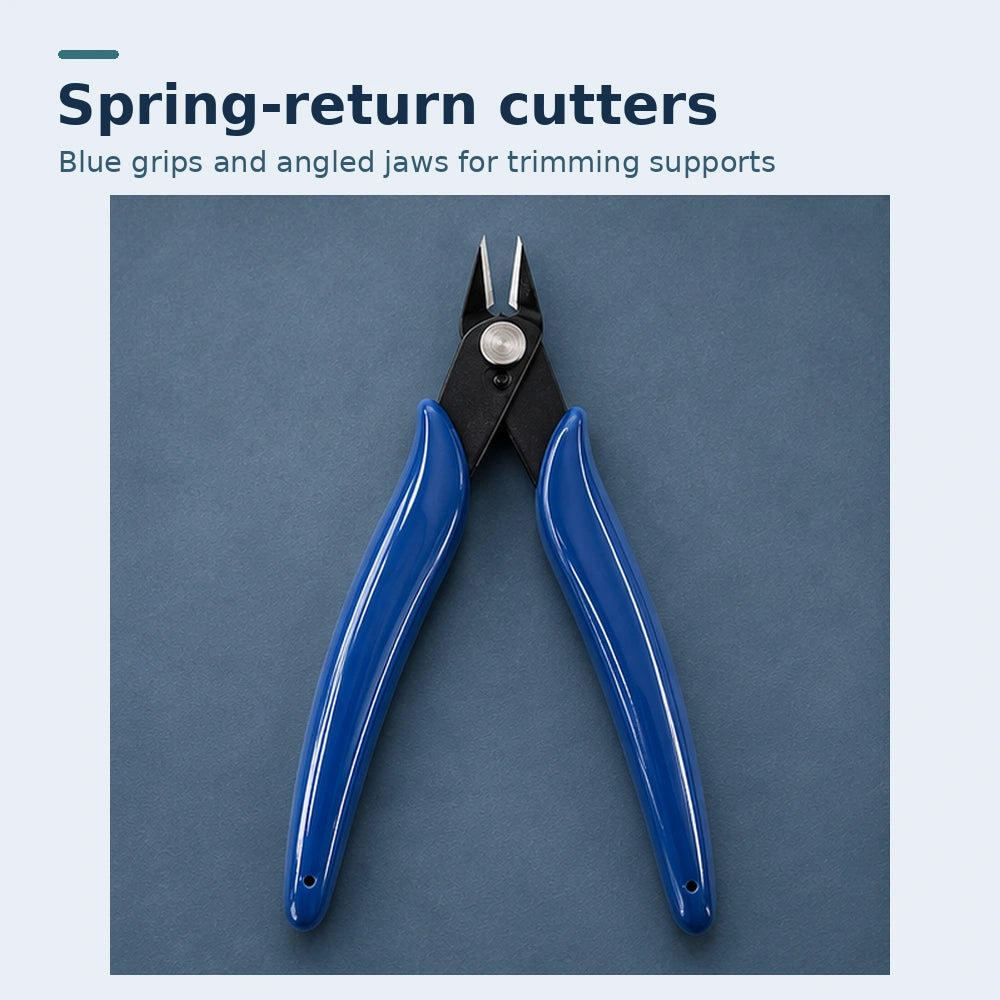
- Spring-return cutters reopen between snips.
- 10 needle files reach small corners.
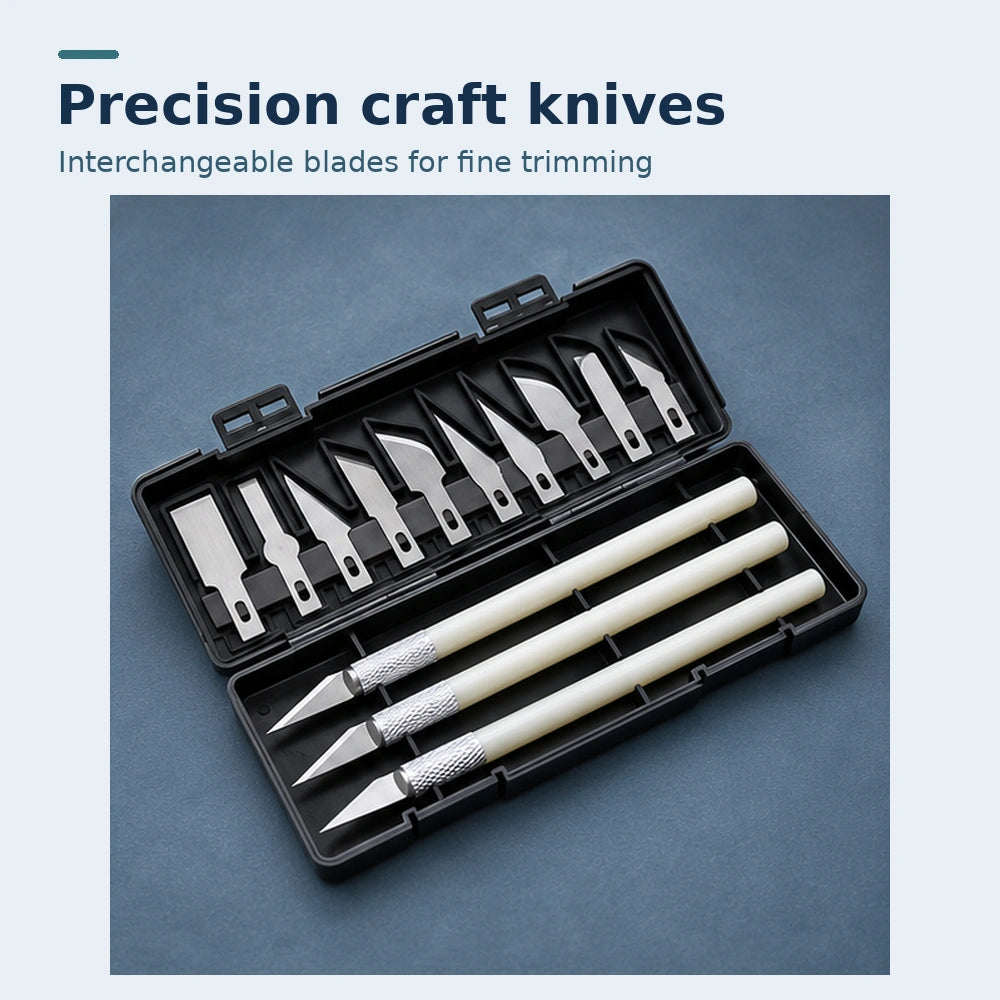
- Craft knives and interchangeable blades trim fine edges.
Frequently asked questions about the 3D Printer Tool Kit
Does this kit work with both filament and resin printers?
Yes. The kit includes print removal and finishing tools for both FDM filament and SLA resin workflows. The nozzle-cleaning bits are for FDM printers. For resin prints, choose the tools that suit the build plate and the part you’re finishing.
What comes in the 53-piece set?
You get the full 53-piece set with cutters, tweezers, copper and nylon brushes, a five-in-one spanner, scrapers, a tube cutter, nozzle-cleaning bits, needle files, craft knives and a deburring tool with spare blades.
Can I use either scraper on my build plate?
Choose the scraper that suits your build plate or its coating. The set gives you a choice of two scraper blades. Check the printer’s guidance for your build surface before choosing a scraper or trying to lift a print.
Which tools should I use to remove support marks?
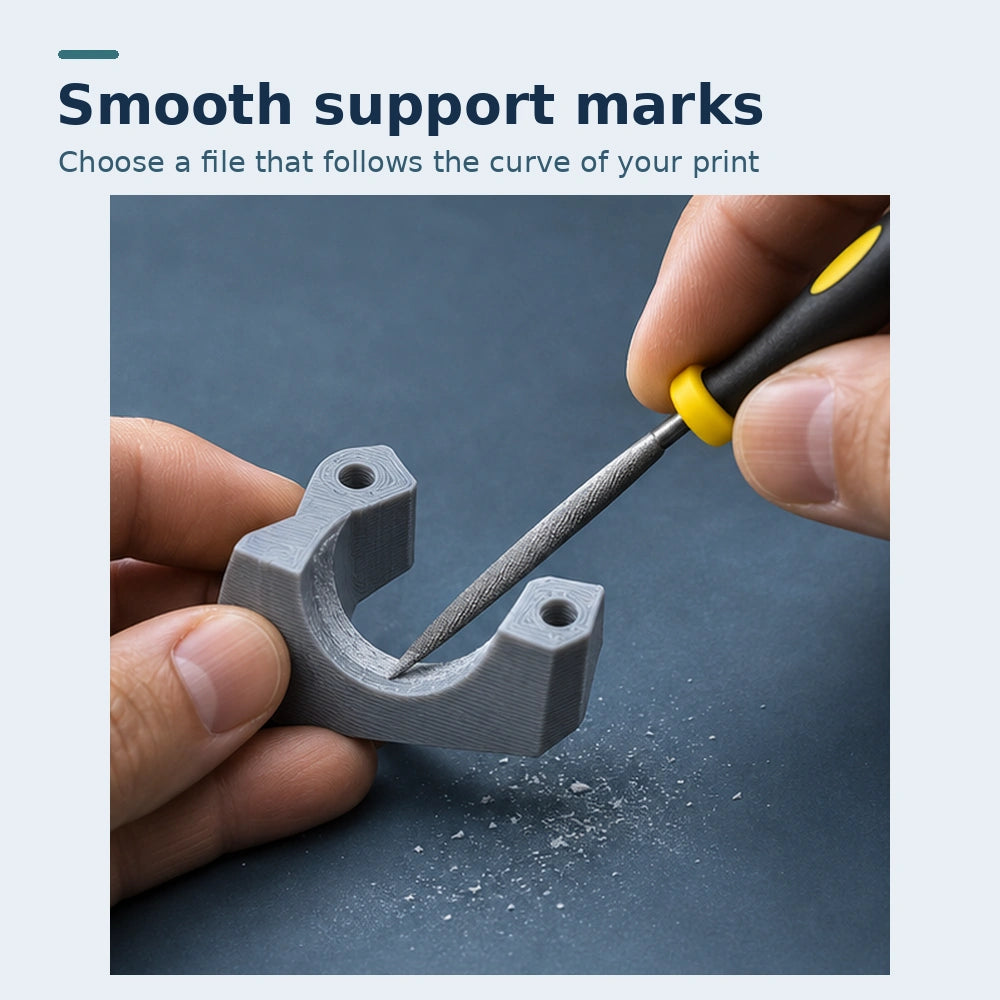
Use the cutters to snip away supports, then use a needle file to smooth the raised marks left behind. Choose a file shape that follows the edge or curve you’re working on, especially in a recess.
Discover our associated collections: 3d printer
Products to discover next: 3d printer bundle


Reviews
There are no reviews yet.