

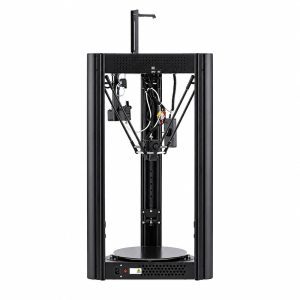
Print taller models with a delta 3D printer
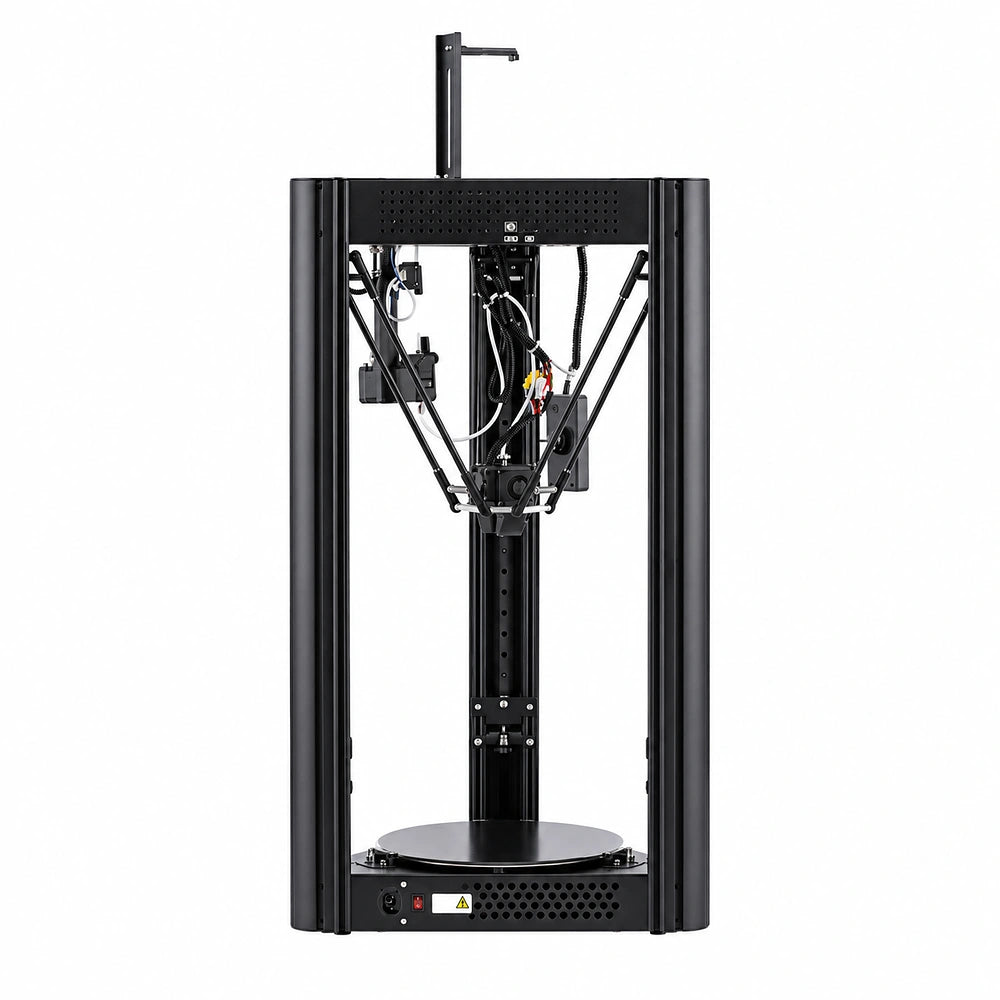
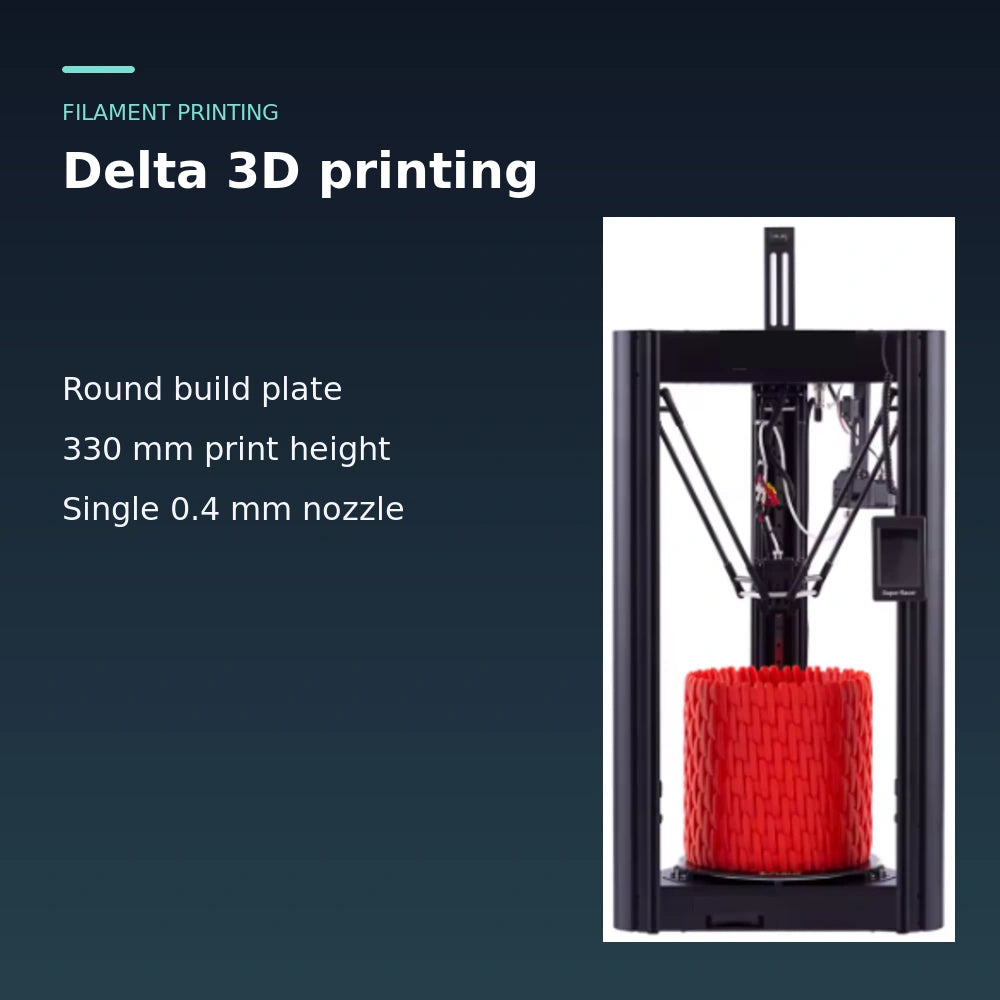
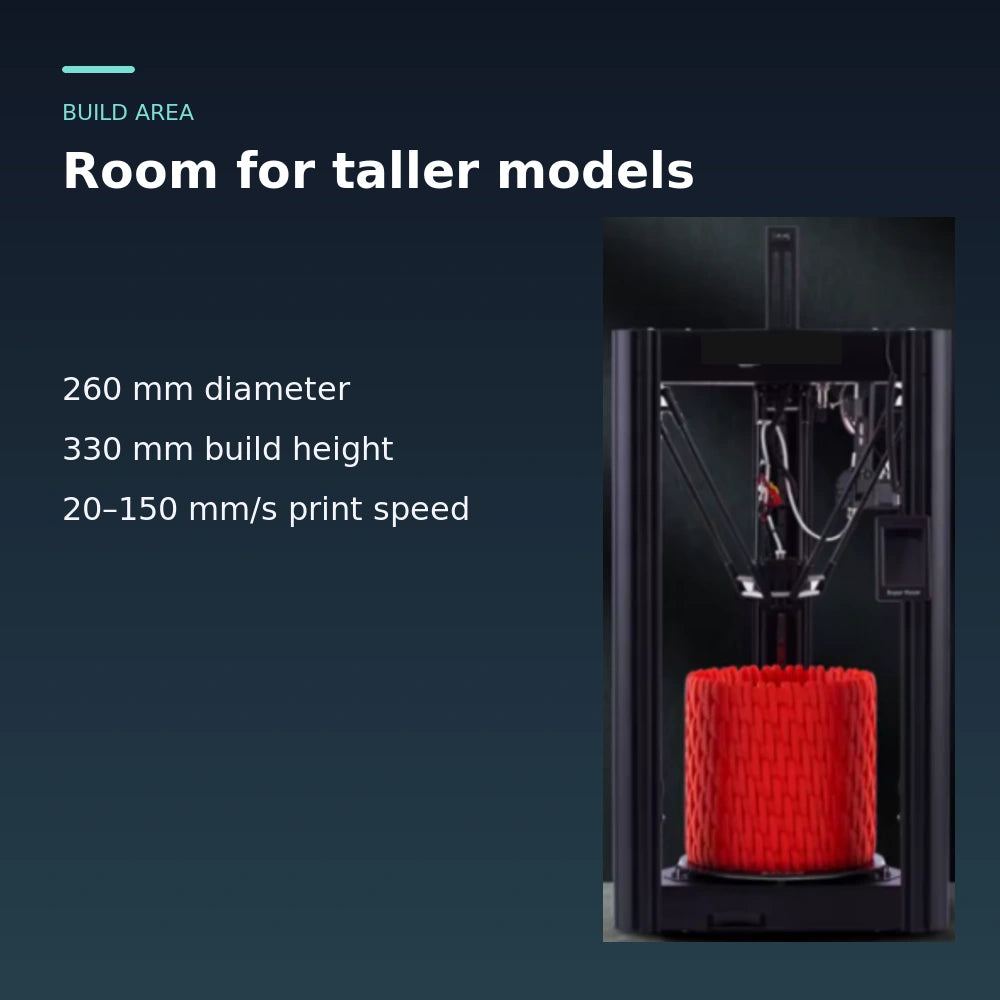
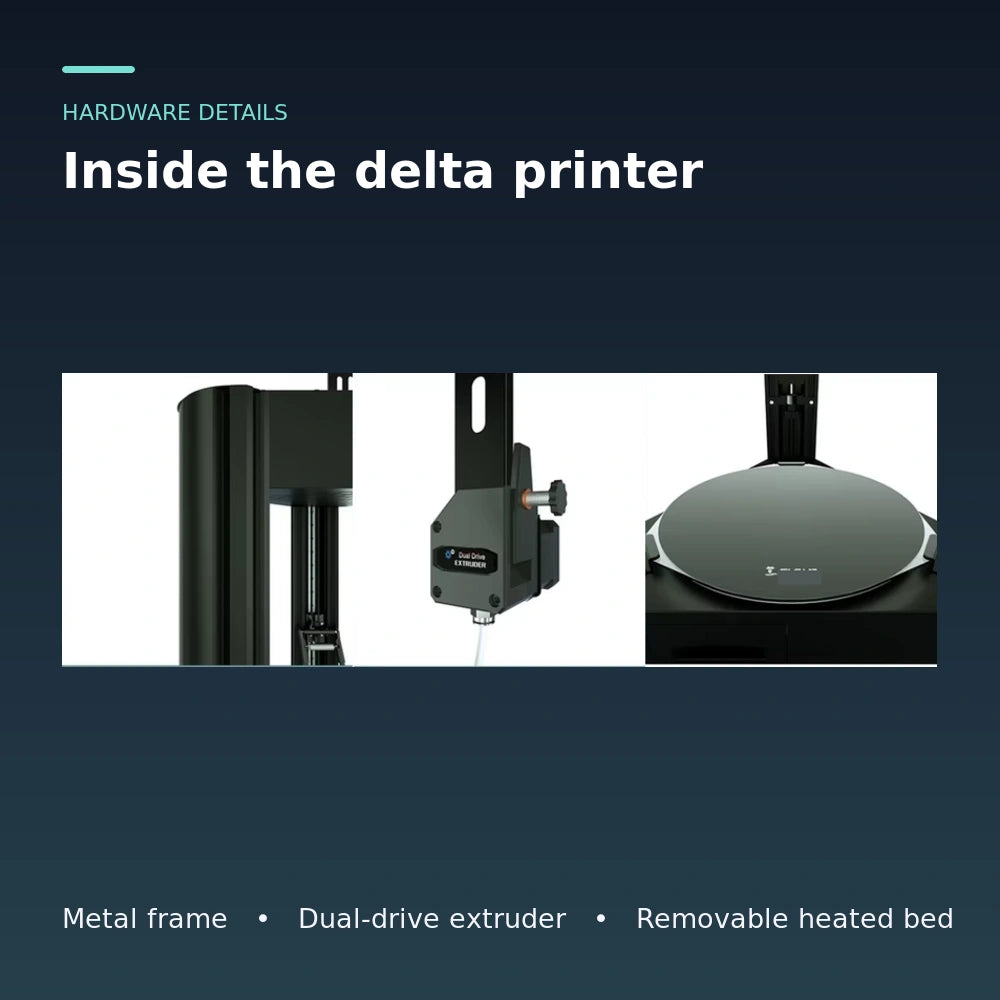
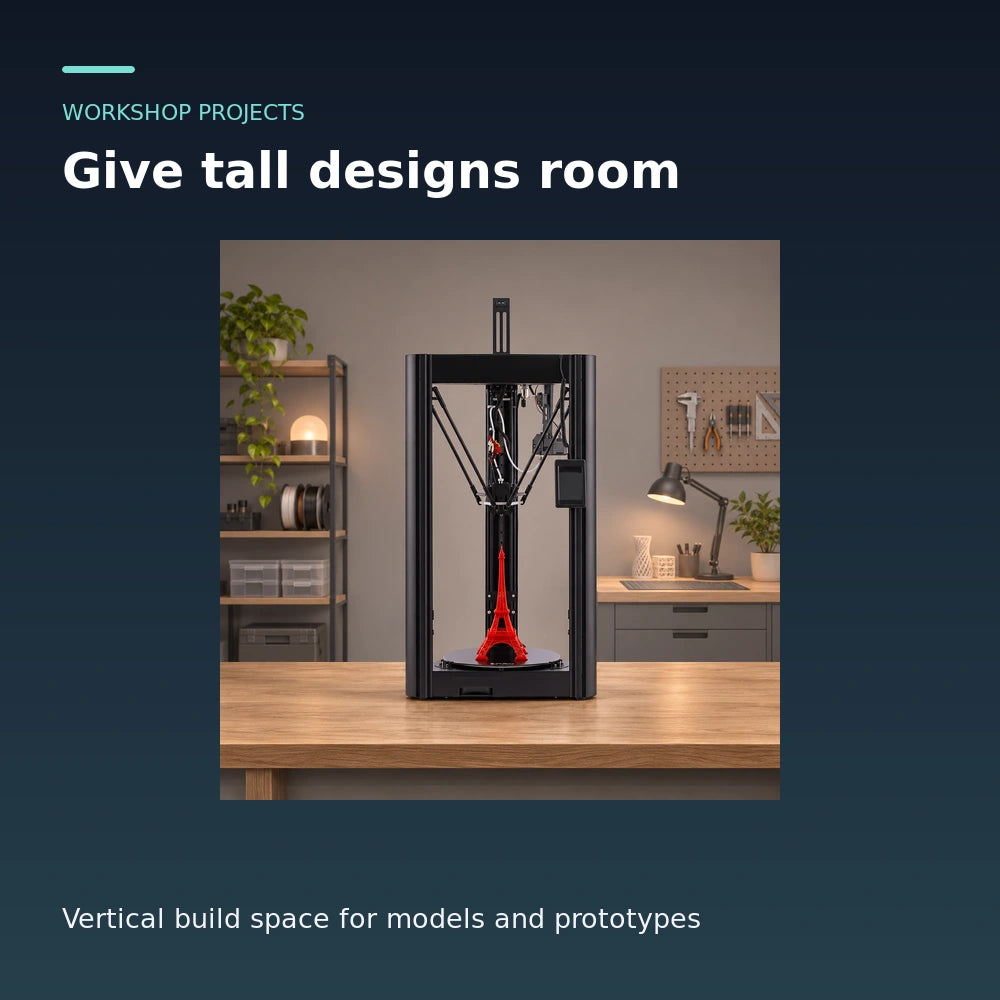
Bring tall prototypes, display models and decorative pieces off the screen and onto the build plate. This delta 3D printer uses fused deposition modelling (FDM) to build parts from filament, layer by layer. The round print area measures 260 mm across and gives you up to 330 mm of vertical build space. That extra height is handy for projects such as a tower model or a tall housing that you’d prefer to print in one piece, provided it fits inside the circular build area.
Choose how much detail each print needs
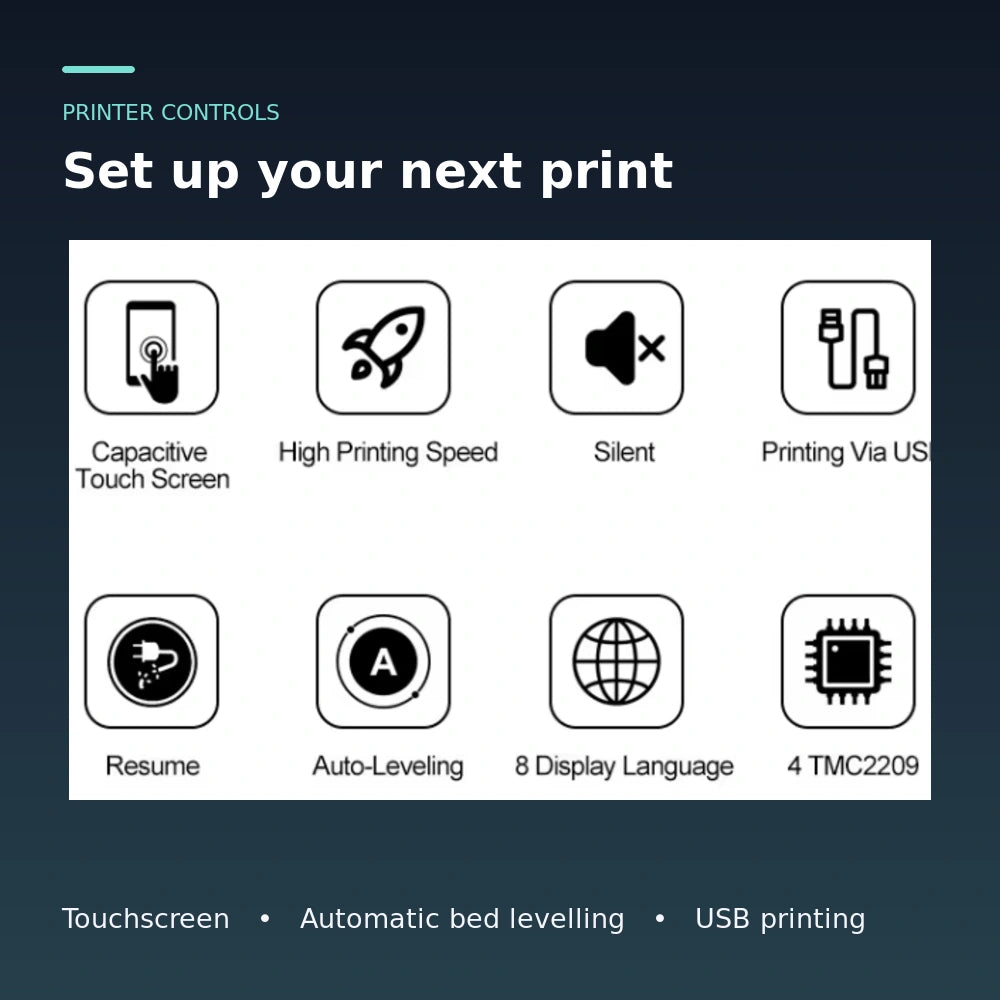
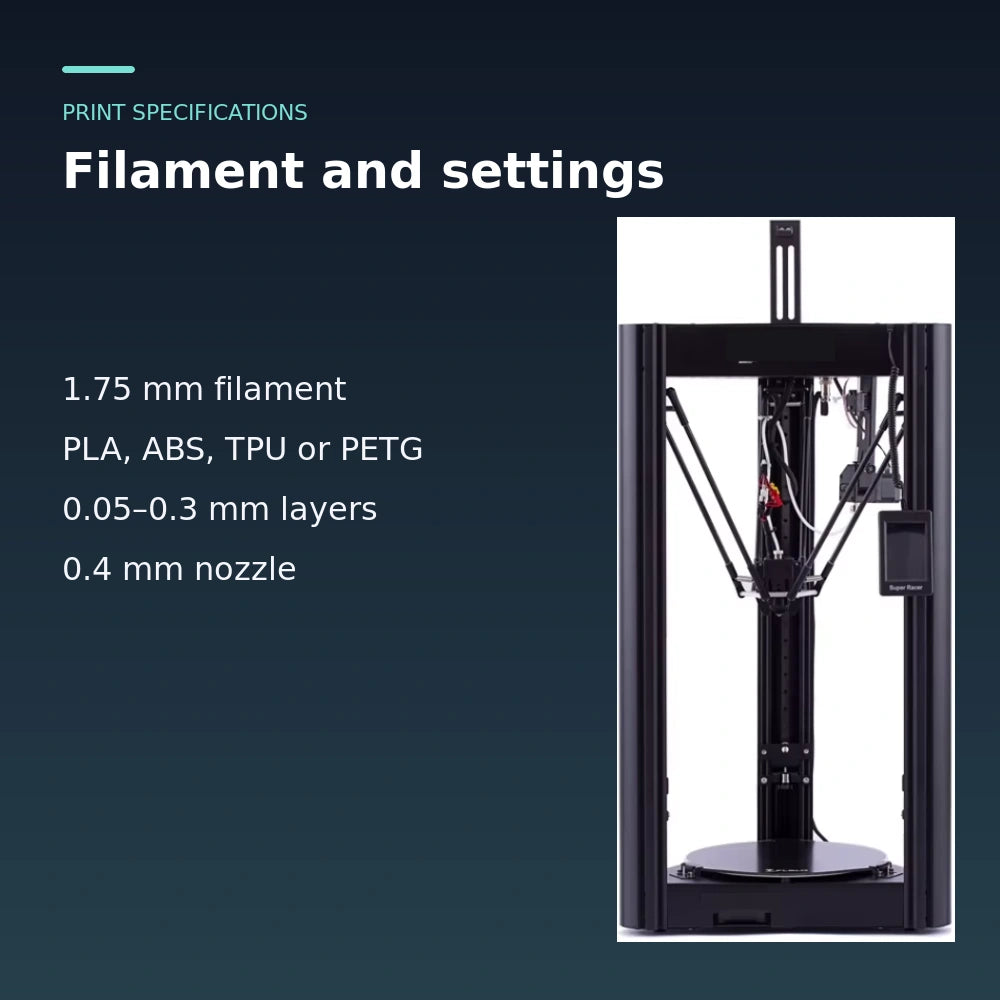
Use a finer layer height when curved surfaces or small details matter. For an early prototype that you mainly want to check for shape and fit, choose a thicker layer. The machine takes 1.75 mm filament and supports PLA, ABS, TPU and PETG, so you can choose a material for what you’re making. Automatic bed levelling helps prepare the build surface before you start each print job.
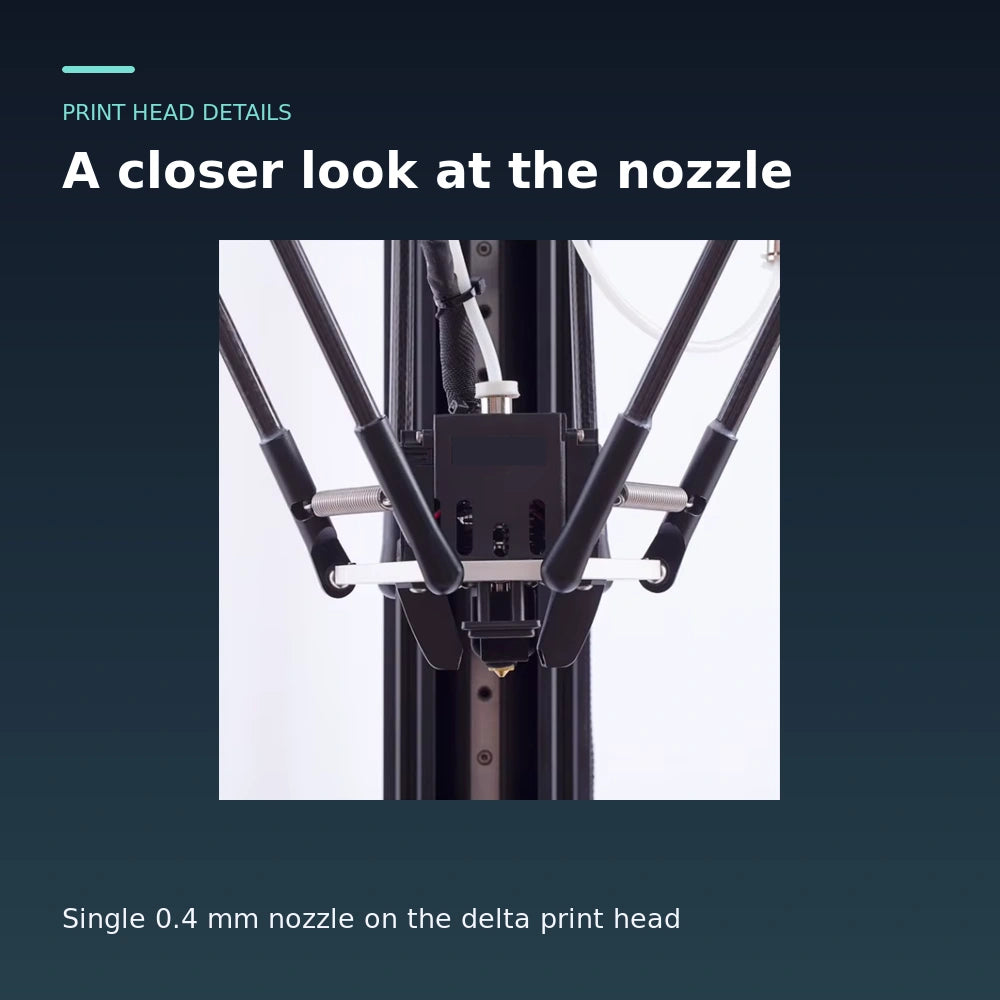
- 0.4 mm nozzle for everyday filament printing.
- 0.05–0.3 mm layers for adjusting surface detail.
- 20–150 mm/s print speed for tuning each job.
- SD card or USB for loading print jobs.
Frequently asked questions about the Delta FDM 3D Printer
Does this 3D printer include a scanner?
This model is an FDM printer. If you want to copy a physical object, use a separate 3D scanner to capture its shape, then prepare the resulting digital model in your slicing software before printing it.
Will a rectangular part fit on the round print bed?
It will fit if every corner stays inside the 260 mm diameter print area and the part is within the 330 mm height limit. Check the footprint in your slicer with any supports or brim enabled before you start the print.
Can I print an STL or OBJ file?
Yes. You can use STL and OBJ models as the starting point for a print. Open the model in your slicing software, set its scale and orientation, then slice it to create the print job.
What filament should I buy for this printer?
Choose 1.75 mm filament in PLA, ABS, TPU or PETG. When selecting a spool, check the diameter on the label and read the filament maker’s temperature guidance so you can set up your print for that material.
Discover our associated collections: 3d printer
Products to discover next: 3d printer glue


Reviews
There are no reviews yet.