

3d printing pen mat – double-sided PEI build plate that flexes to release your prints
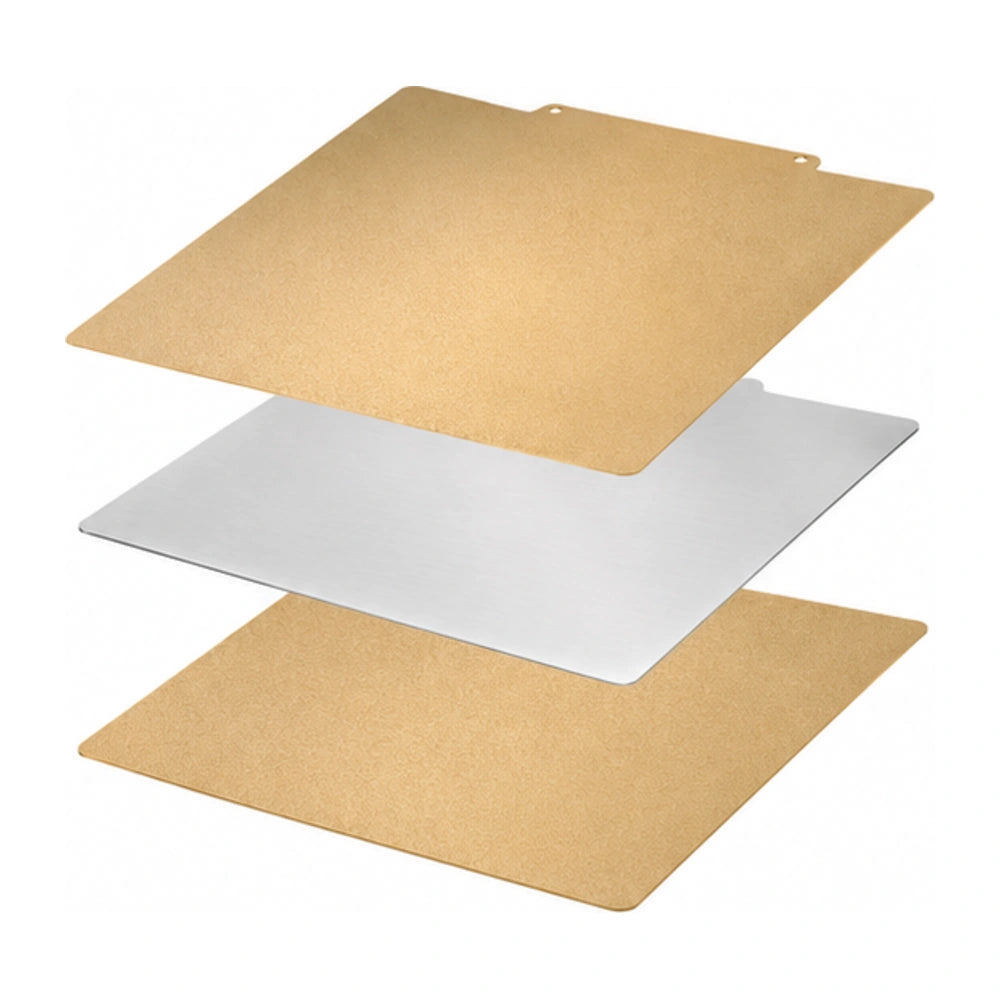
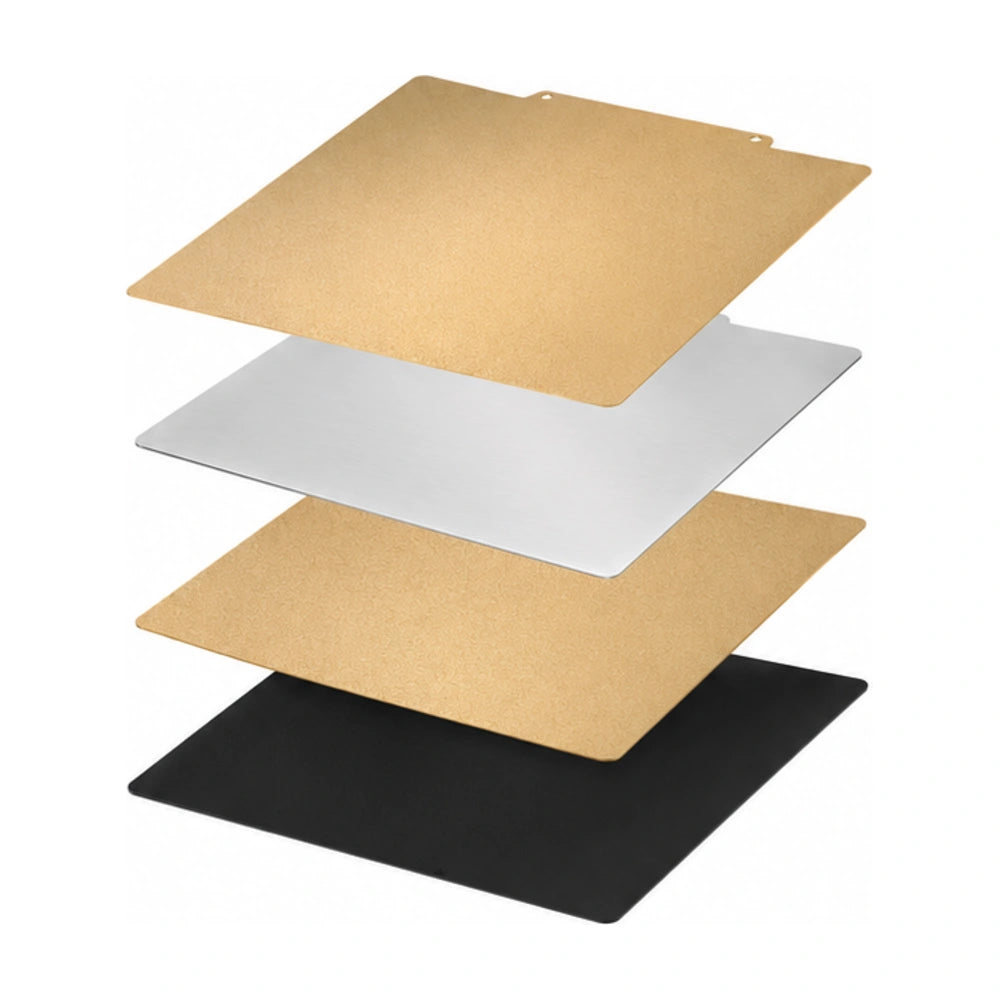
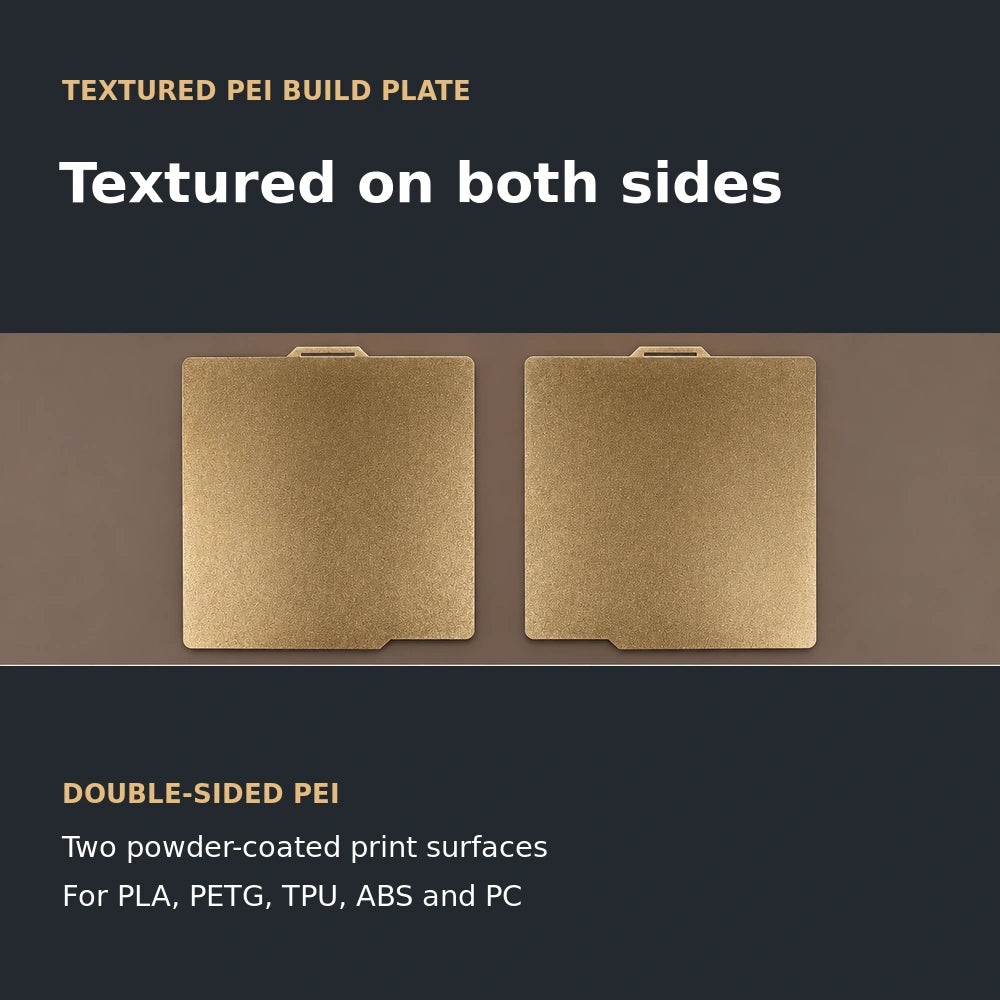
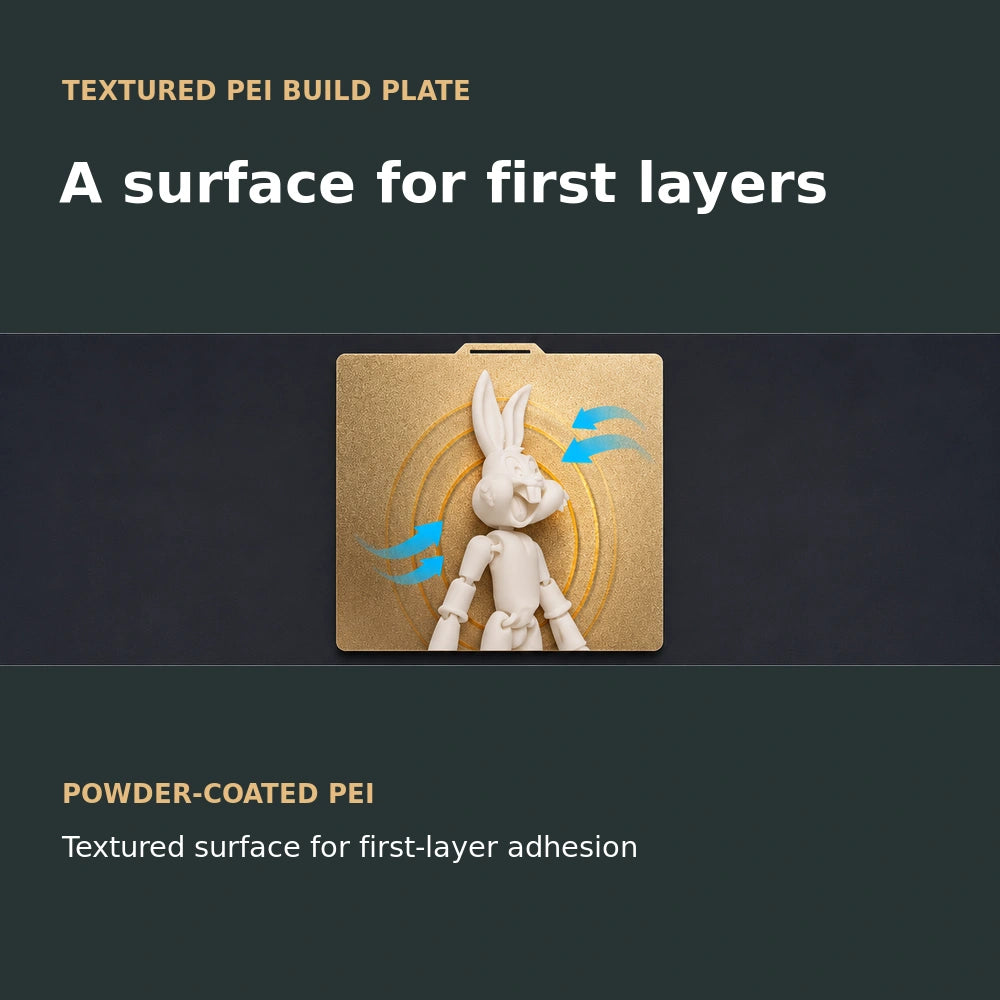
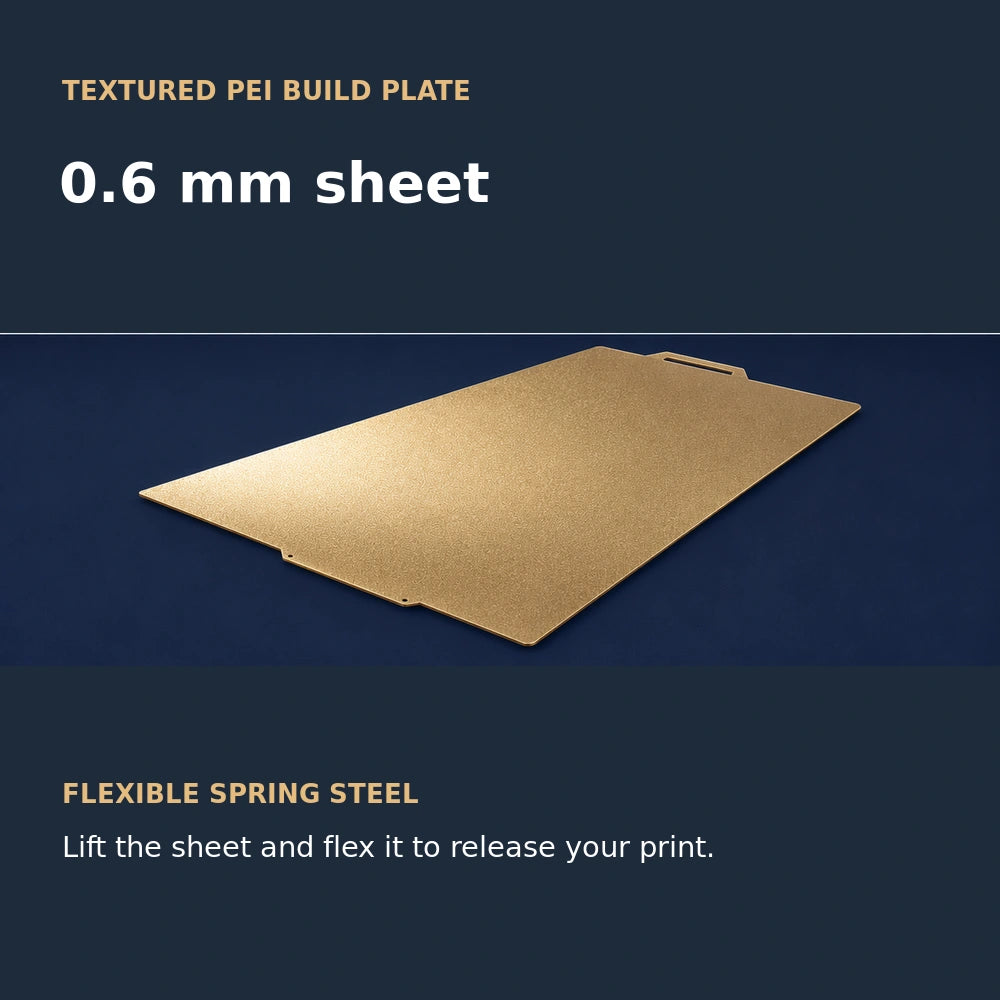
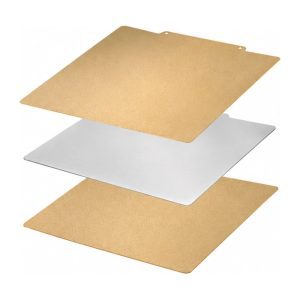
This double-sided textured PEI build plate gives your 3D printer two printing surfaces in one sheet. The flexible spring steel core has a gold PEI powder coating on both faces. The textured surface gives the first layer something to grip as you print. When the print is ready to release, lift the sheet from the magnetic bed and flex it gently to loosen the part. You can turn the sheet over when you want to use the other side.
Choose a spring steel sheet that fits your printer
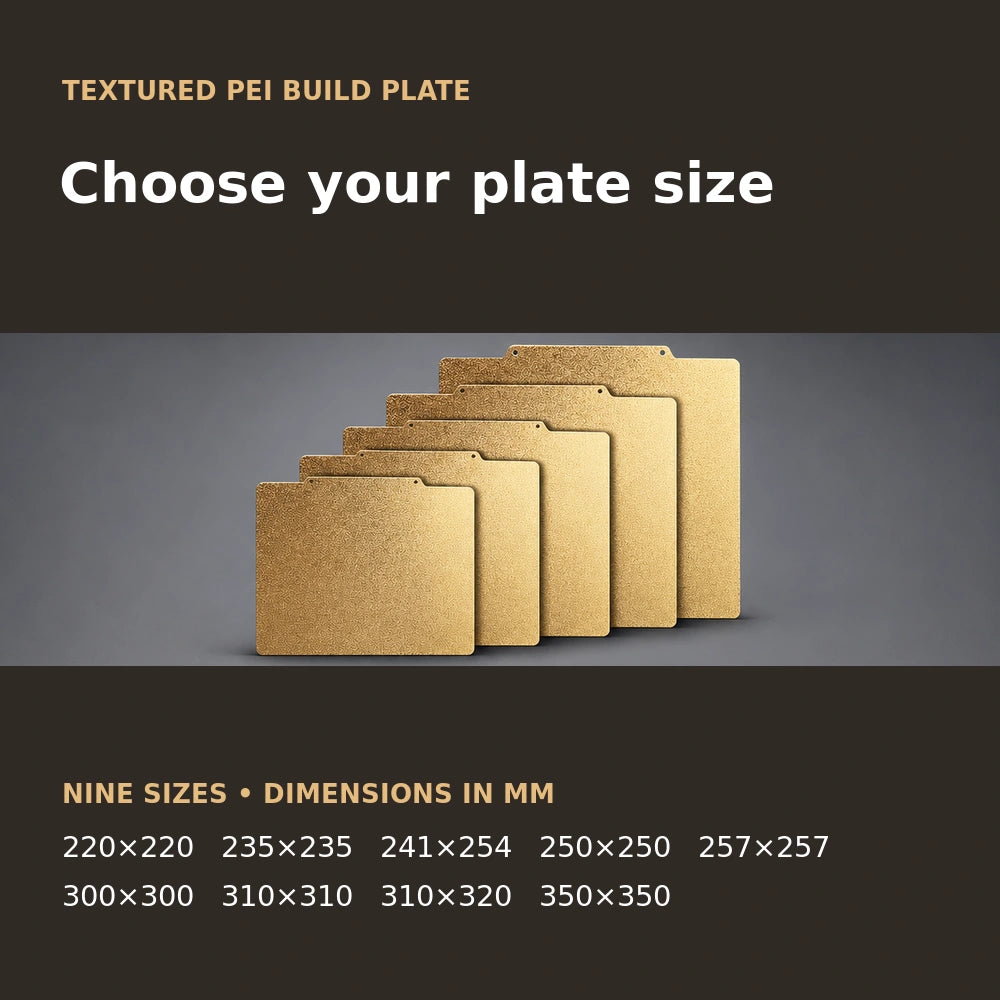
Measure the width and depth of your current build plate and match them to one of the nine sizes. Choose the sheet on its own if your printer already has a compatible magnetic bed, or select the option with a magnetic base if your setup needs one. Once fitted, check how the first layer goes down on a small print before starting a larger job.
- 0.6 mm spring steel sheet. Flex it gently to help release finished prints.
- Textured PEI on both sides. Print on either face.
- Five supported filament types. Print with PLA, PETG, TPU, ABS or PC.
- Nine size options. Match the width and depth of your printer’s build plate.
Frequently asked questions about 3d printing pen mat
What equipment does this build plate fit?
It is designed for the heated bed of a compatible filament 3D printer. Check that the plate matches your printer’s bed dimensions and magnetic mounting setup. The correct size depends on the exact printer model.
What sizes are available?
Choose from 220 × 220, 235 × 235, 241 × 254, 250 × 250, 257 × 257, 300 × 300, 310 × 310, 310 × 320 and 350 × 350 mm. Measure both sides of your existing plate, especially if your printer uses a rectangular sheet.
Is the magnetic base included?
The magnetic base comes with the With Magnetic Base option. Choose No Magnetic Base if your printer already has a compatible magnetic mounting surface and you only need the removable spring steel sheet with its two textured PEI faces.
How do I clean the textured PEI surface?
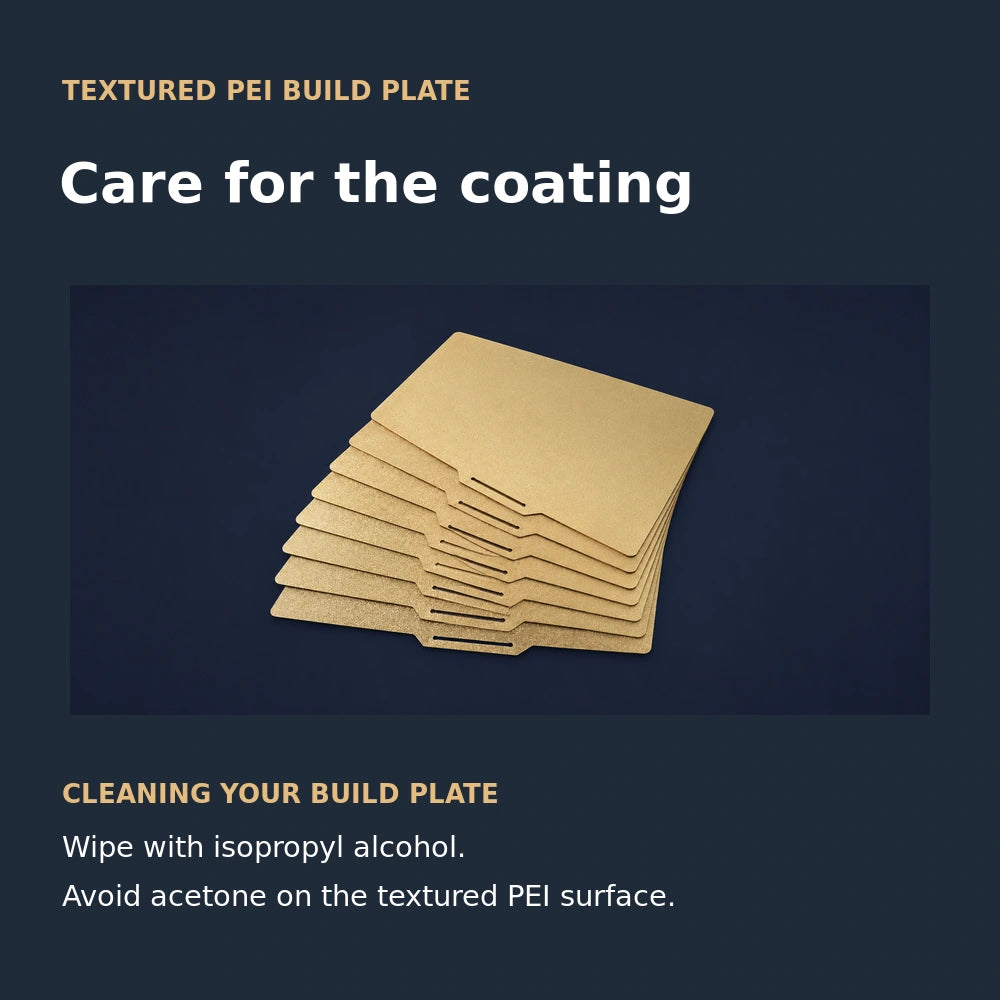
Wipe the plate with isopropyl alcohol once it has cooled. Clean the surface before your next print to remove fingerprints and residue that can affect first-layer adhesion. Avoid acetone on both powder-coated faces.
What temperature can the sheet withstand?
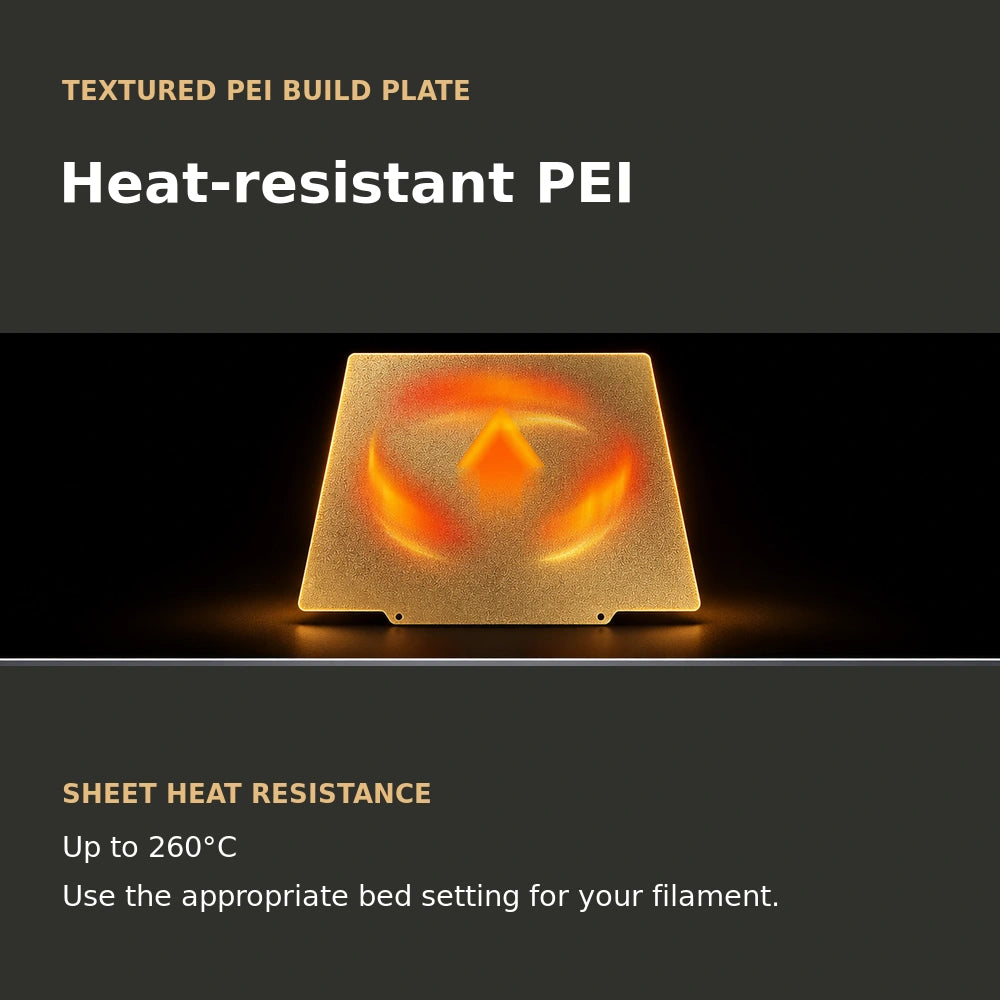
The sheet is heat-resistant up to 260°C. Set the print bed temperature for your filament and follow the operating limits of your printer and magnetic base. Check those limits separately when setting up a print.
Discover our associated collections: 3d printer • 3d printing pen
Products to discover next: 3d printing pen filament


Reviews
There are no reviews yet.