

Glow in the dark 3D printer filament for after-dark prints
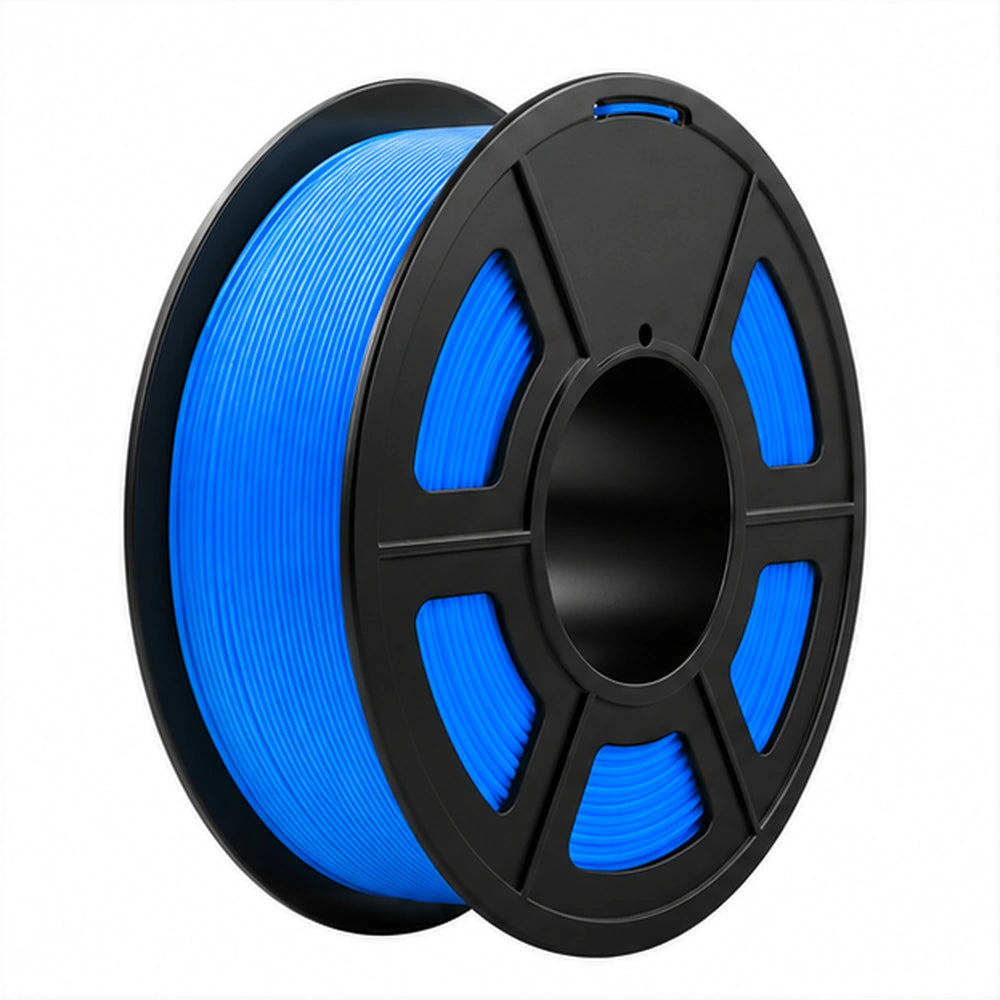
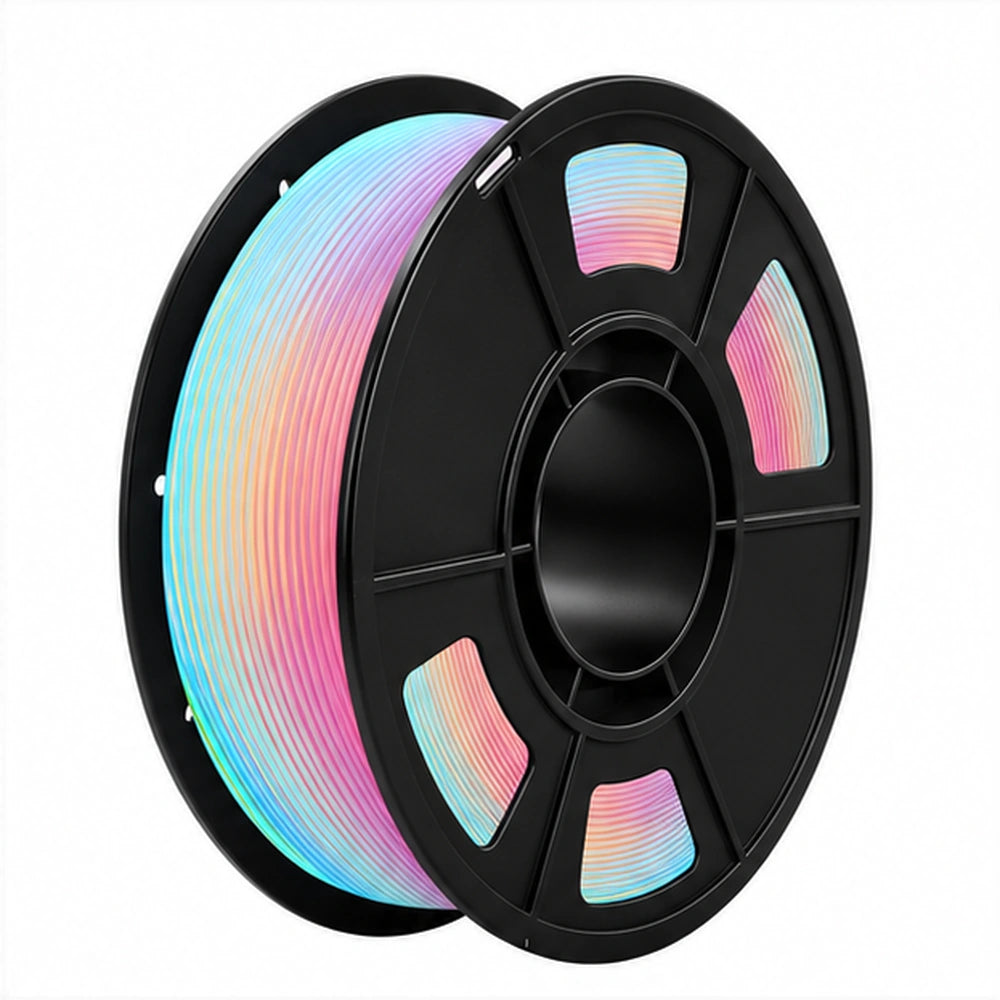
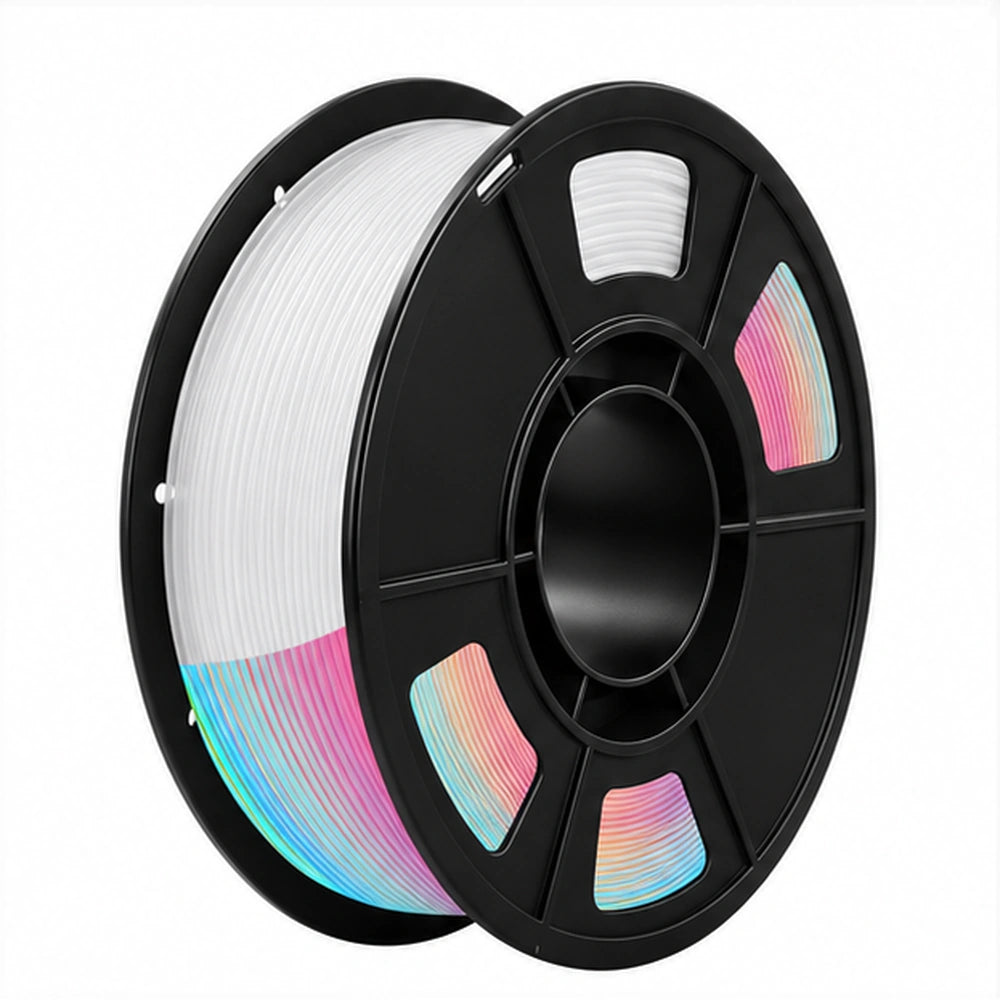
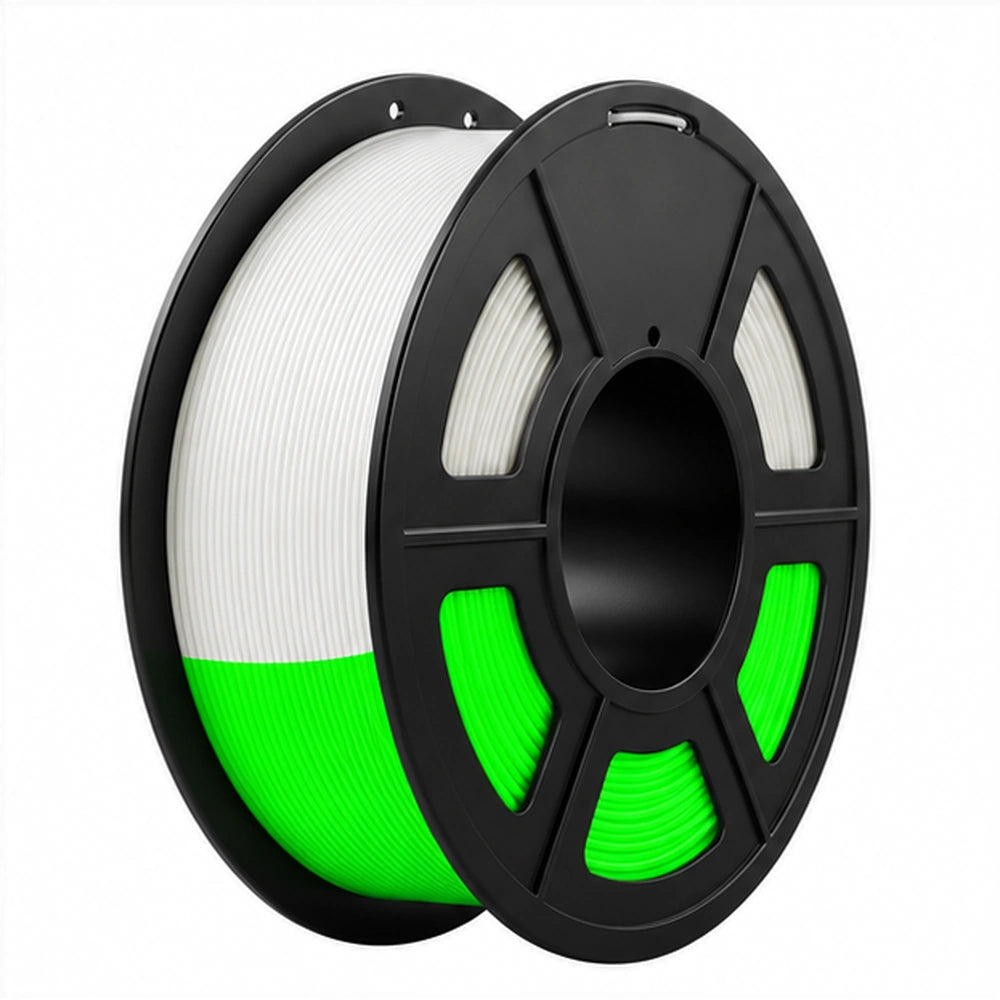
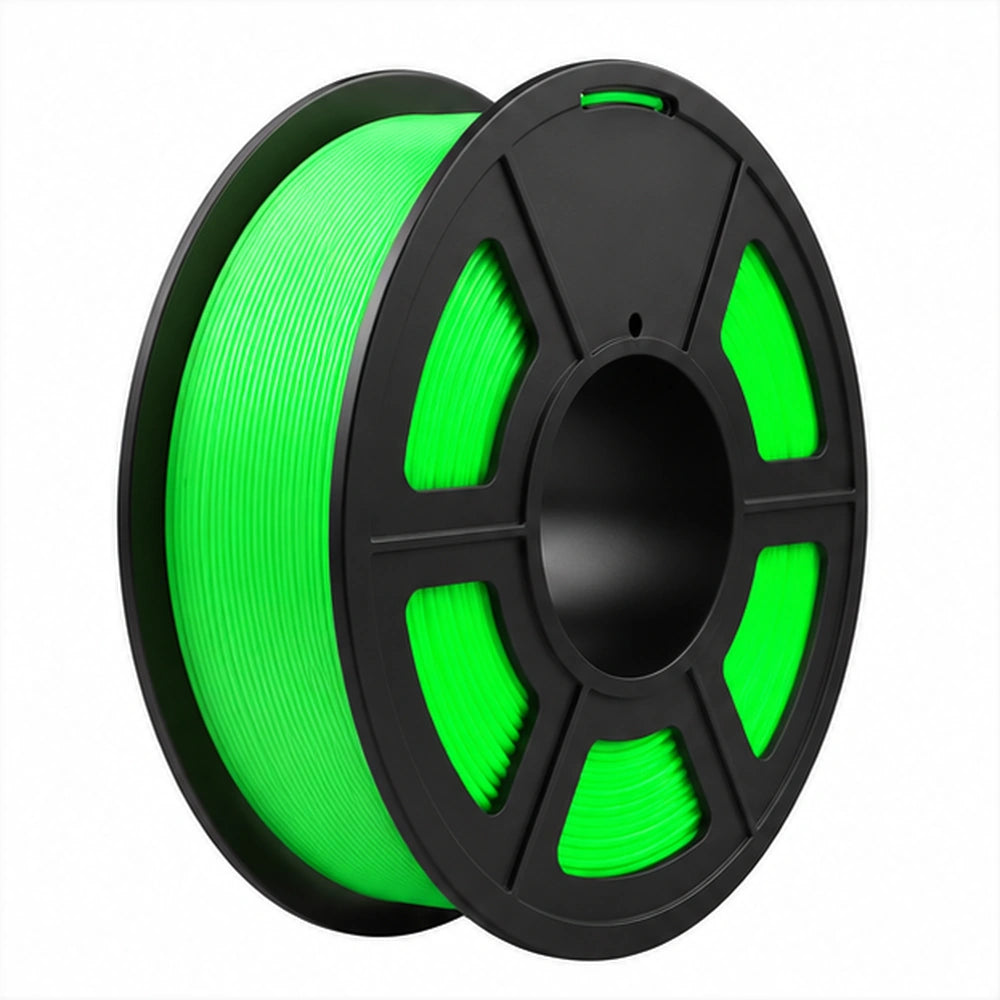
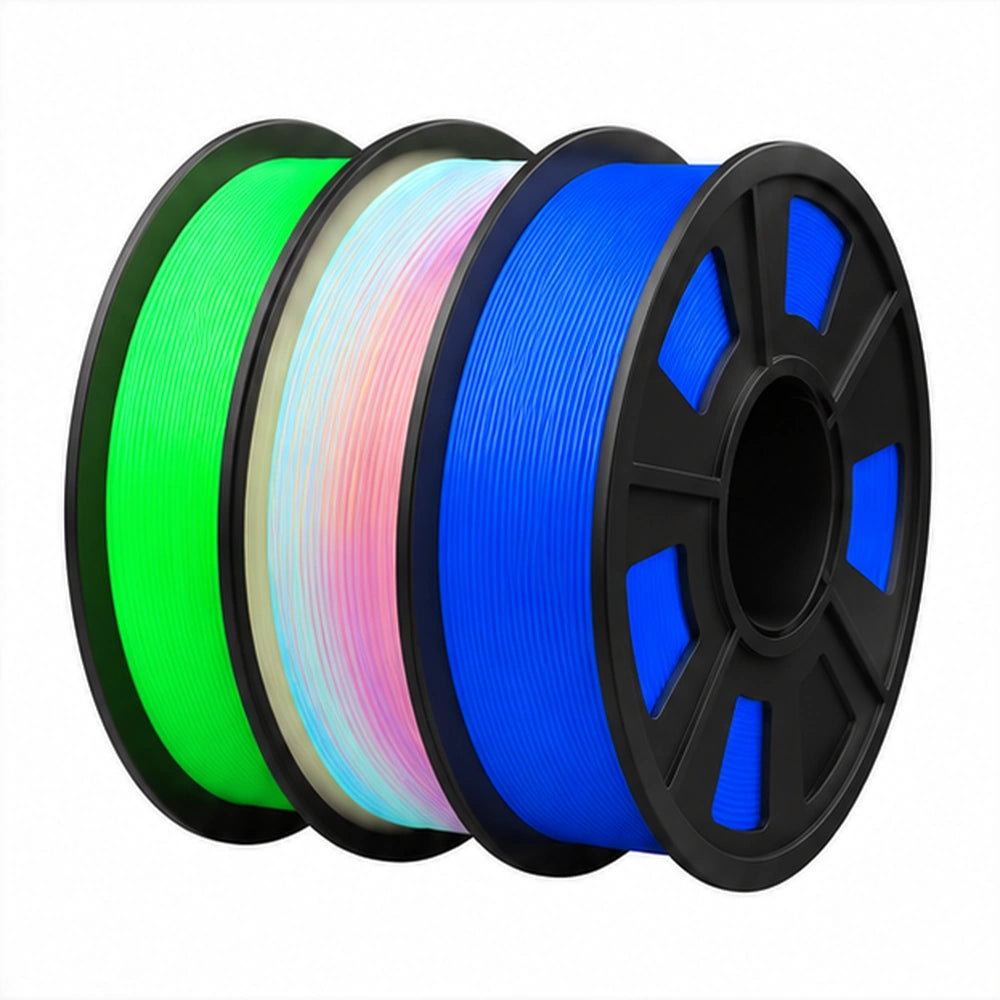
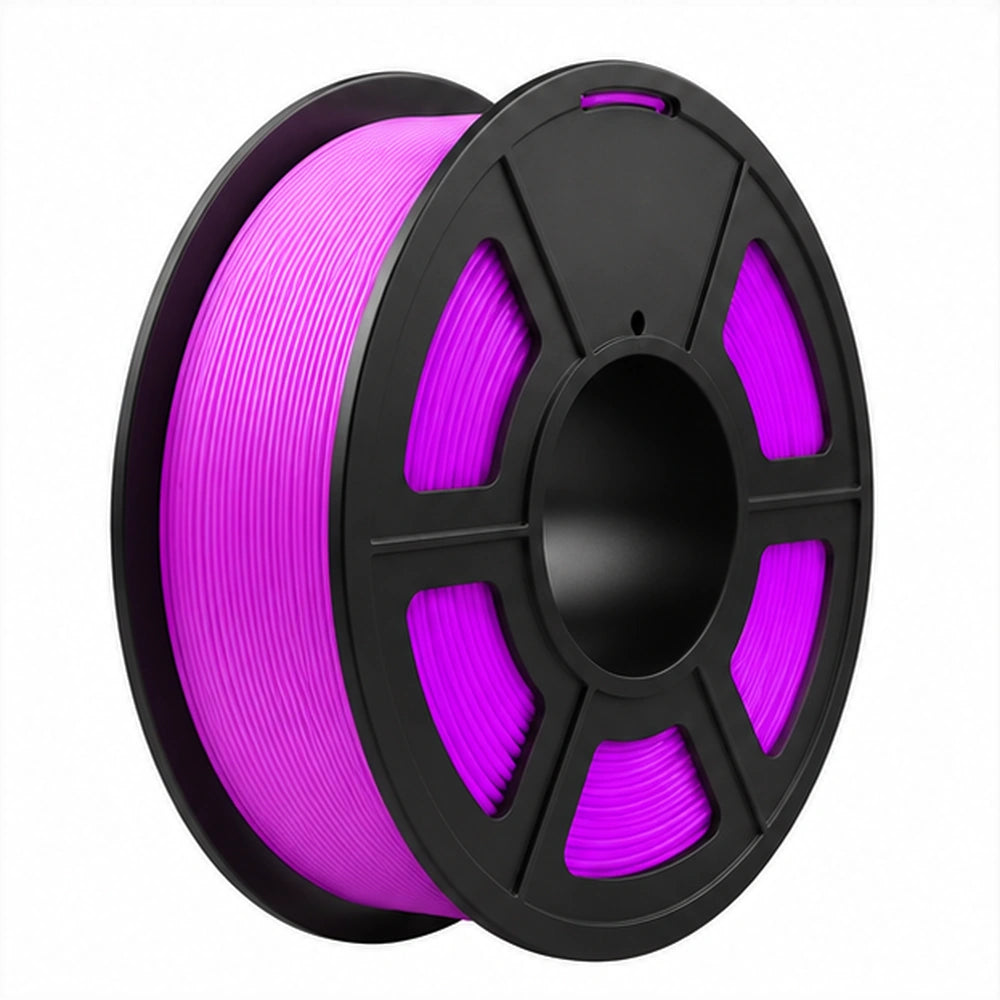
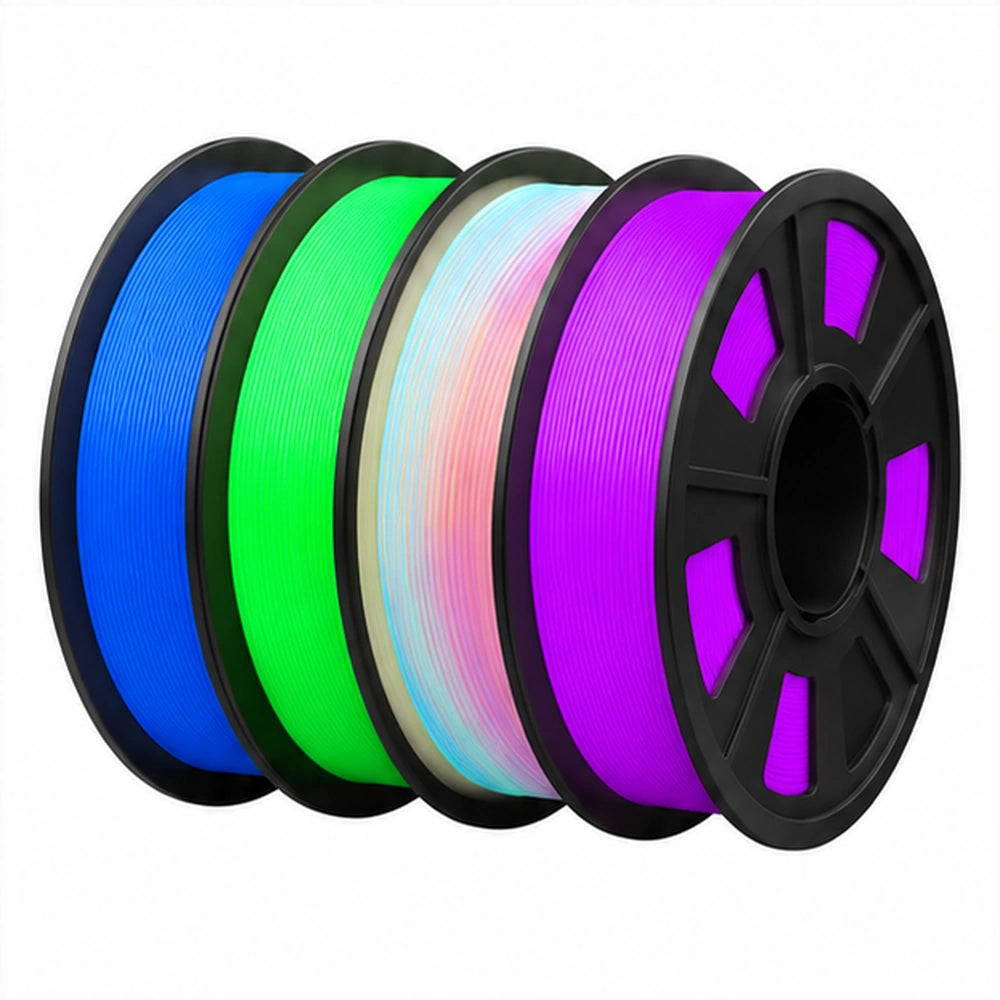
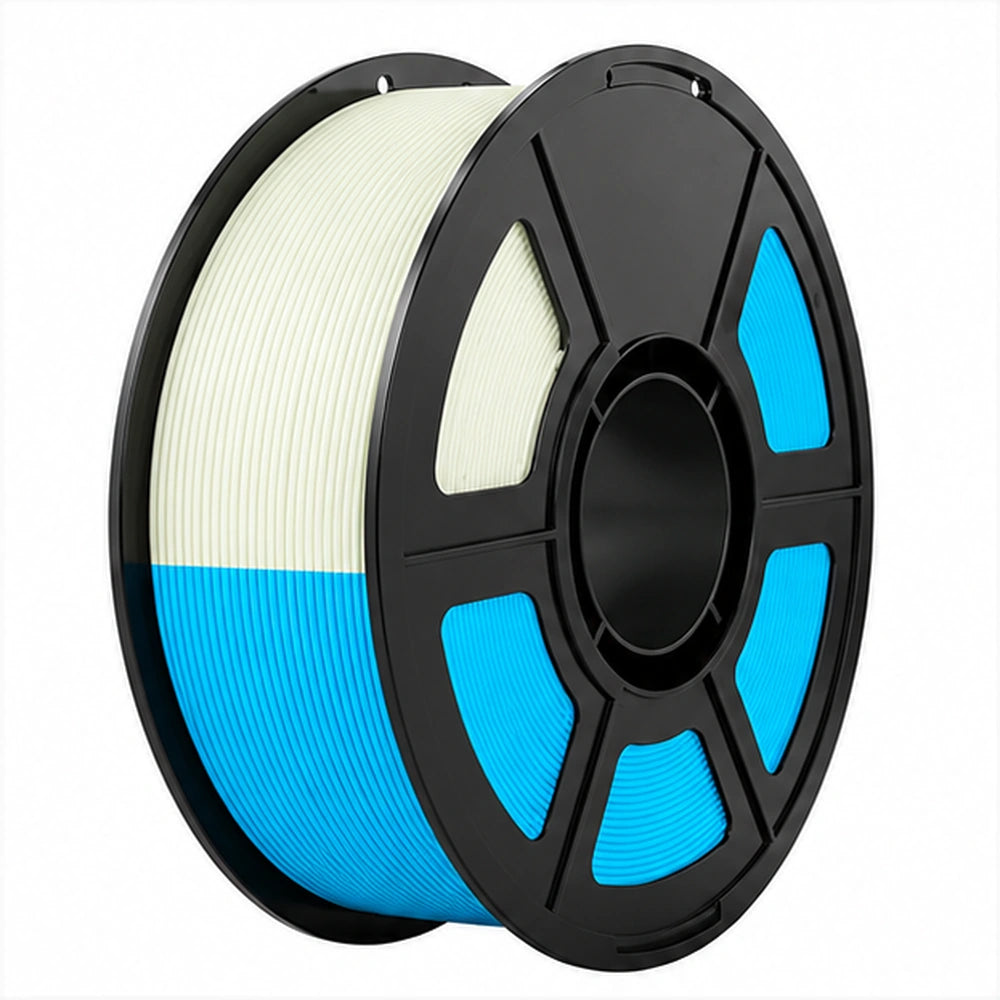
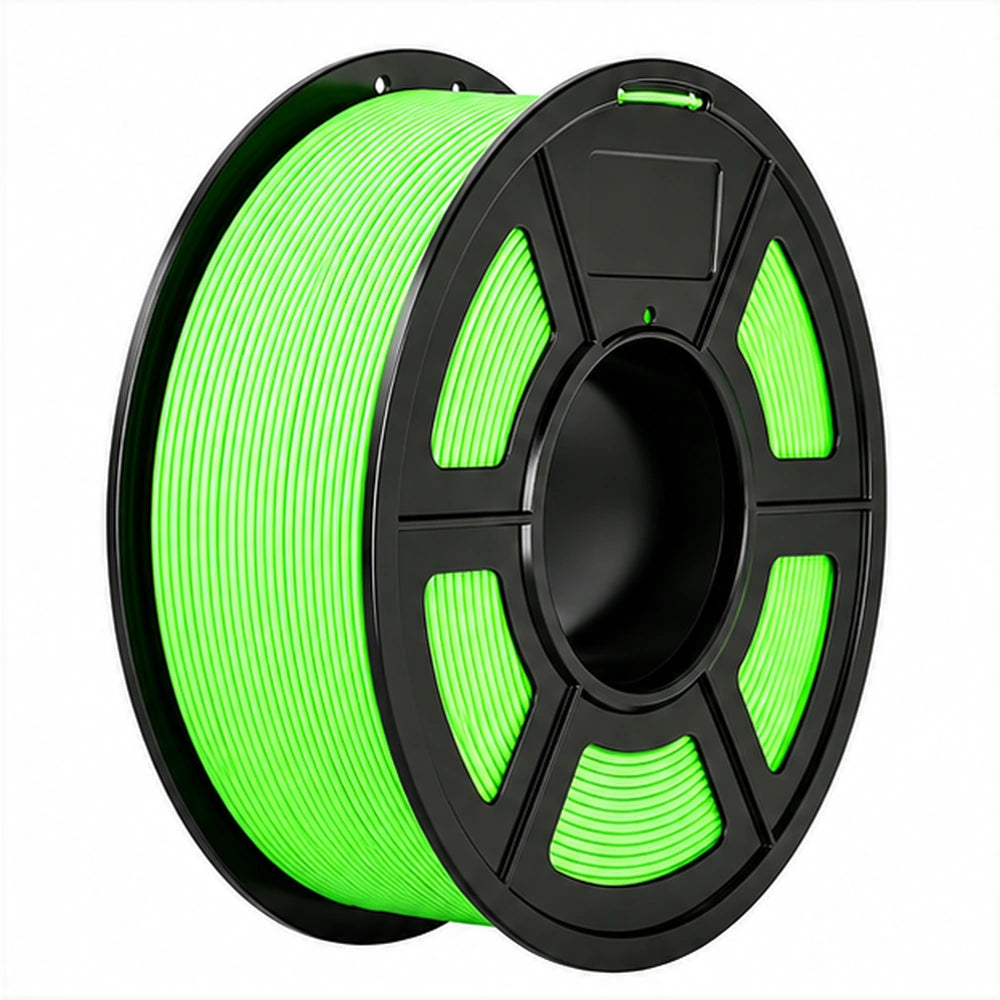
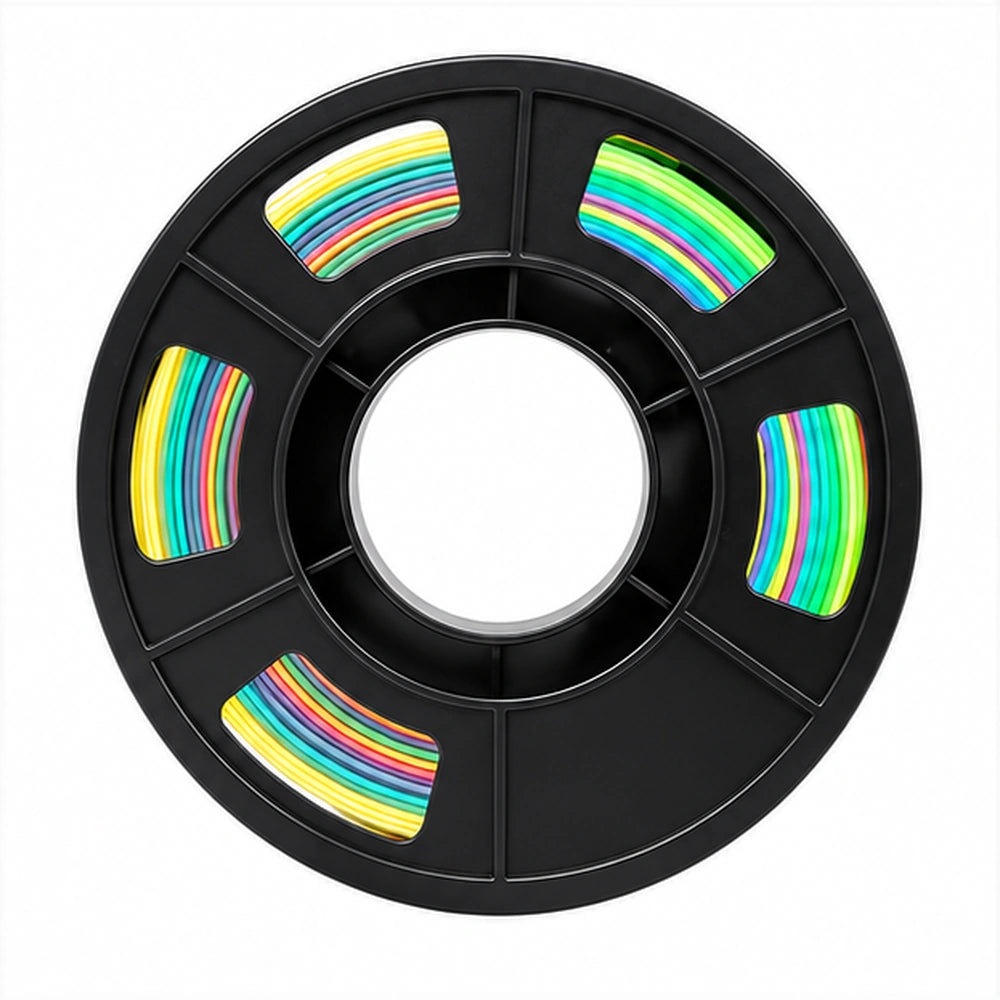
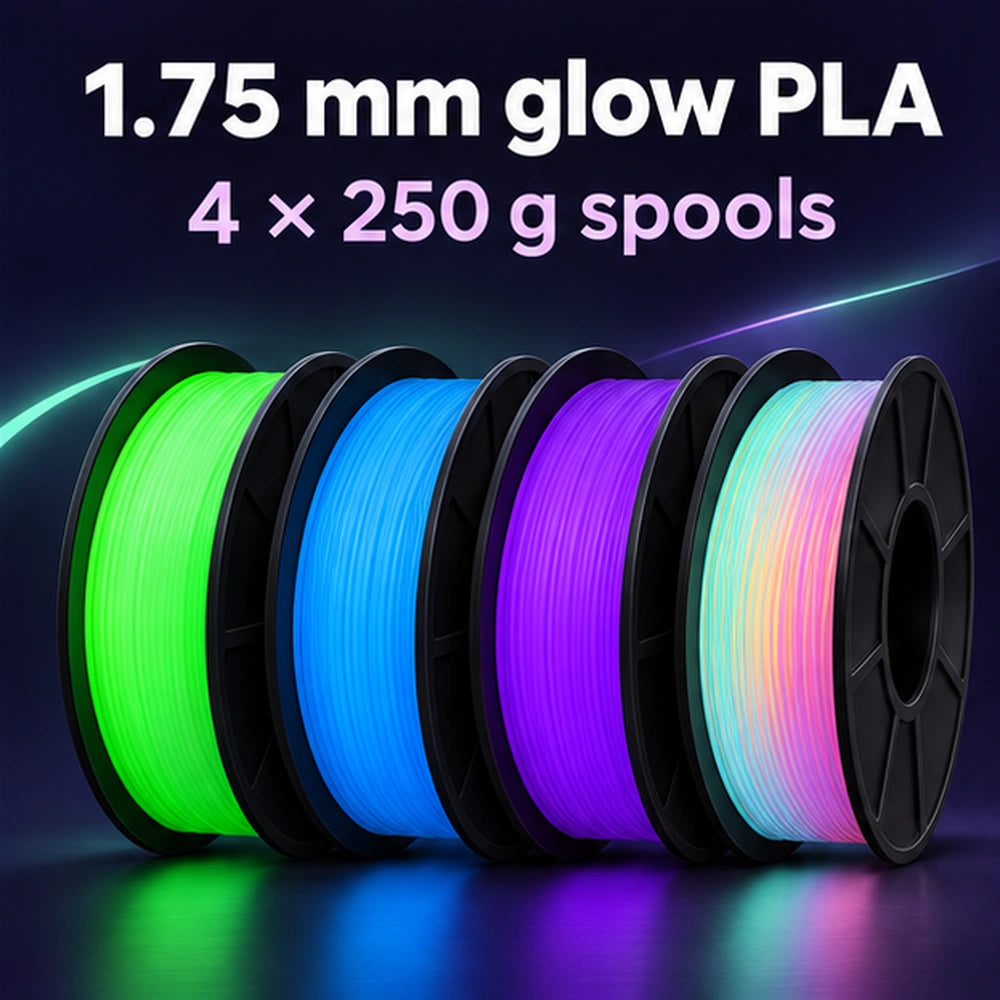
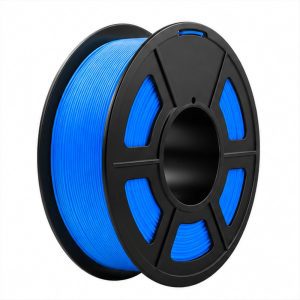
Give your next print an after-dark finish with this glow in the dark 3D printer filament. The PLA bundle includes four 250 g spools in green, blue, purple and rainbow. Try green for a Halloween ornament, blue for a set of stars or rainbow for a vase with changing colour bands. Print a small sample in each colour and see how it looks after charging before you commit to a larger model. Use the same test shape for all four colours so you can compare them.
Print with 1.75 mm glow PLA
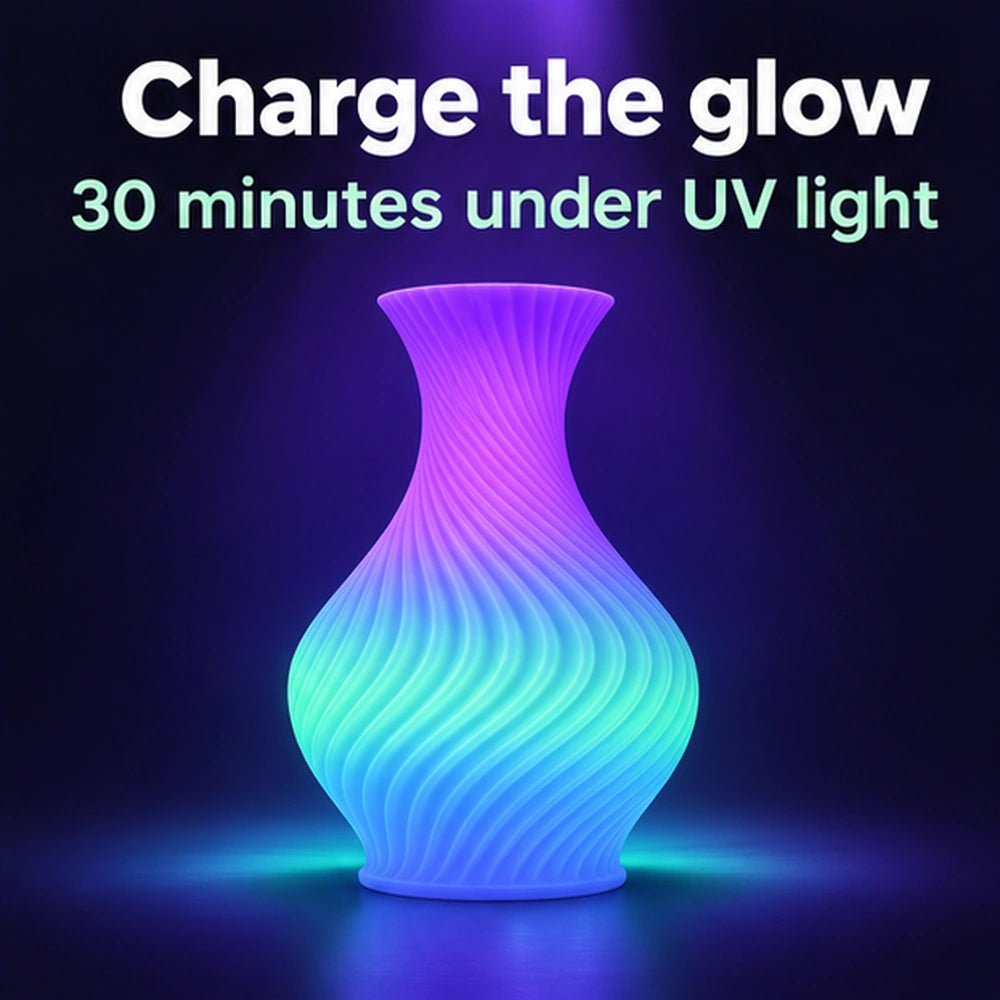
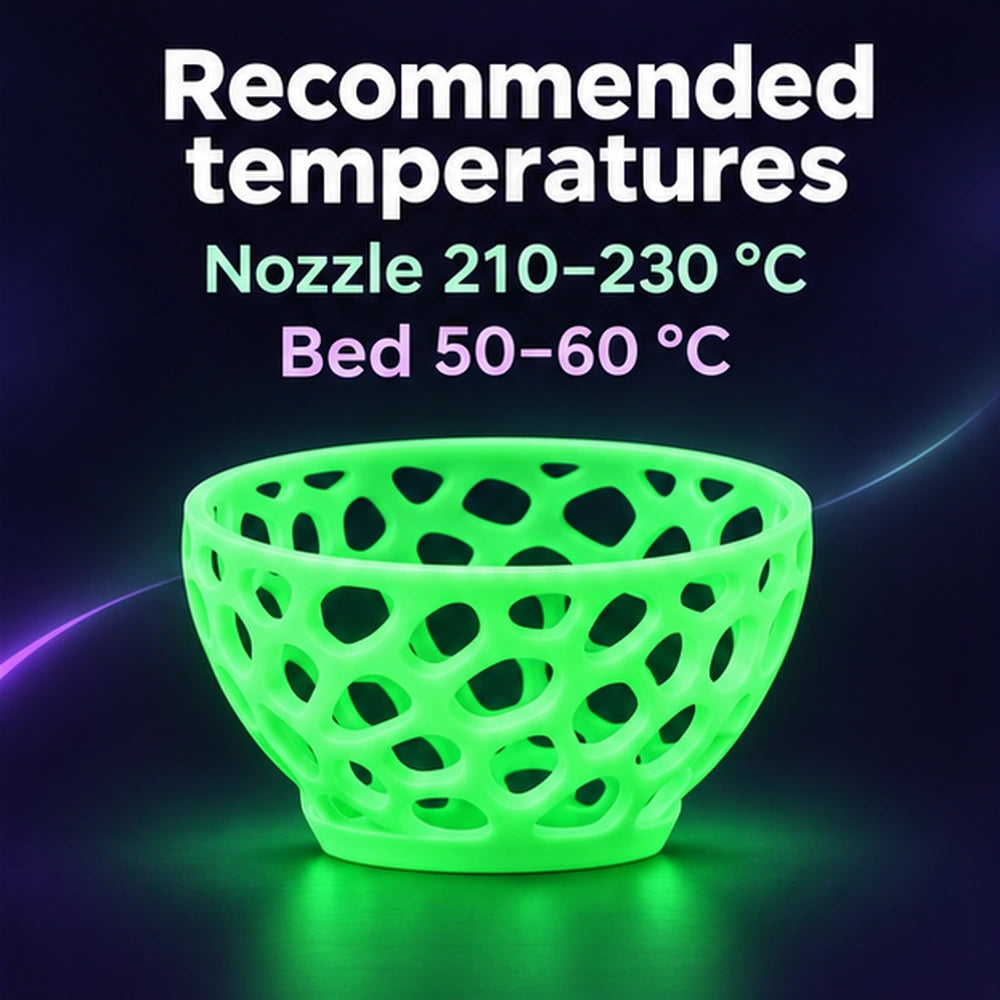
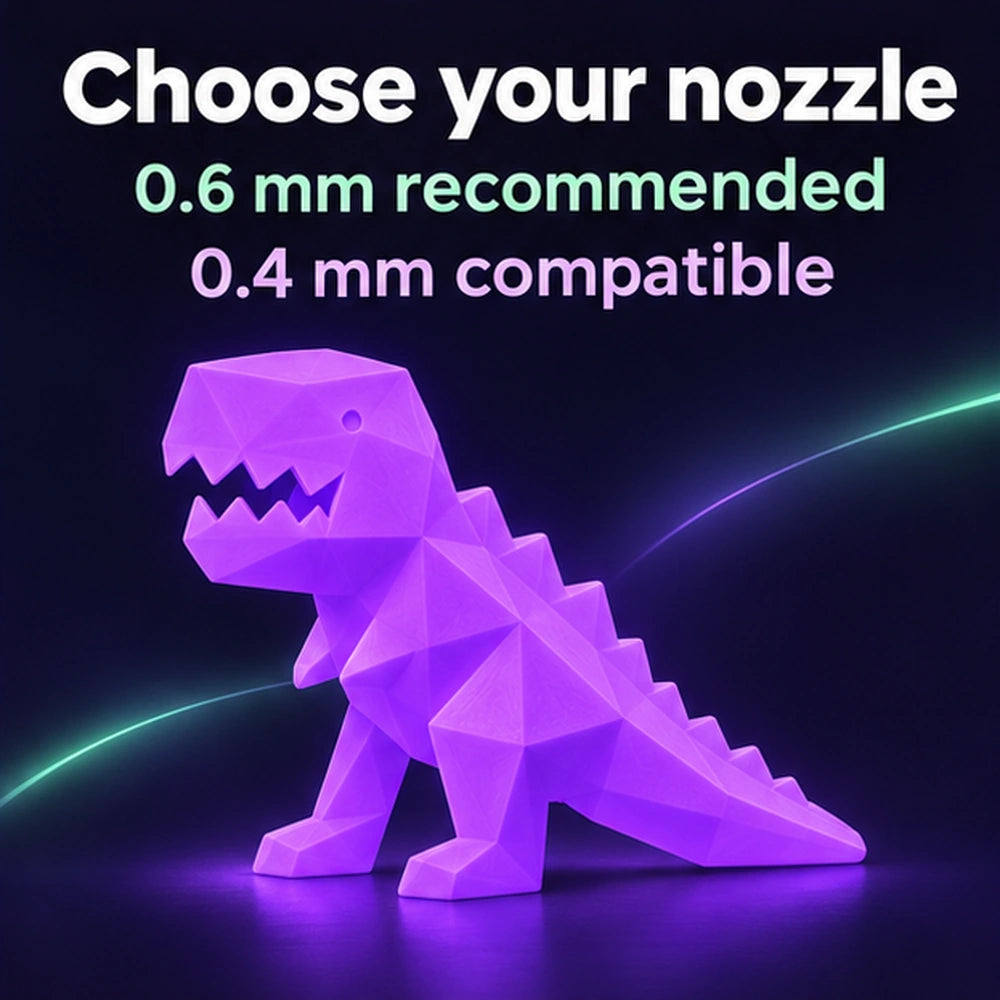
Check that your printer takes 1.75 mm PLA, then set the nozzle to 210–230 °C and the heated bed to 50–60 °C. A 0.6 mm nozzle is recommended, and you can also print with a 0.4 mm nozzle. Once your model is ready, expose it to UV light for 30 minutes to bring out the glow. Move it somewhere dark afterwards to see the effect.
- Four 250 g spools give you 1 kg of filament.
- Four colours for separate colour projects.
- 1.75 mm PLA suits compatible filament printers.
- UV charging brings out the glow.
Frequently asked questions about Glow in the Dark 3D Printer Filament
How much filament comes in the bundle?
You get four 250 g spools, for a total of 1 kg of PLA filament. The bundle contains green, blue, purple and rainbow, so you can use a different spool for each print or plan a design with separate parts in different colours.
Will this filament work with my 3D printer?
Use this filament in a 3D printer that takes 1.75 mm PLA and can run at the recommended nozzle and bed temperatures. Check the filament diameter in your printer manual and select the matching material and diameter in your slicer before loading a spool.
Which nozzle should I use for glow PLA?
Use a 0.6 mm nozzle as the recommended option or a 0.4 mm nozzle if that is what your printer is fitted with. Choose the matching nozzle diameter in your slicer and run a small test print before starting a longer job.
How do I make my finished print glow?
Expose the finished print to UV light for 30 minutes to charge the glow. Then switch off the light or move the model into a dark room so you can see it. You can repeat the charging step before displaying it again.
Discover our associated collections: 3d printer • 3d printer filament
Products to discover next: Peek 3d printer filament


Reviews
There are no reviews yet.