

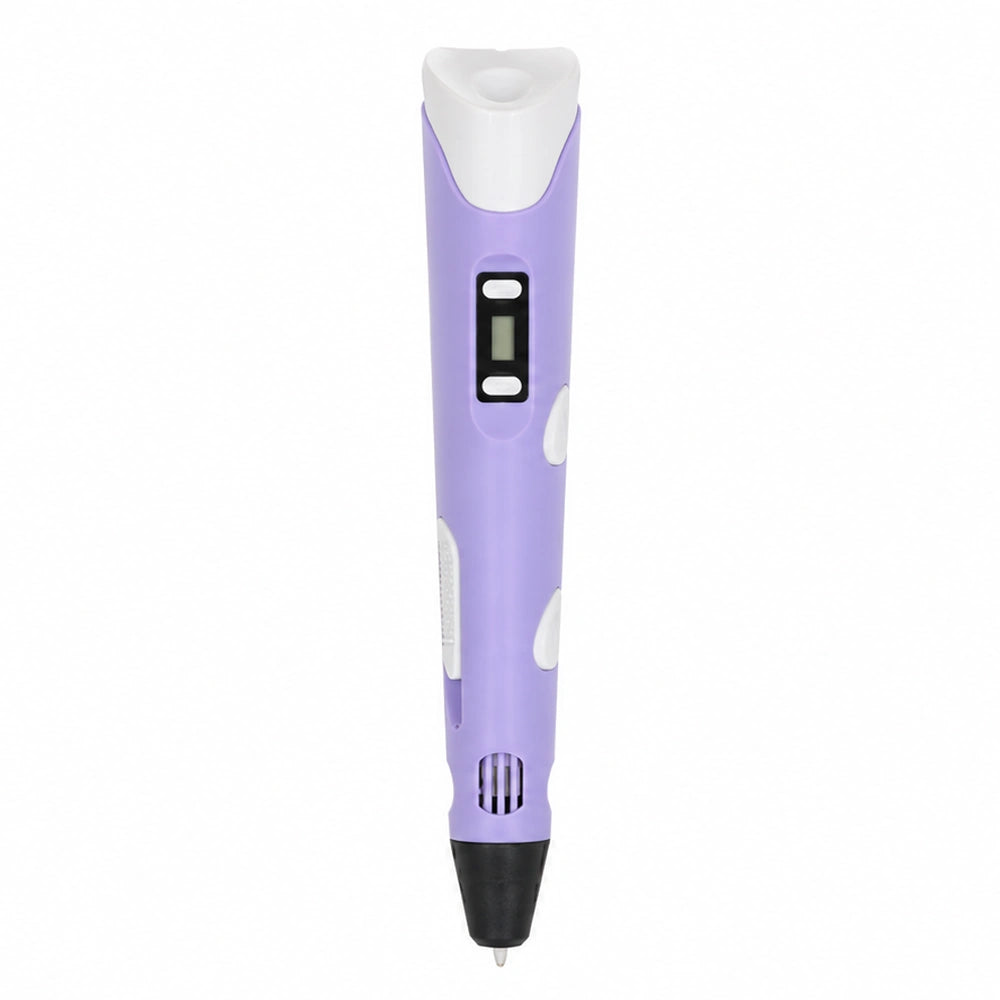
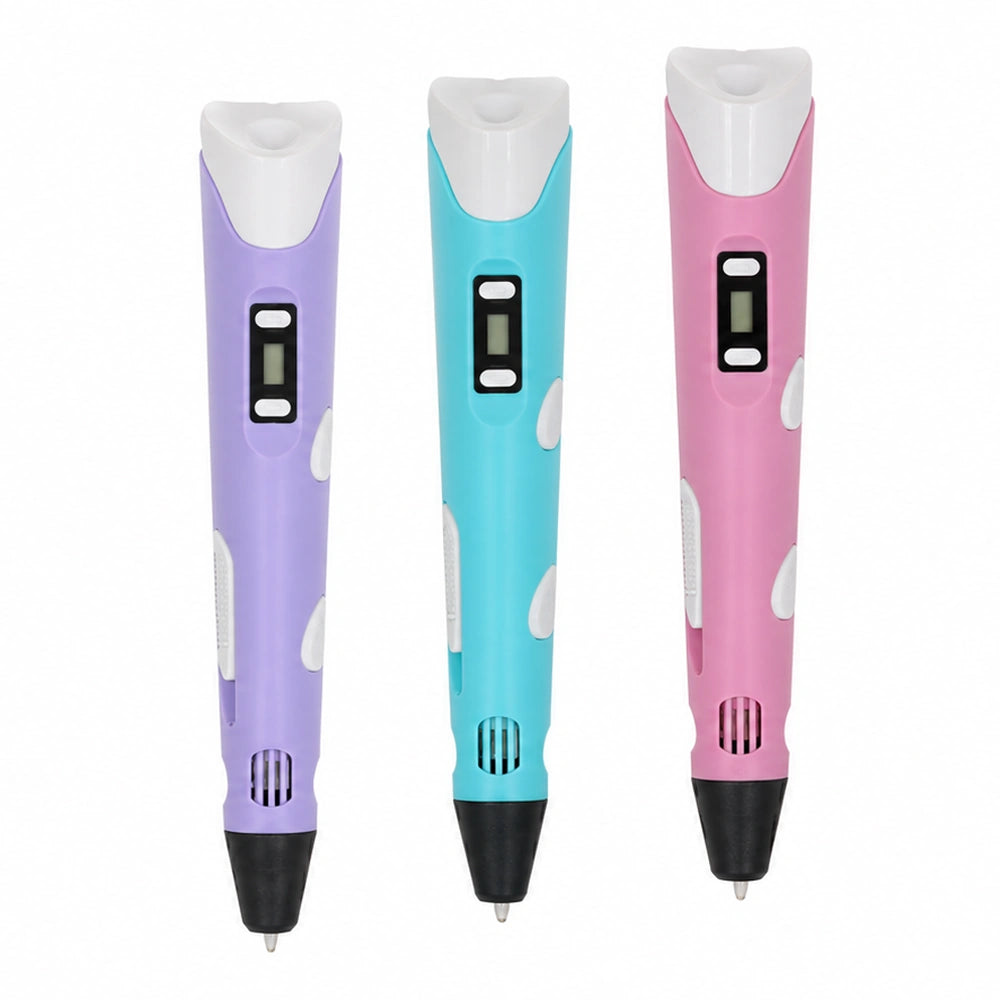
Draw and build in 3D with an LCD printing pen kit
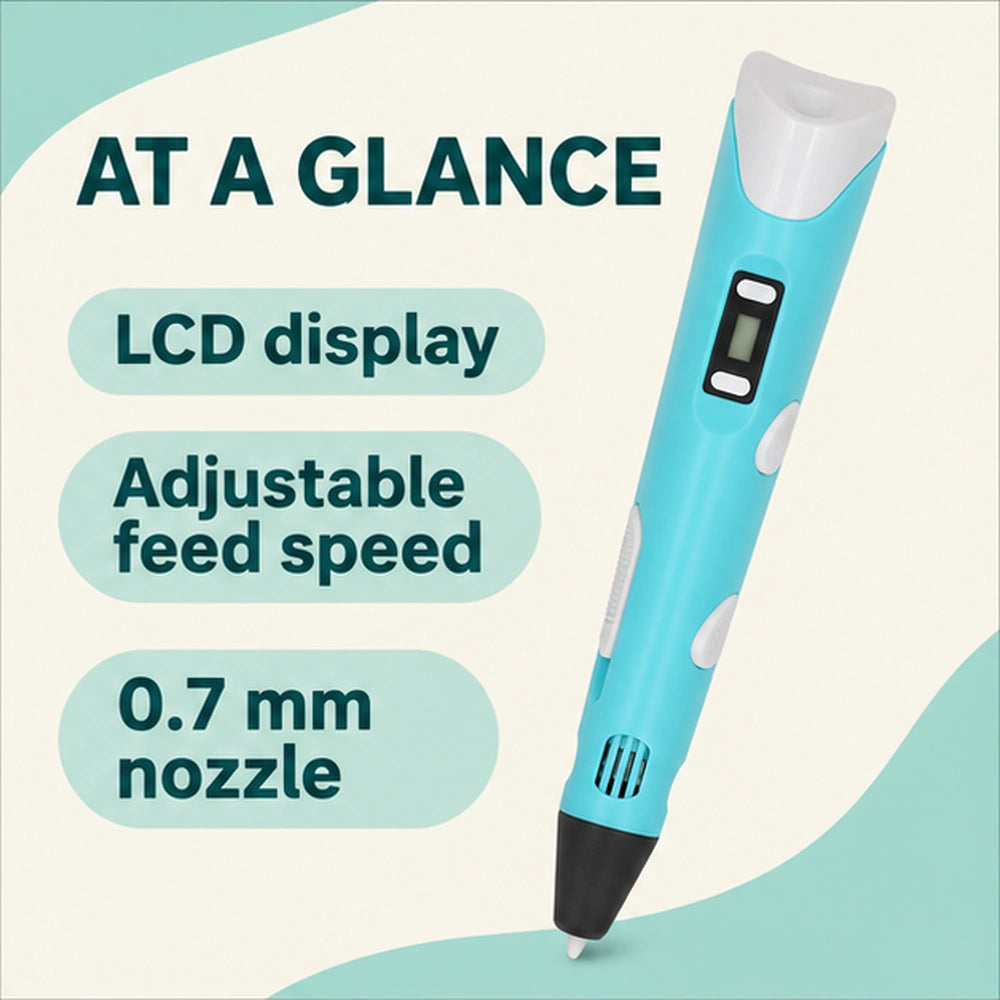
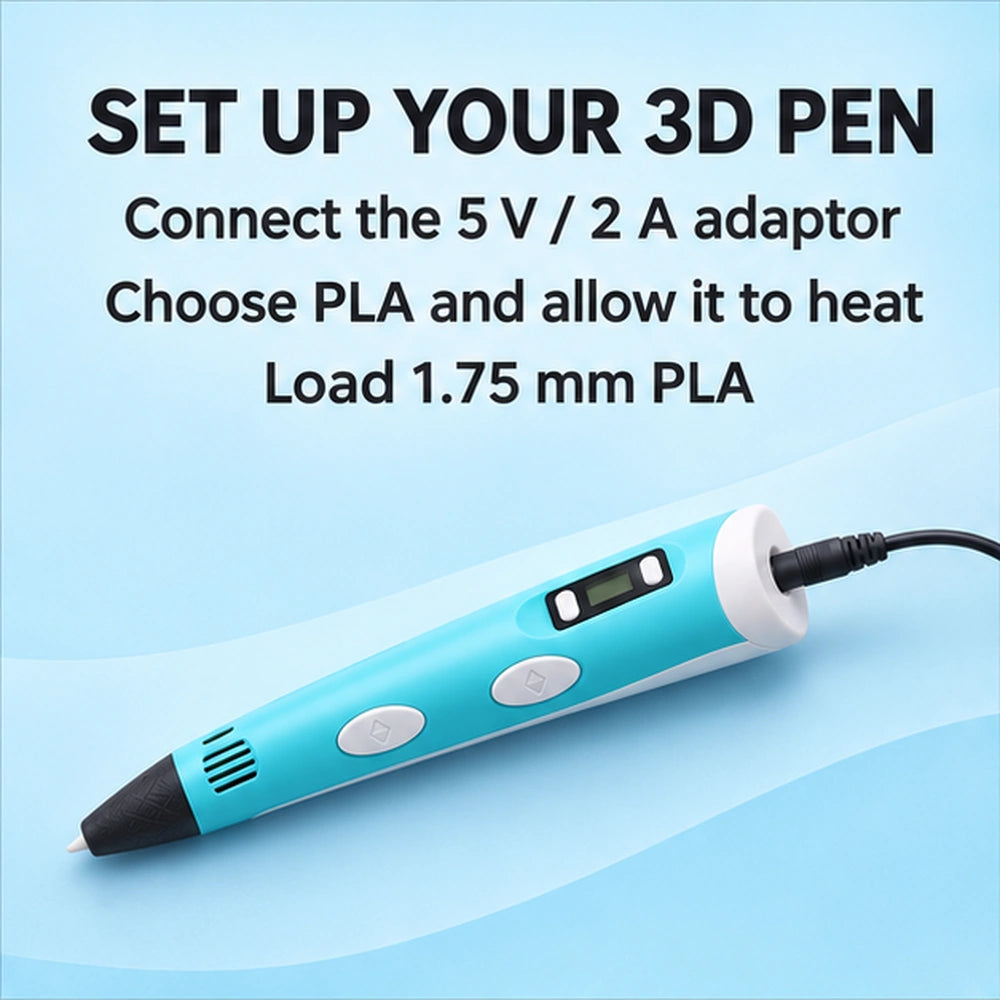
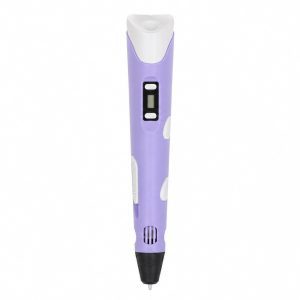
If you’re comparing a rechargeable 3D printing pen with a plug-in kit, this model runs from its included mains adaptor while you draw. Use it to trace flat outlines, build up edges or join separate pieces into a small model. The pen feeds 1.75 mm PLA through a 0.7 mm nozzle, and you can adjust the feed speed to suit your drawing. Try a slower feed for tight curves and check your settings on the LCD before you begin.
Choose your PLA pack and keep everything in one case
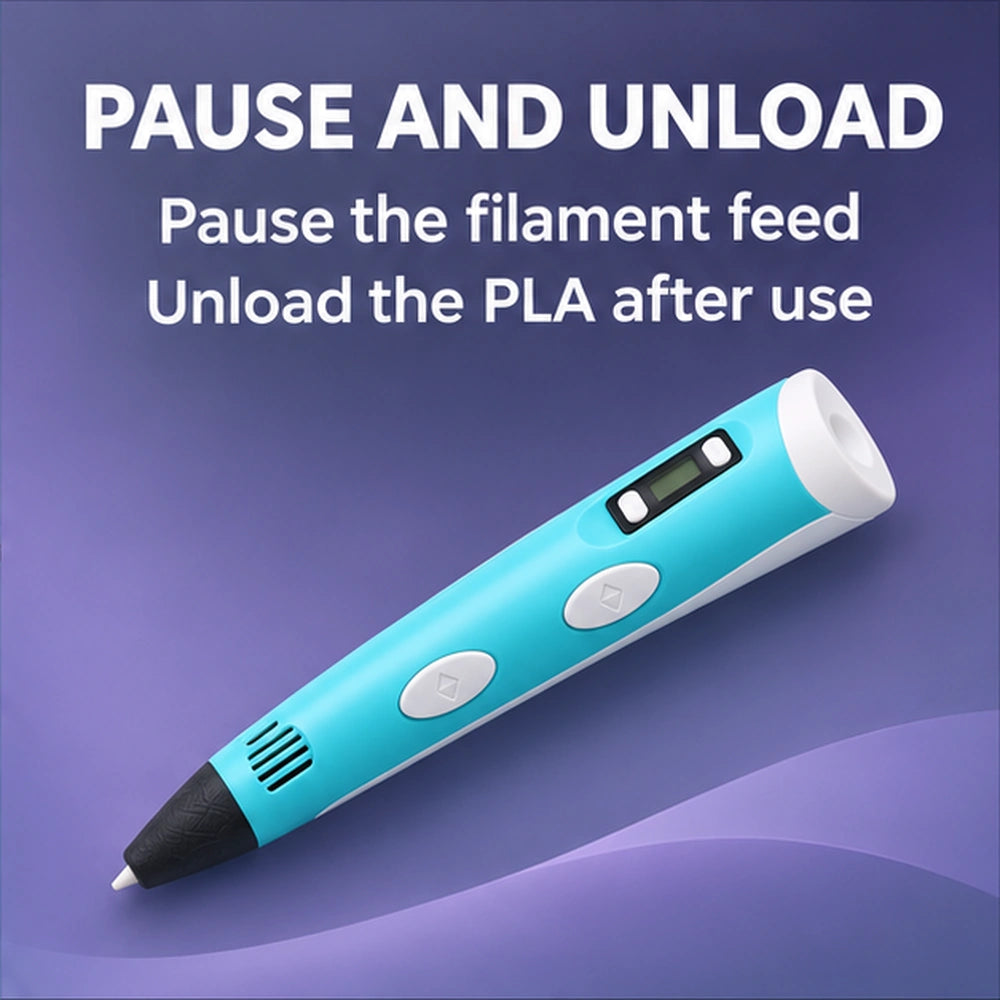
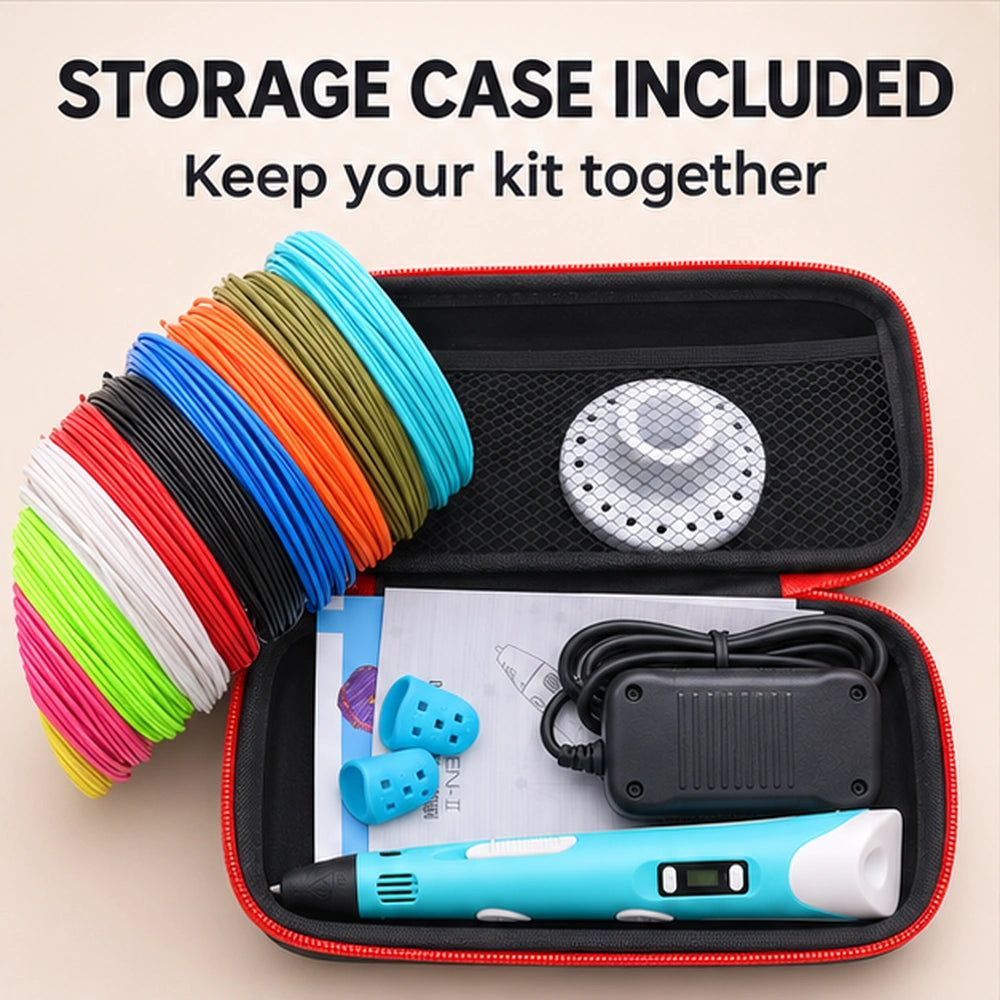
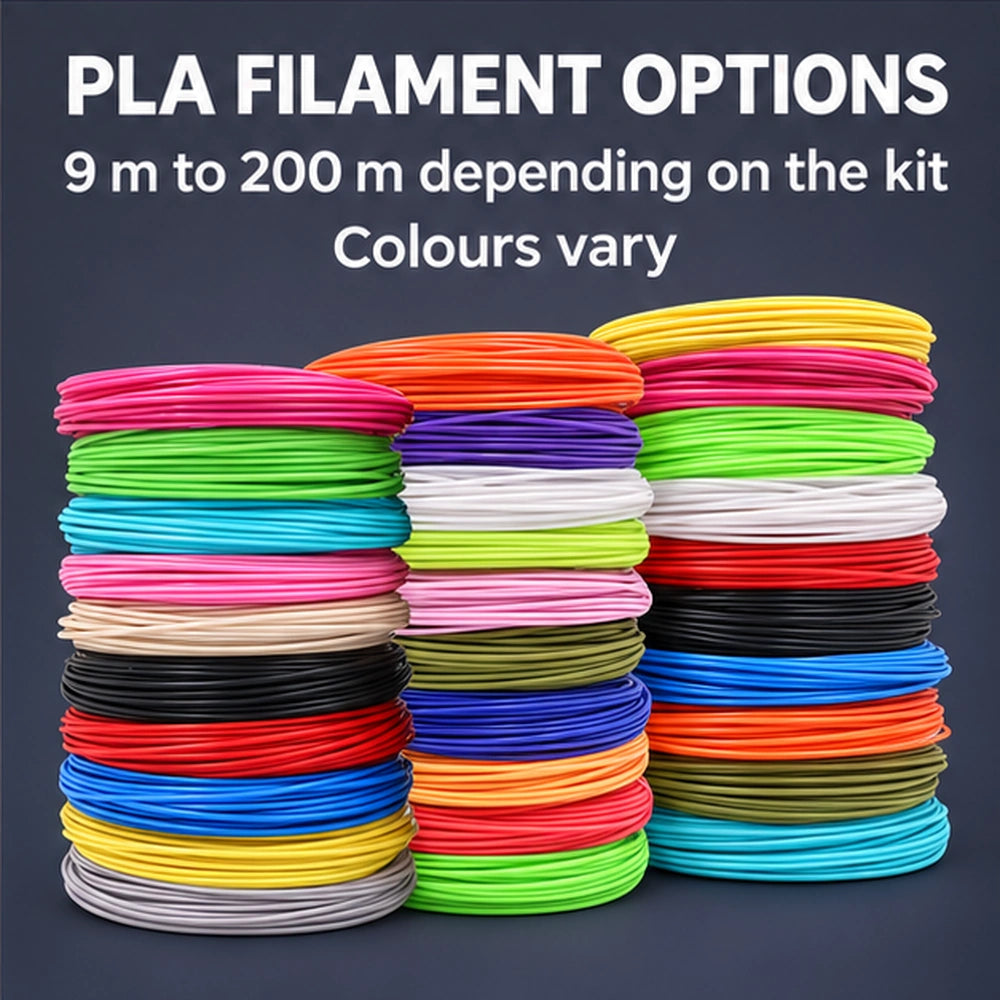
Choose from seven filament lengths, from 9 to 200 metres, depending on how much drawing you have planned. Start with a pattern from the drawing booklet or sketch an outline of your own. The included holder gives you somewhere to rest the pen between passes. When you’ve finished, unload the PLA before unplugging the pen. Once the nozzle has cooled, pack the pen, filament and accessories into the zip case.
- LCD display: Check your settings.
- Adjustable feed speed: Control the flow.
- 0.7 mm nozzle: Draw fine lines.
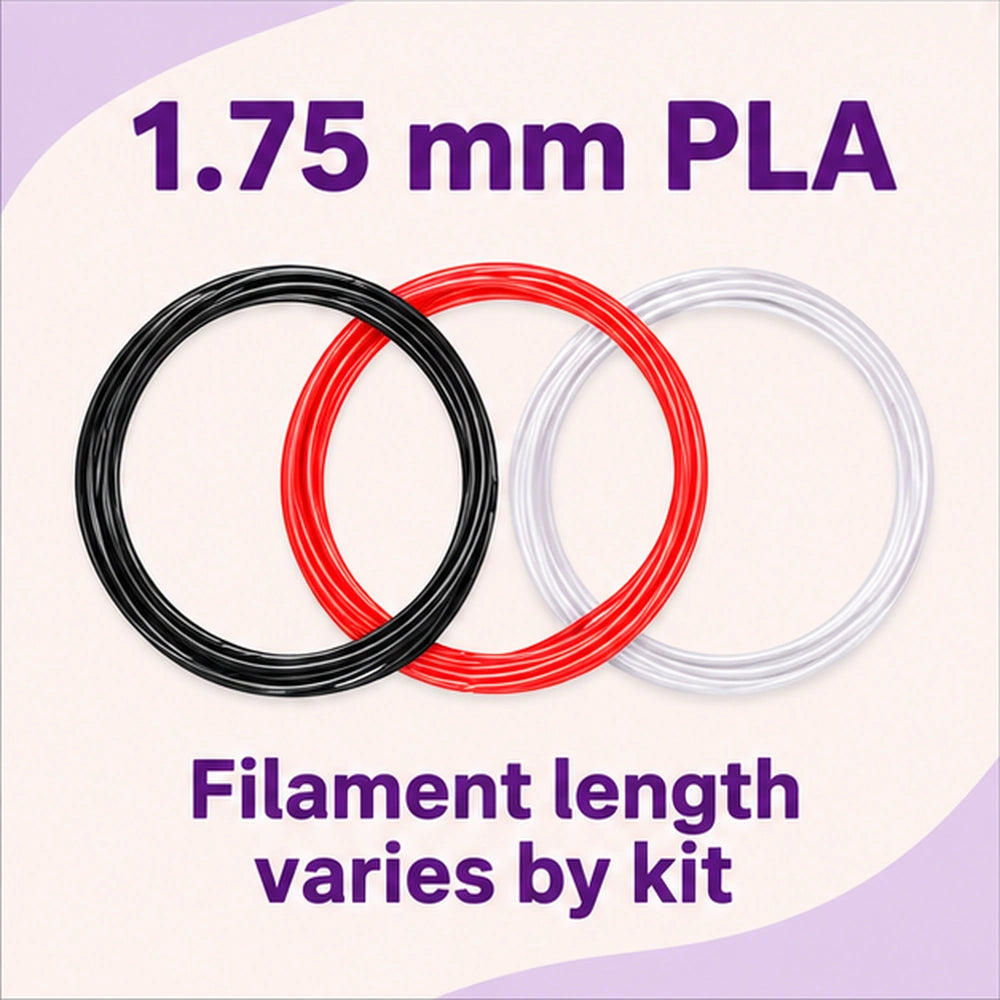
- 1.75 mm PLA: Match your refills.
- Zip carry case: Keep accessories together.
Frequently asked questions about the 3D Printing Pen Kit
Is this a rechargeable 3D printing pen?
This 3D printing pen runs from its included 5 V / 2 A mains adaptor. Keep the adaptor connected while the pen heats and while you draw. Set up your work area near a suitable socket so the lead can reach comfortably.
Does the kit come with a UK three-pin plug?
The supplied power adaptor comes with an EU or US plug, depending on the option you choose. A UK three-pin plug is not included. Check which plug option you’ve selected and whether it suits your setup before ordering.
How much PLA filament comes with the kit?
Choose a pack with 9, 36, 50, 90, 100, 150 or 200 metres of 1.75 mm PLA filament. The length depends on the option you select, and the filament colours may vary from the ones shown in the product images.
What comes in the carry case?
The kit includes one 3D printing pen, a PLA filament set, a drawing booklet, a pen holder, a mains adaptor and two finger protectors. The zip carry case keeps the pen and accessories together between projects.
How do I remove the PLA after drawing?
Press the unload button while the pen is still connected and wait for the filament to come out fully before unplugging it. Removing the PLA after each session helps prevent blockages. Let the nozzle cool before putting the pen away.
Discover our associated collections: 3d printer • 3d printer filament • 3d printing pen
Products to discover next: 3d printing pen mat • 3d printing pen filament


Reviews
There are no reviews yet.